-3.png?width=135&height=36&name=Seeker%20Logo%20red%20(1)-3.png)
How to Add a Milestone Reward to an Experience
This guide will walk you through adding a milestone reward to your active experiences.
1. Navigate to your Dashboard
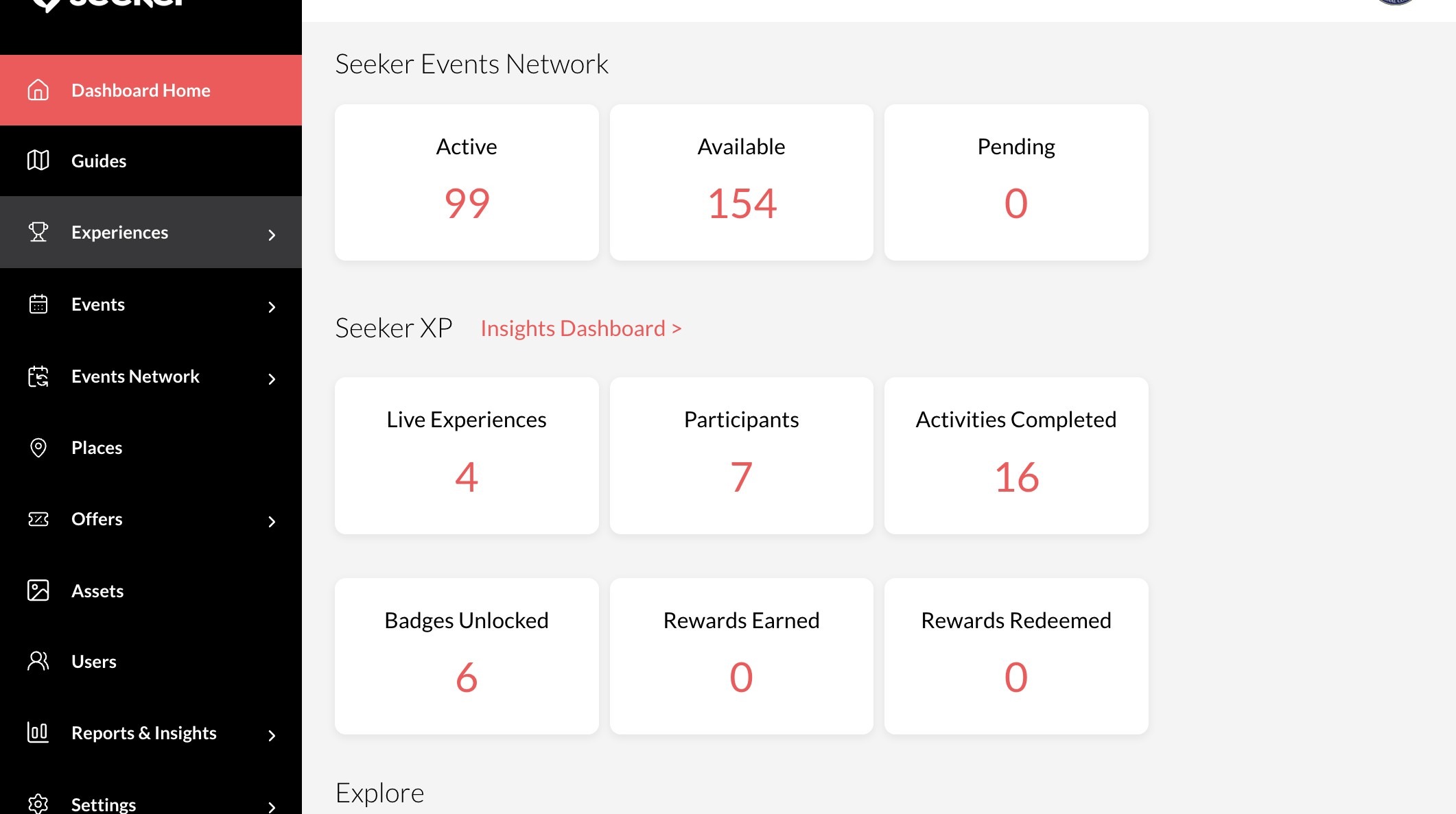
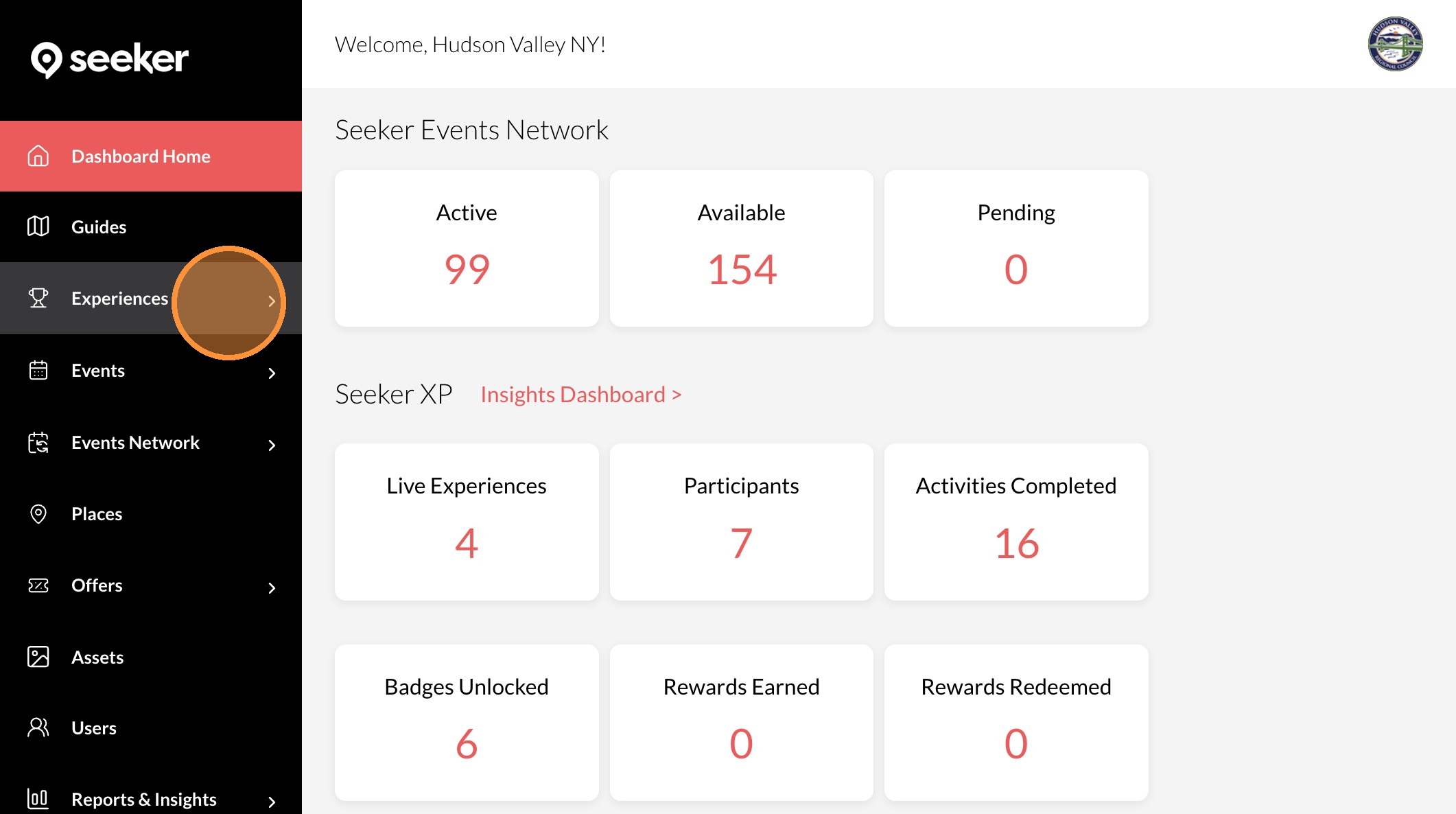
2. Click "Experiences"
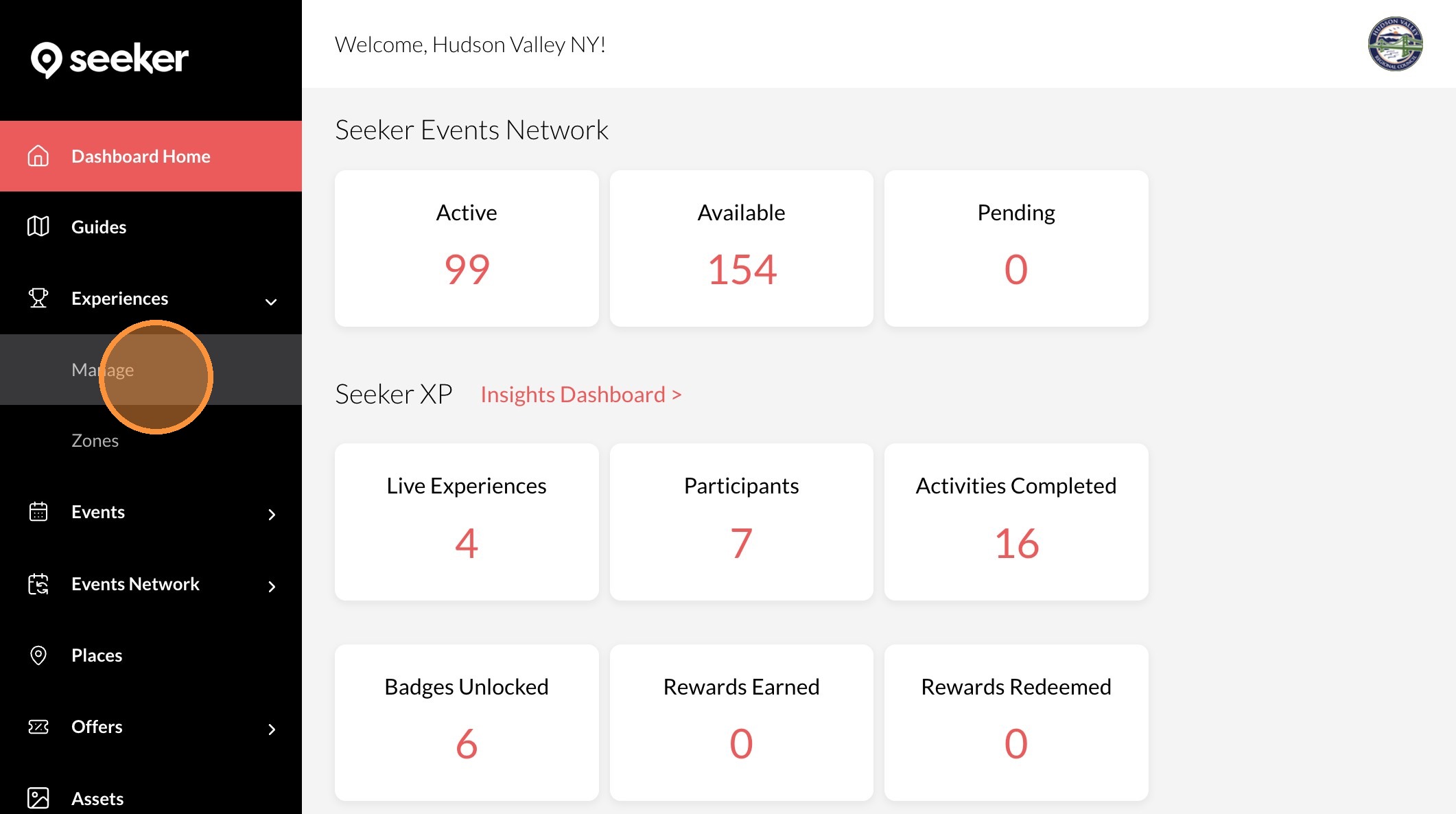
3. Click "Manage"
4. Click the "..." icon on the experience you want to edit
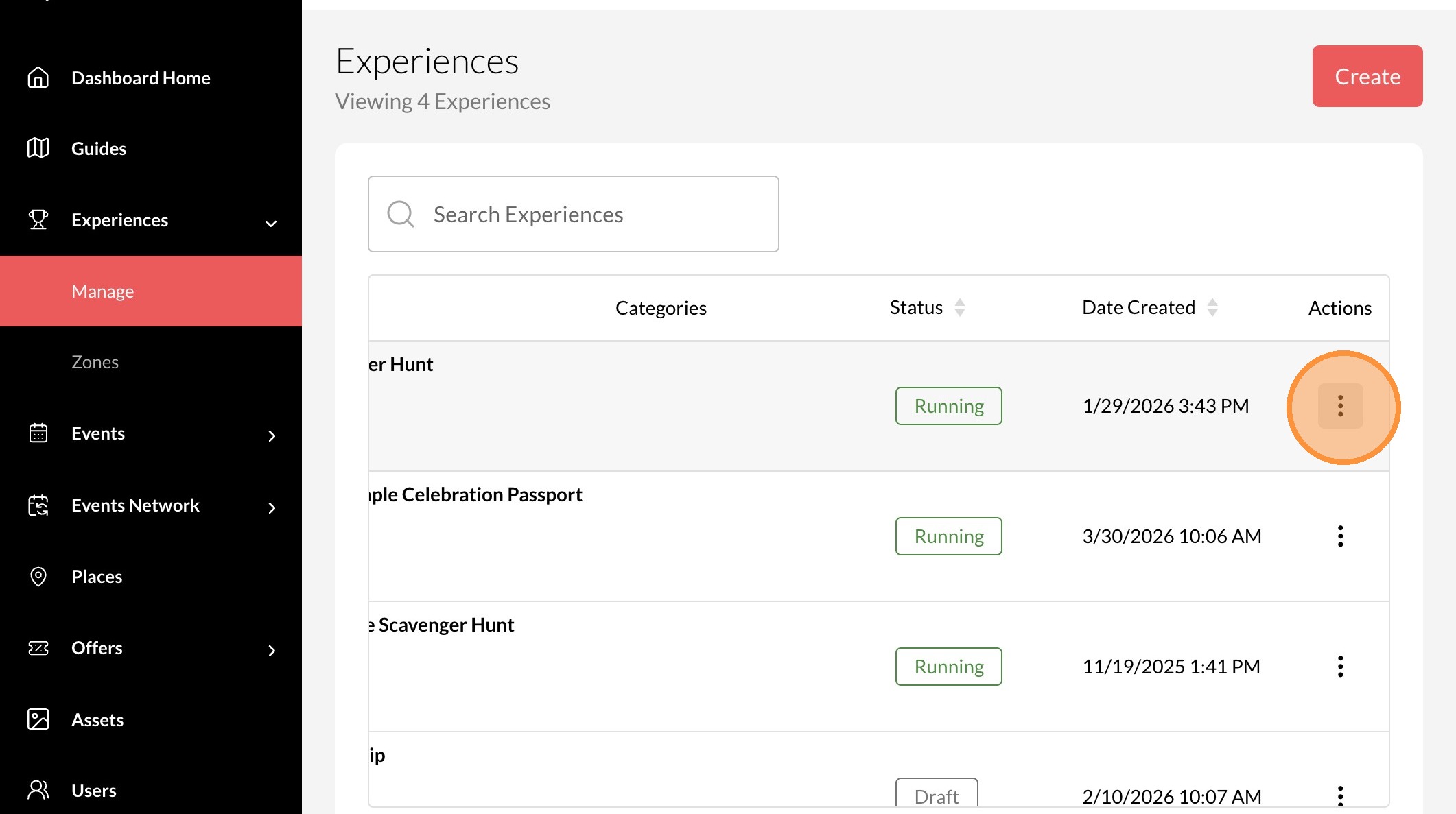
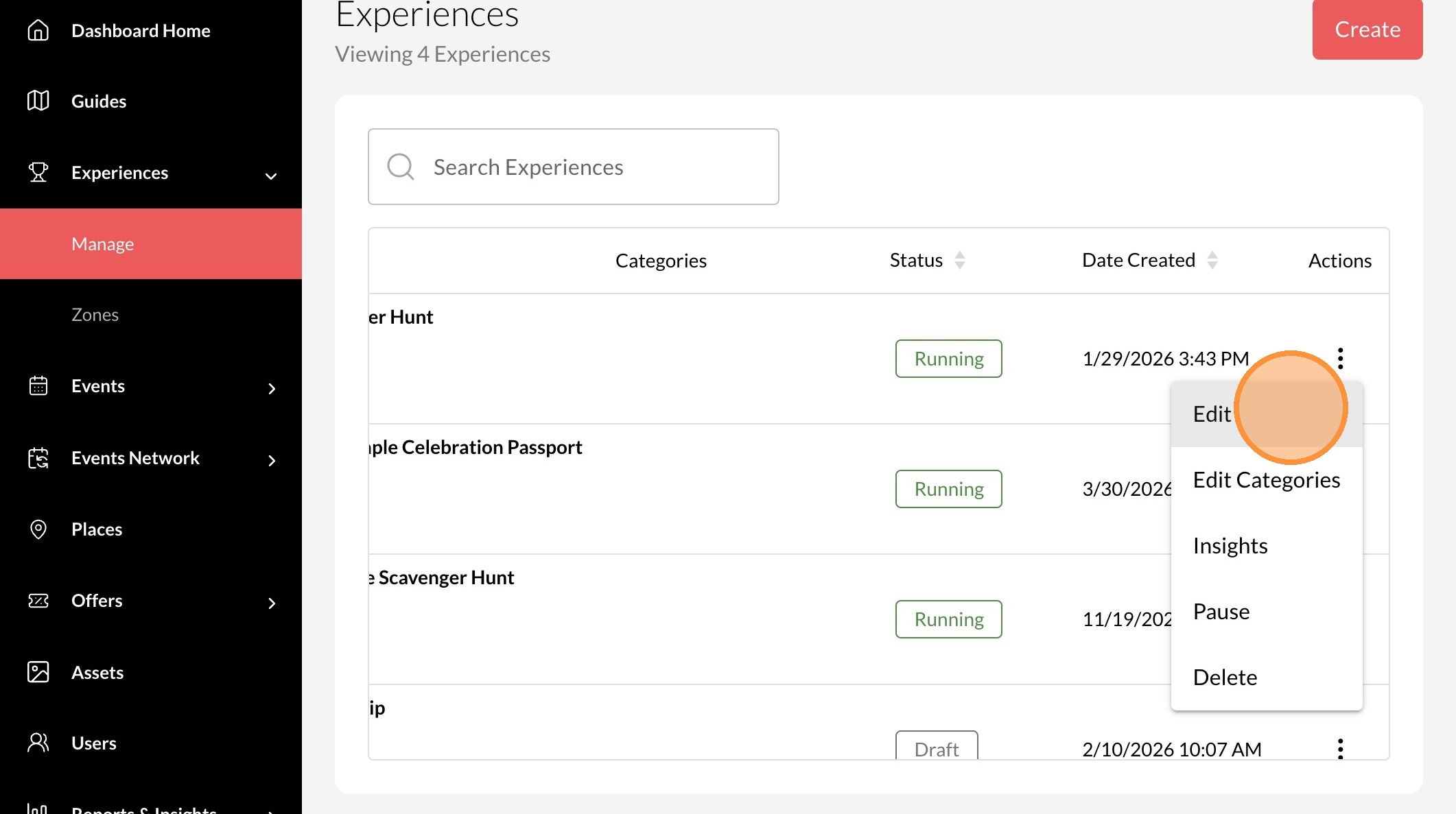
5. Click "Edit"
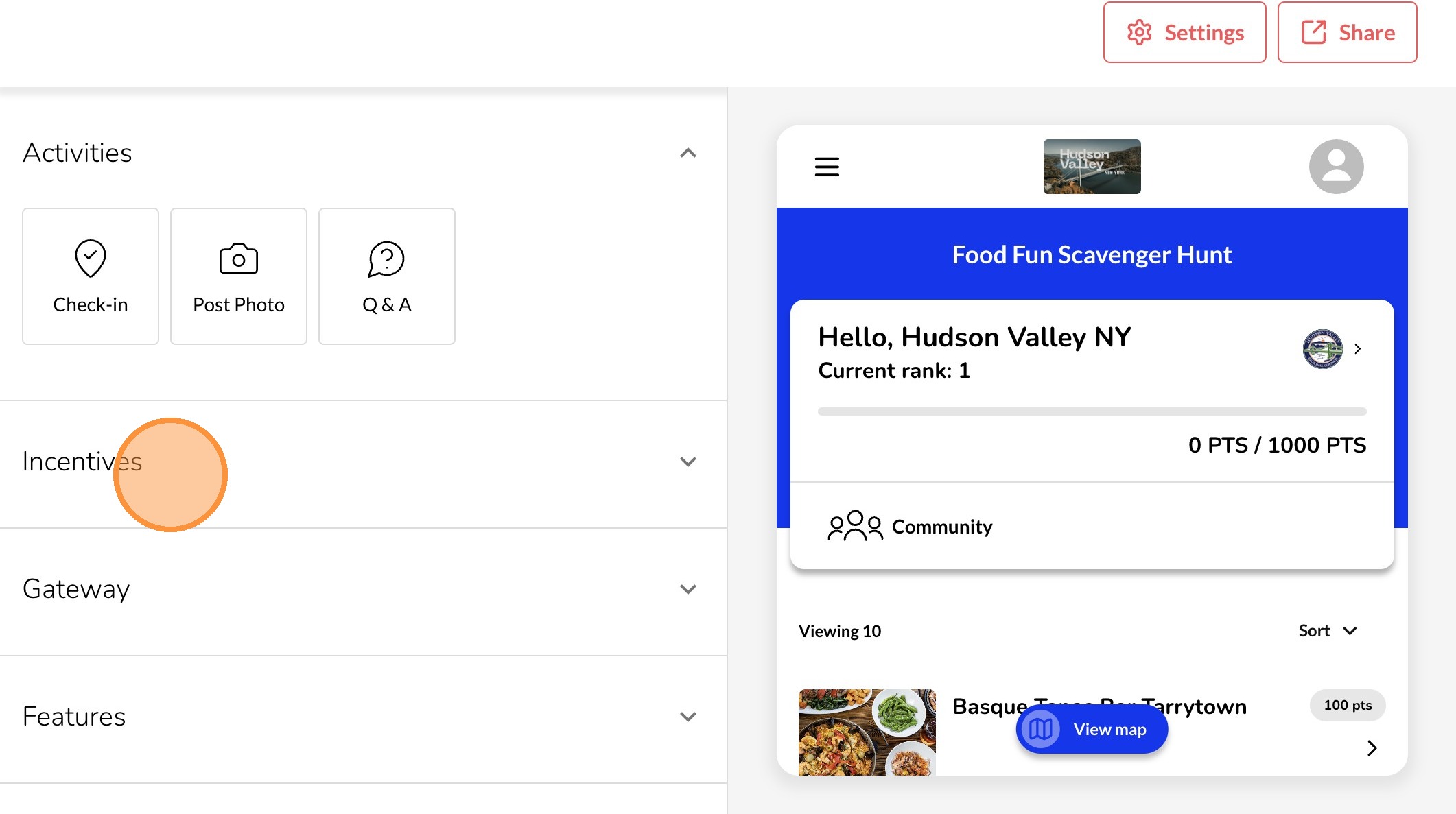
6. Click "Incentives"
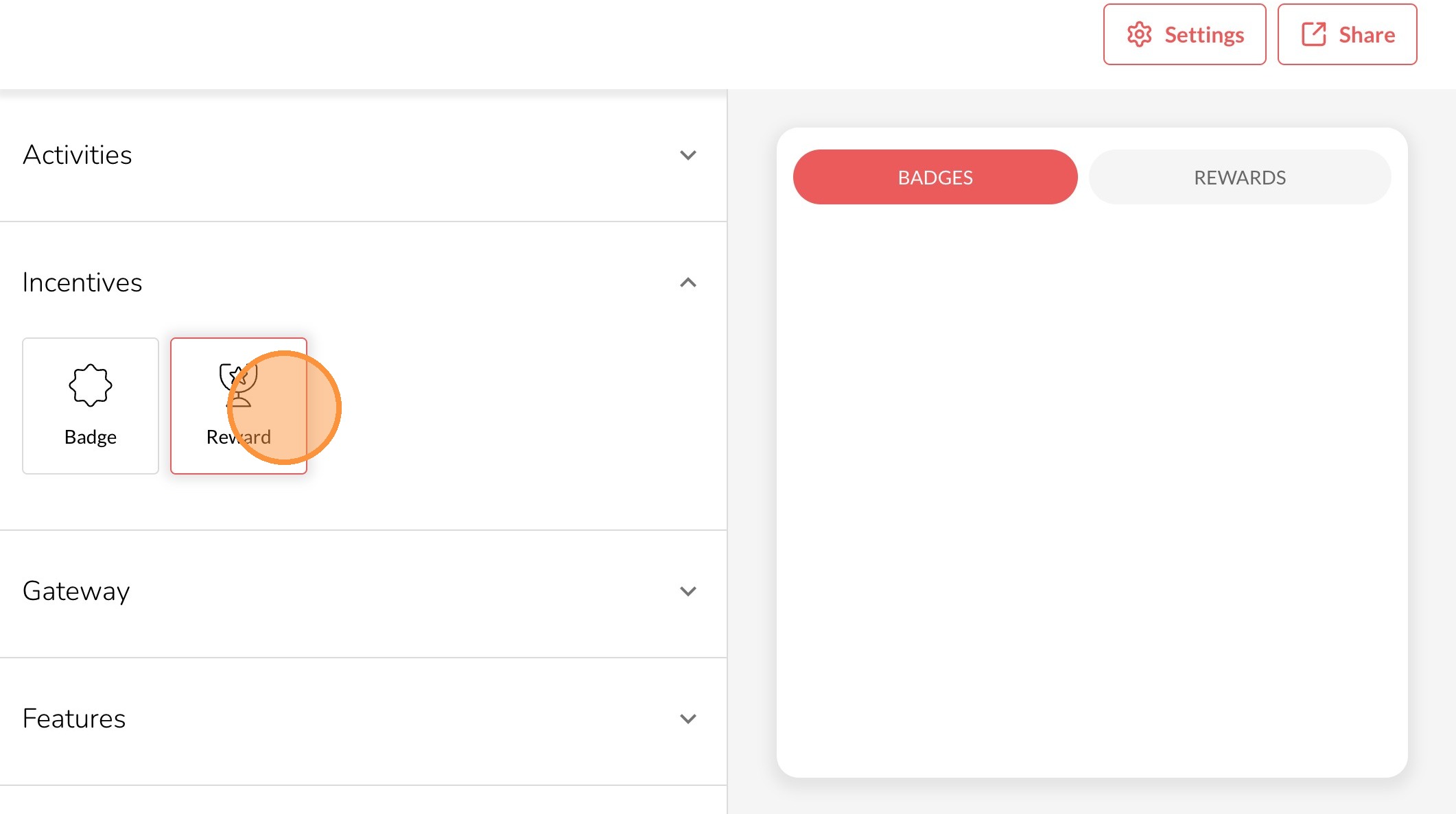
7. Click "Reward"
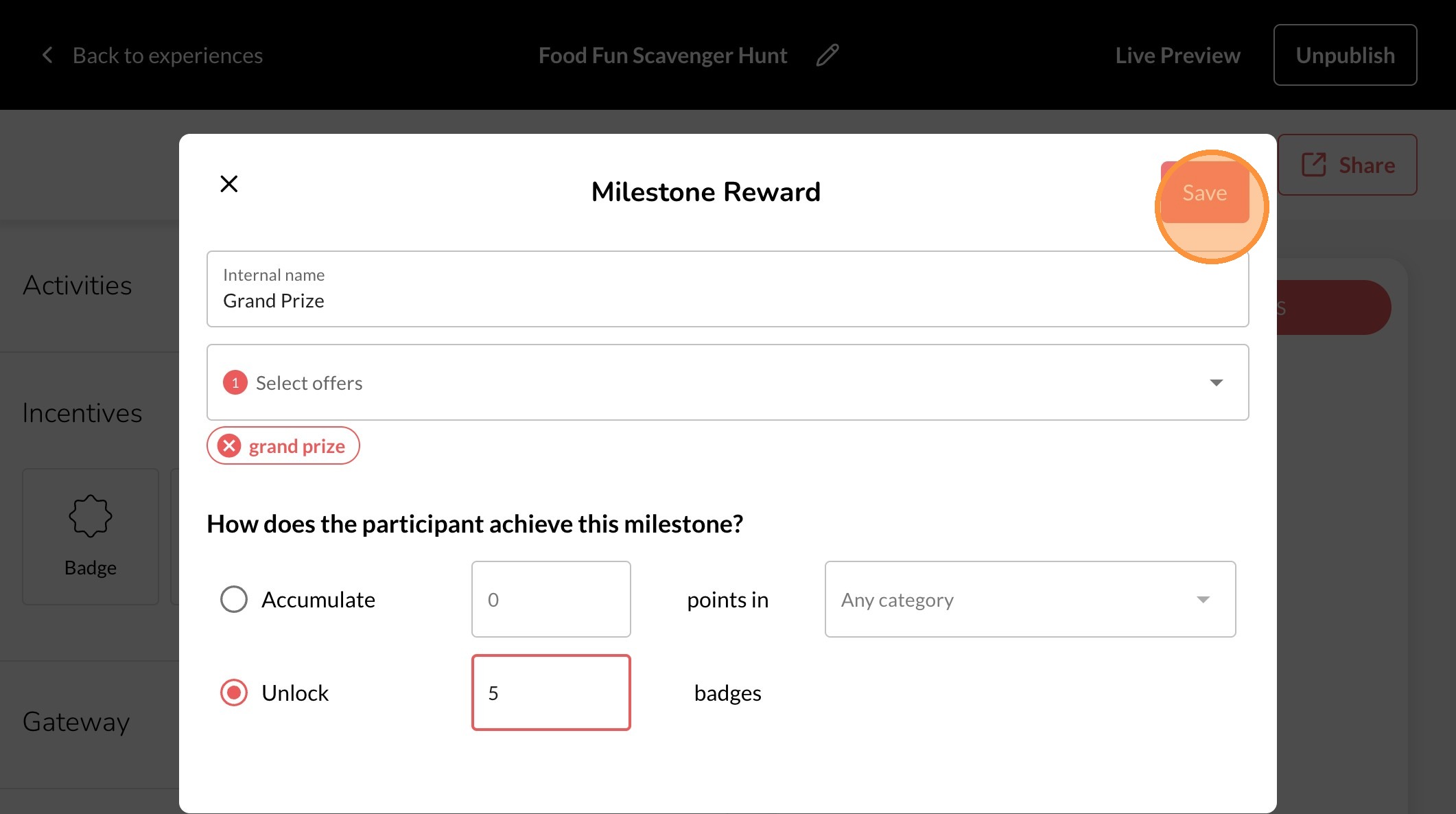
8. Give your Reward a Name in the "Internal name" field.
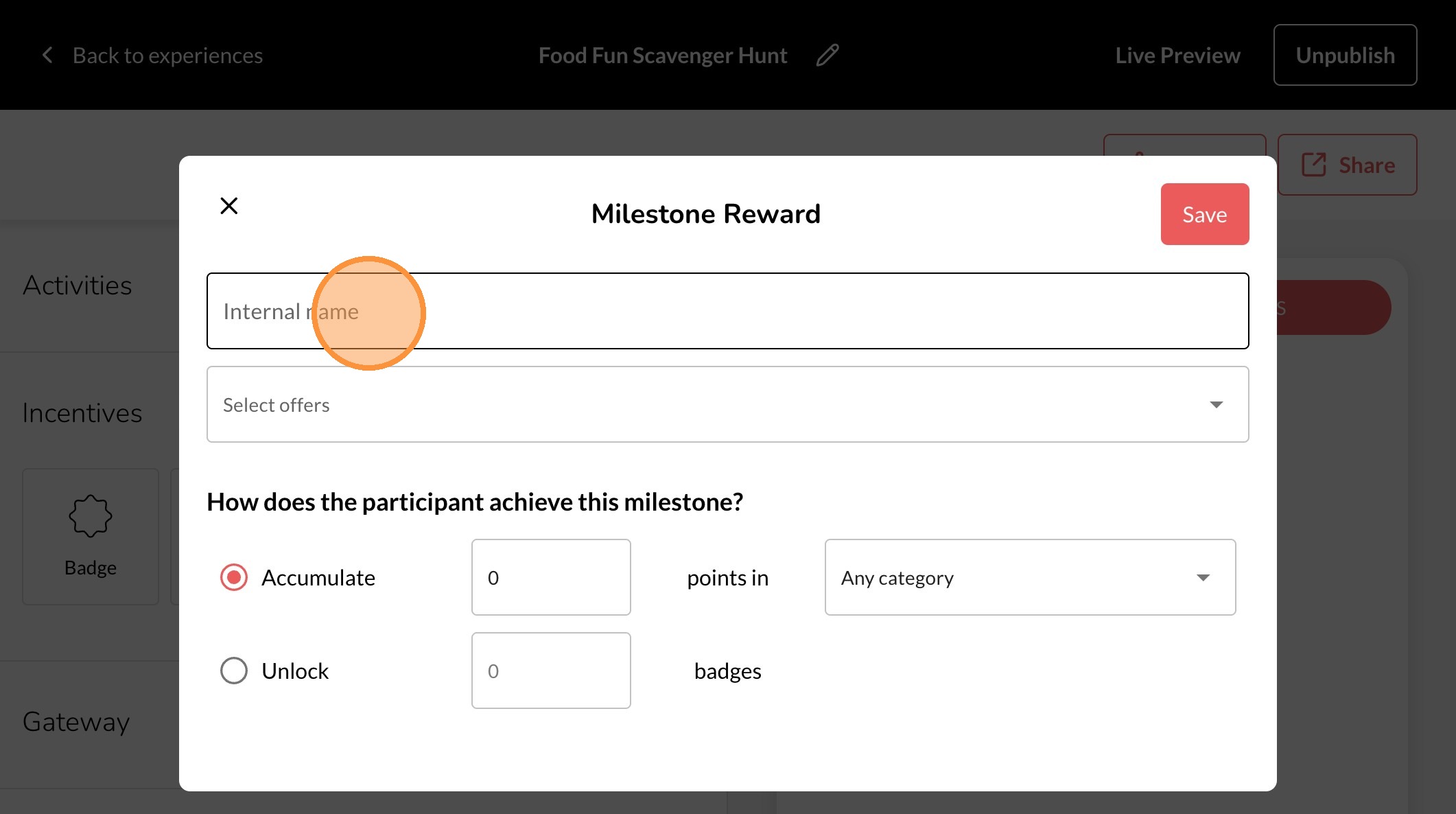
9. Click the "Select offers" field.
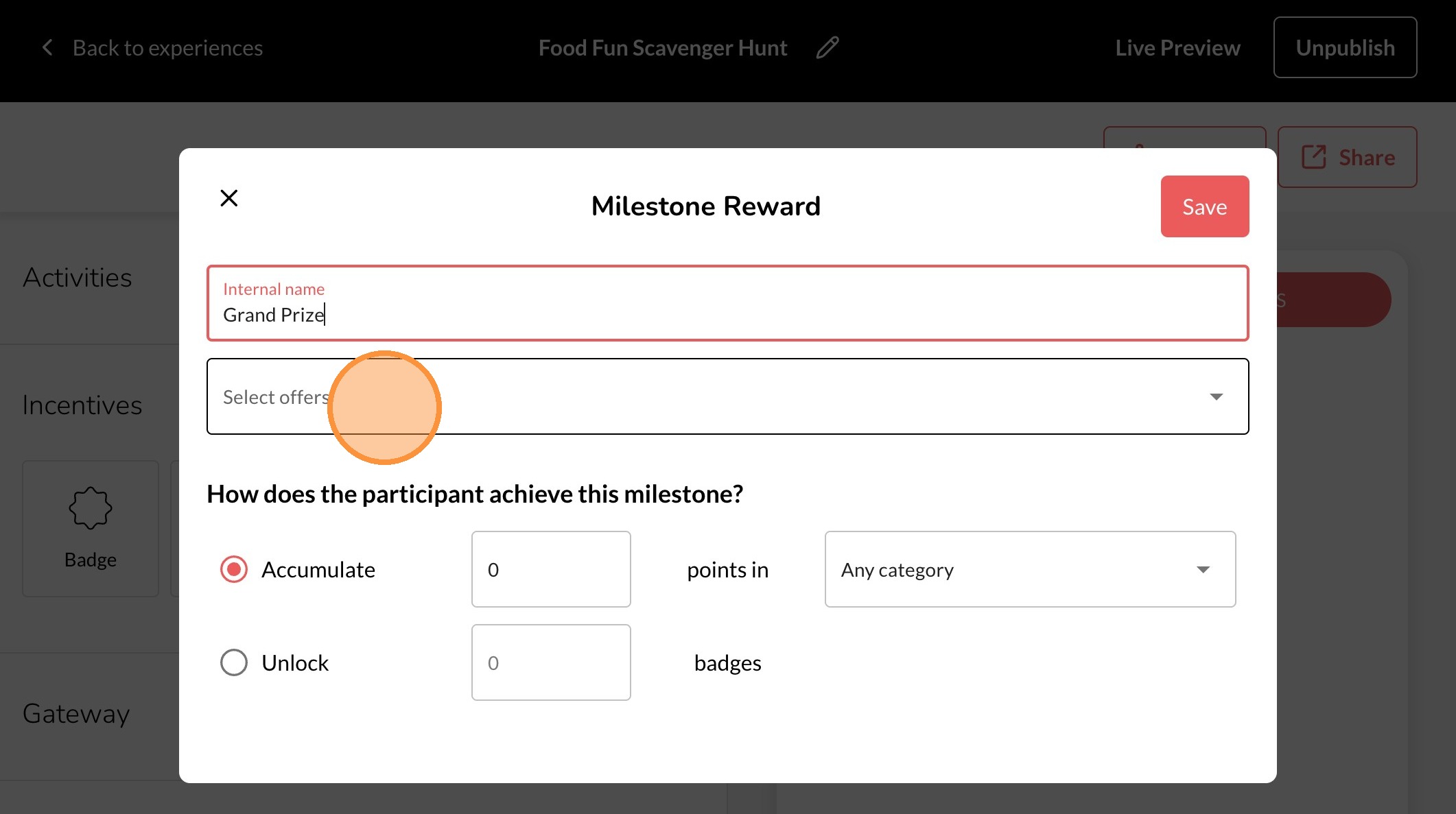
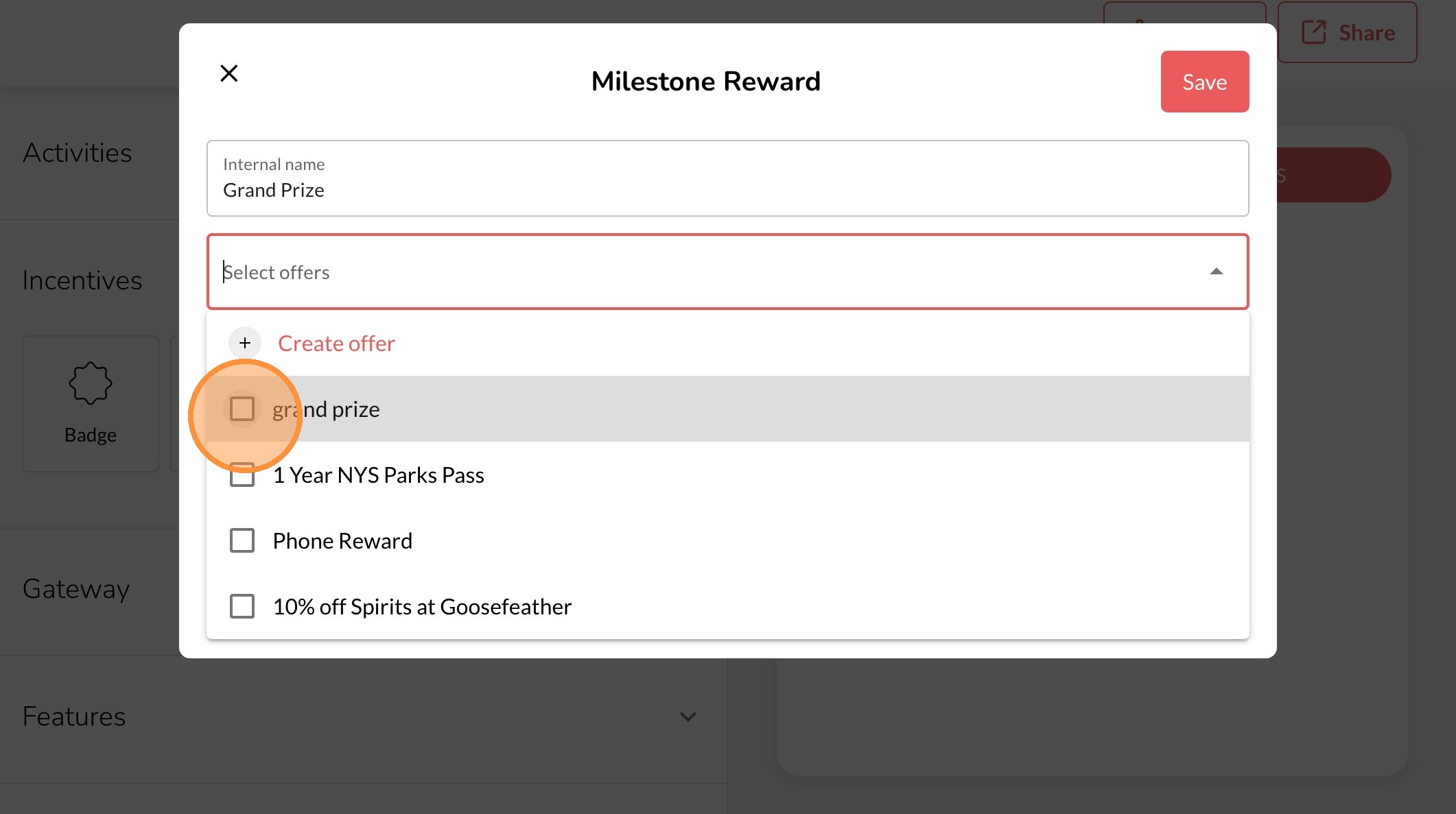
10. Select the Reward that will be offered or create a new one
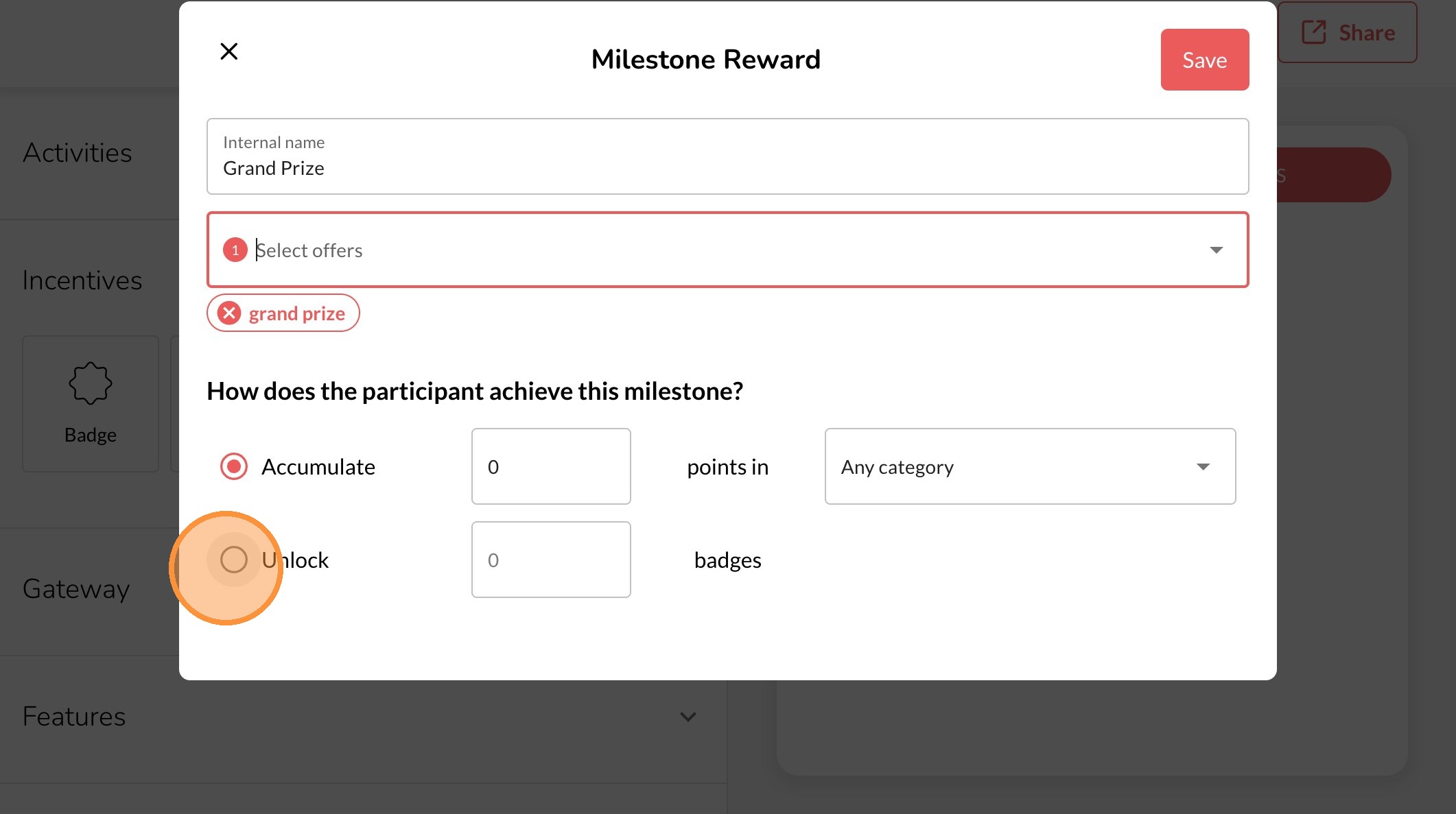
11. Choose how the user will earn the Milestone Reward
12. Click "Save"