-3.png?width=135&height=36&name=Seeker%20Logo%20red%20(1)-3.png)
How to Add a Q&A to Your Experience
1. Navigate to your dashboard.
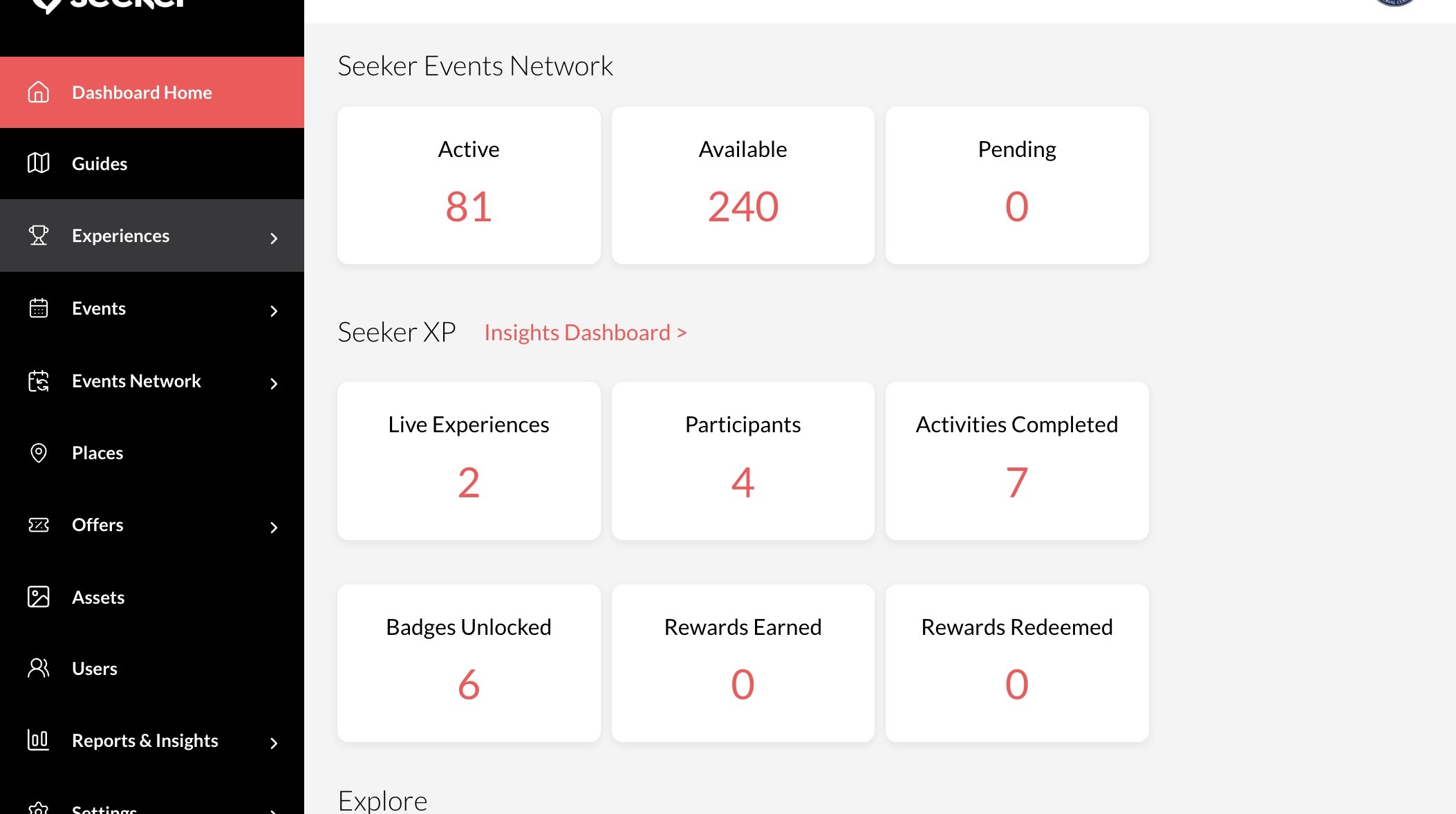
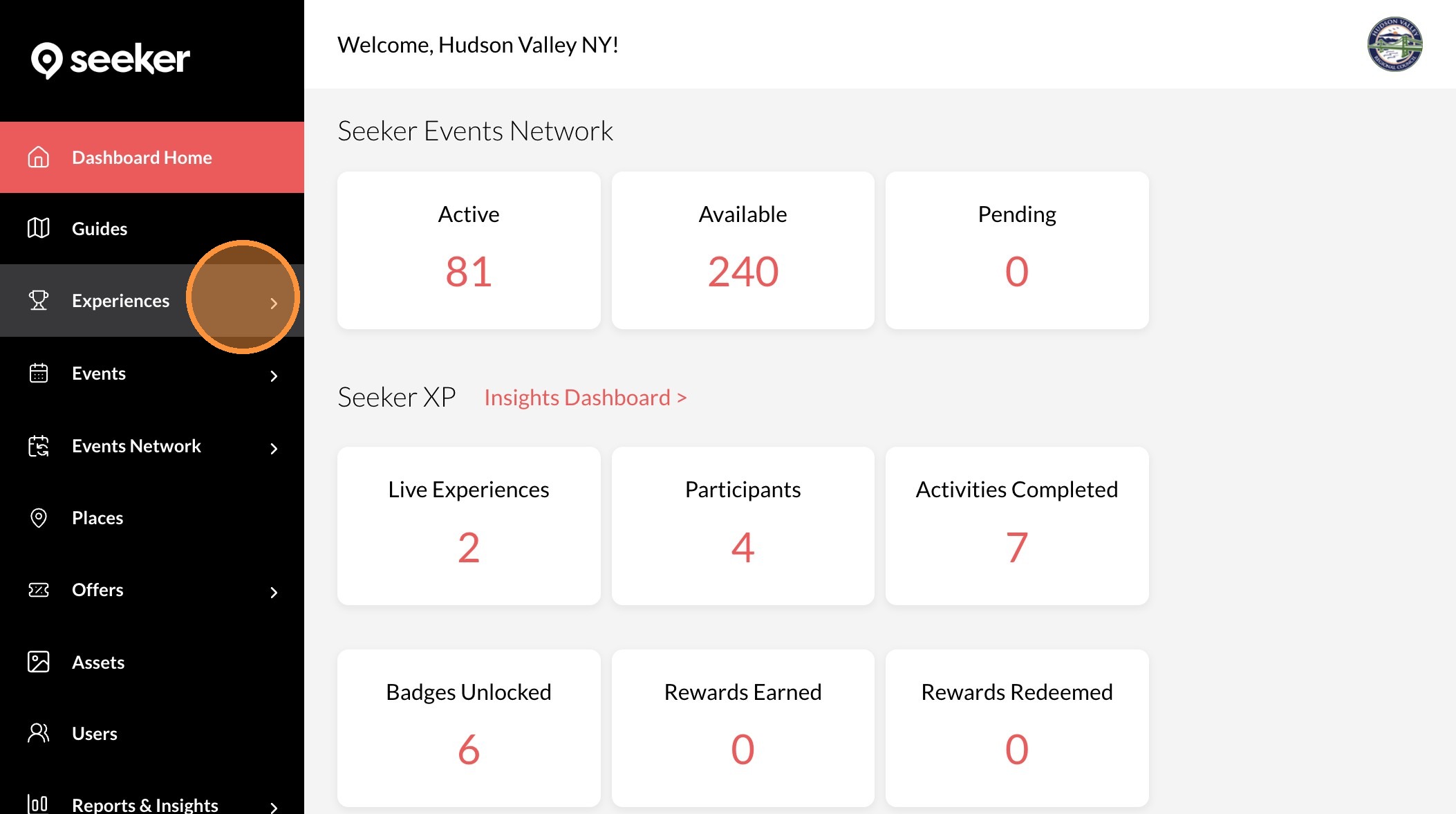
2. Click "Experiences"
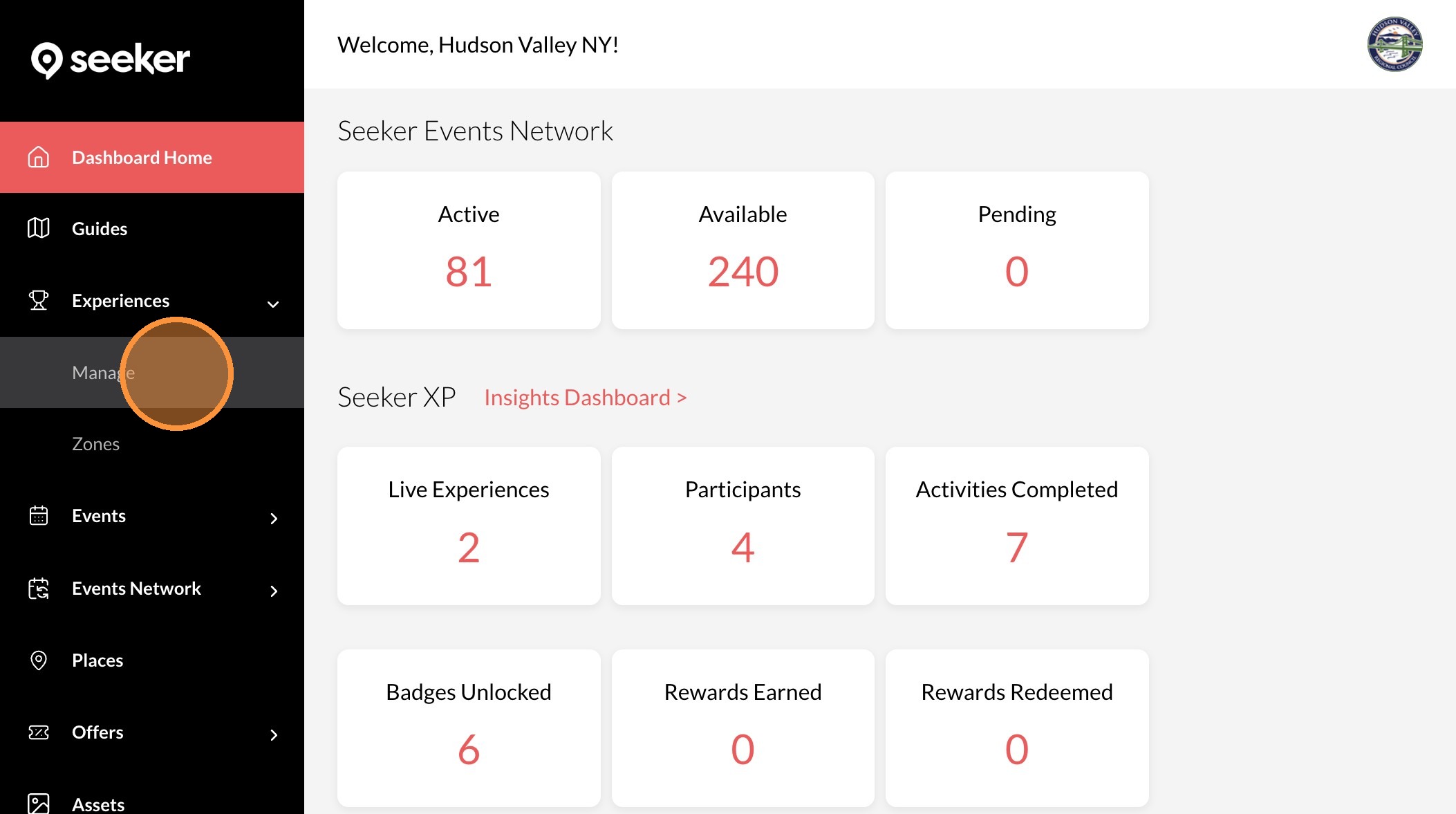
3. Click "Manage"
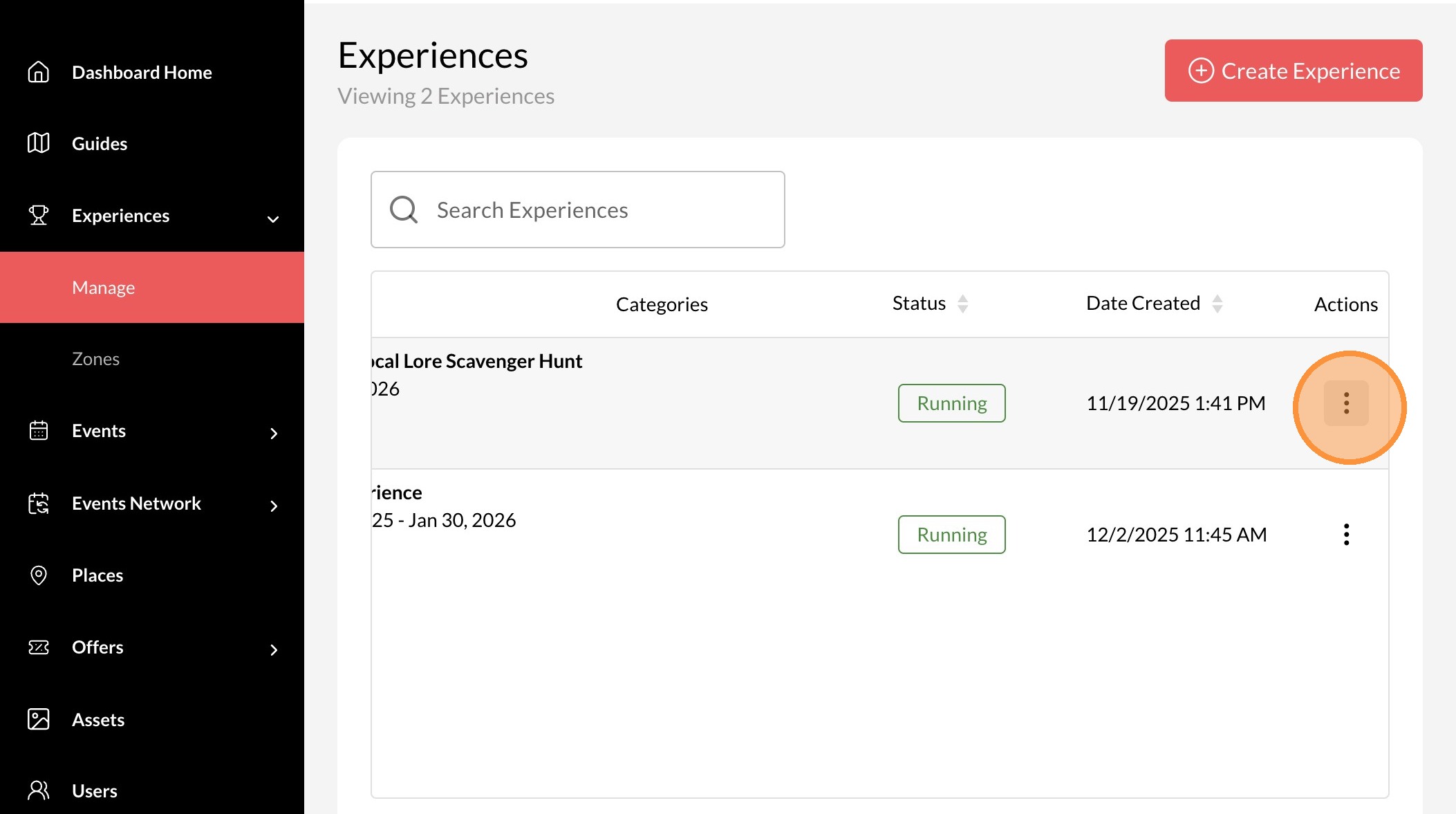
4. Click the three dots icon.
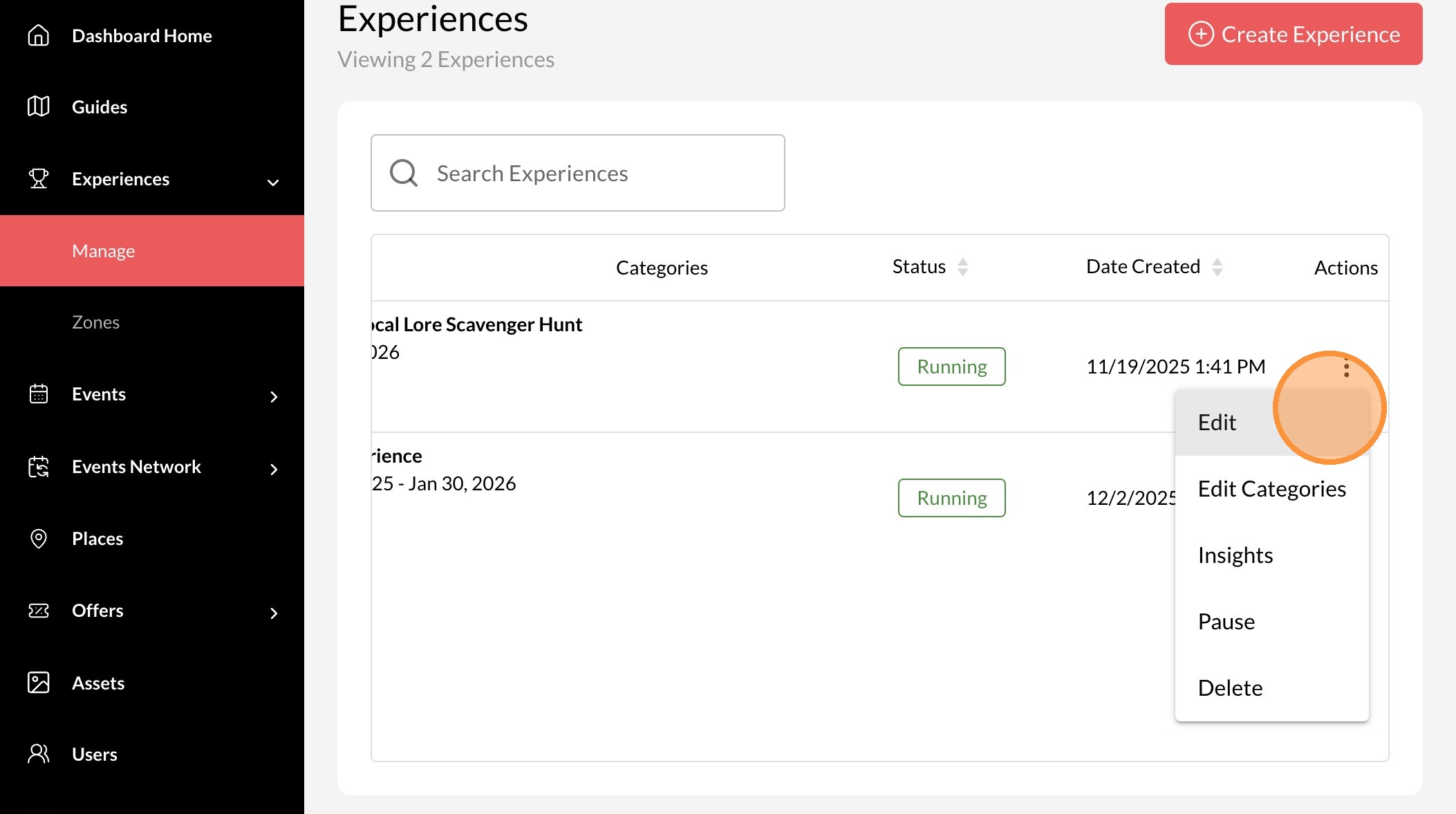
5. Click "Edit"
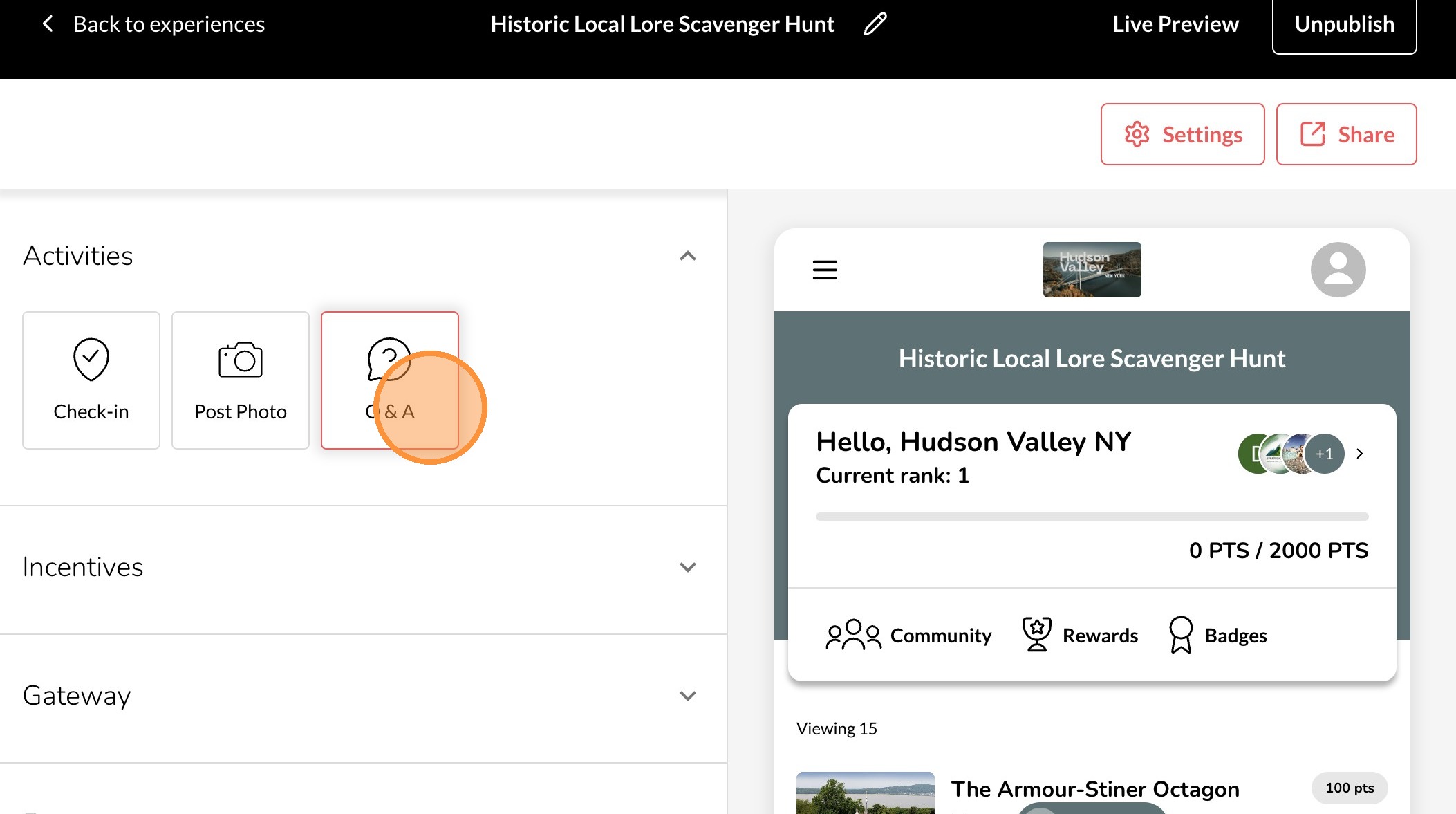
6. Click "Q & A"
7. Type your Question in the "Ask participants a question..." field.
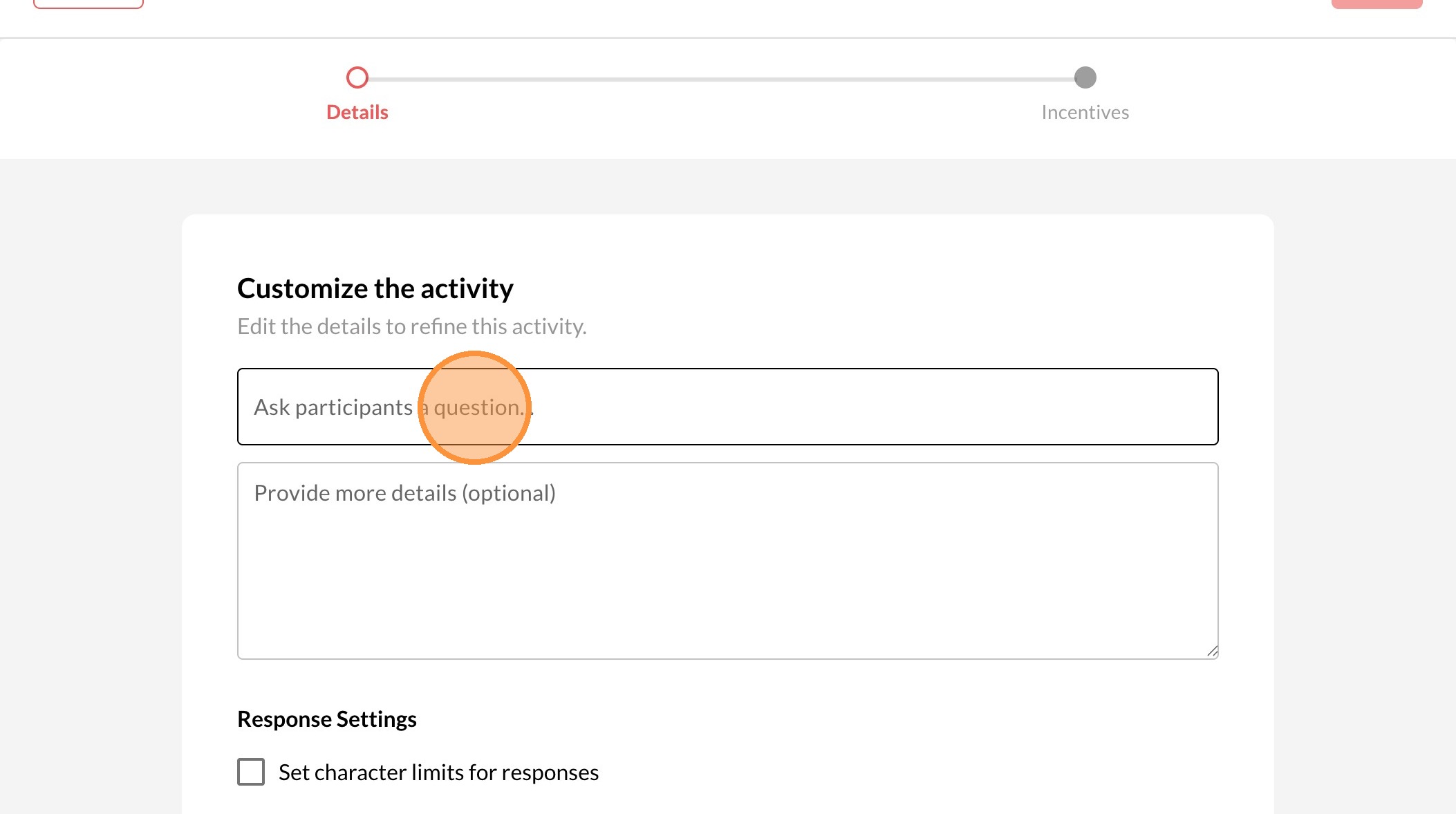
8. Add additional details in "Provide more details (optional)" field if needed.
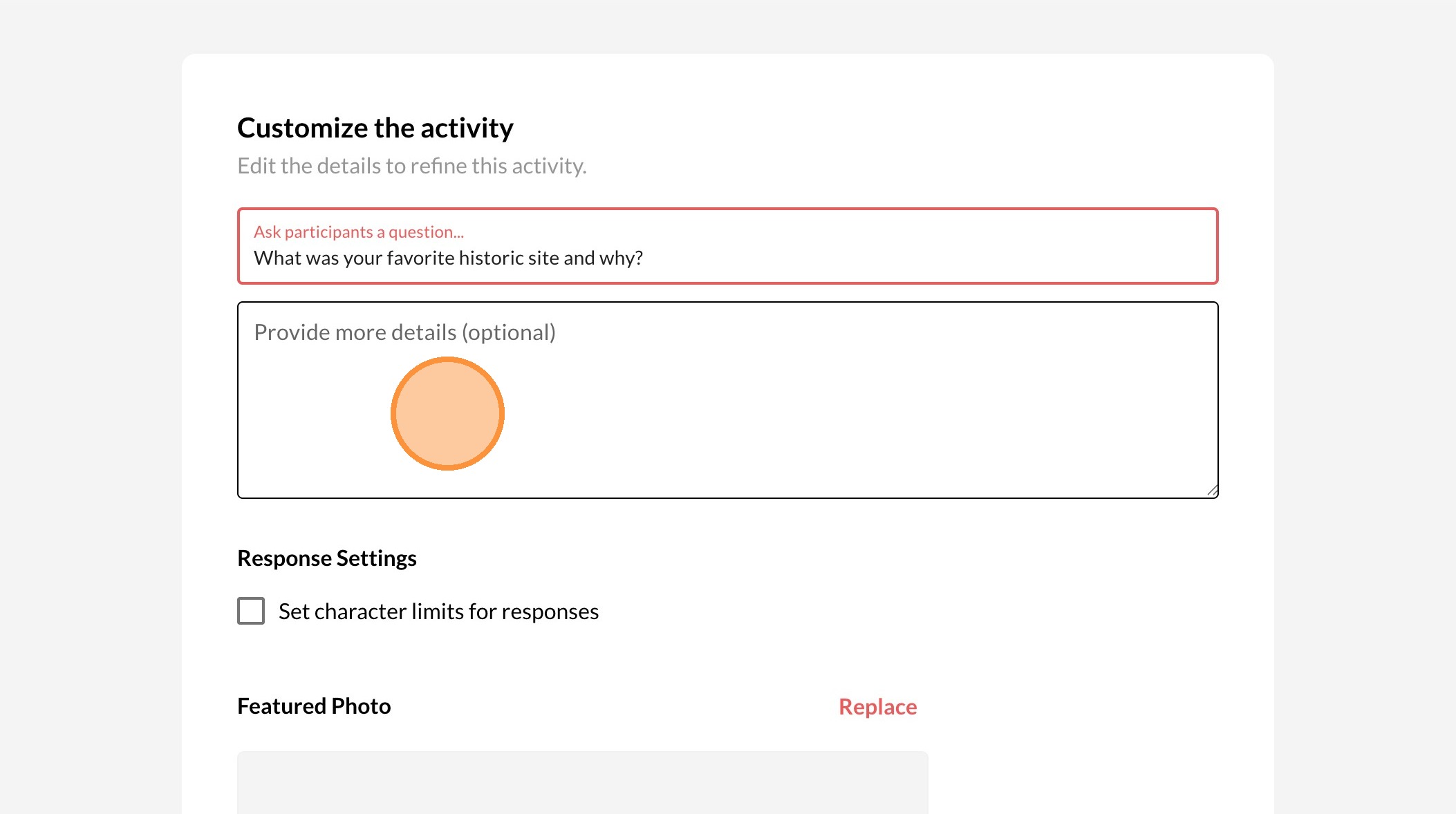
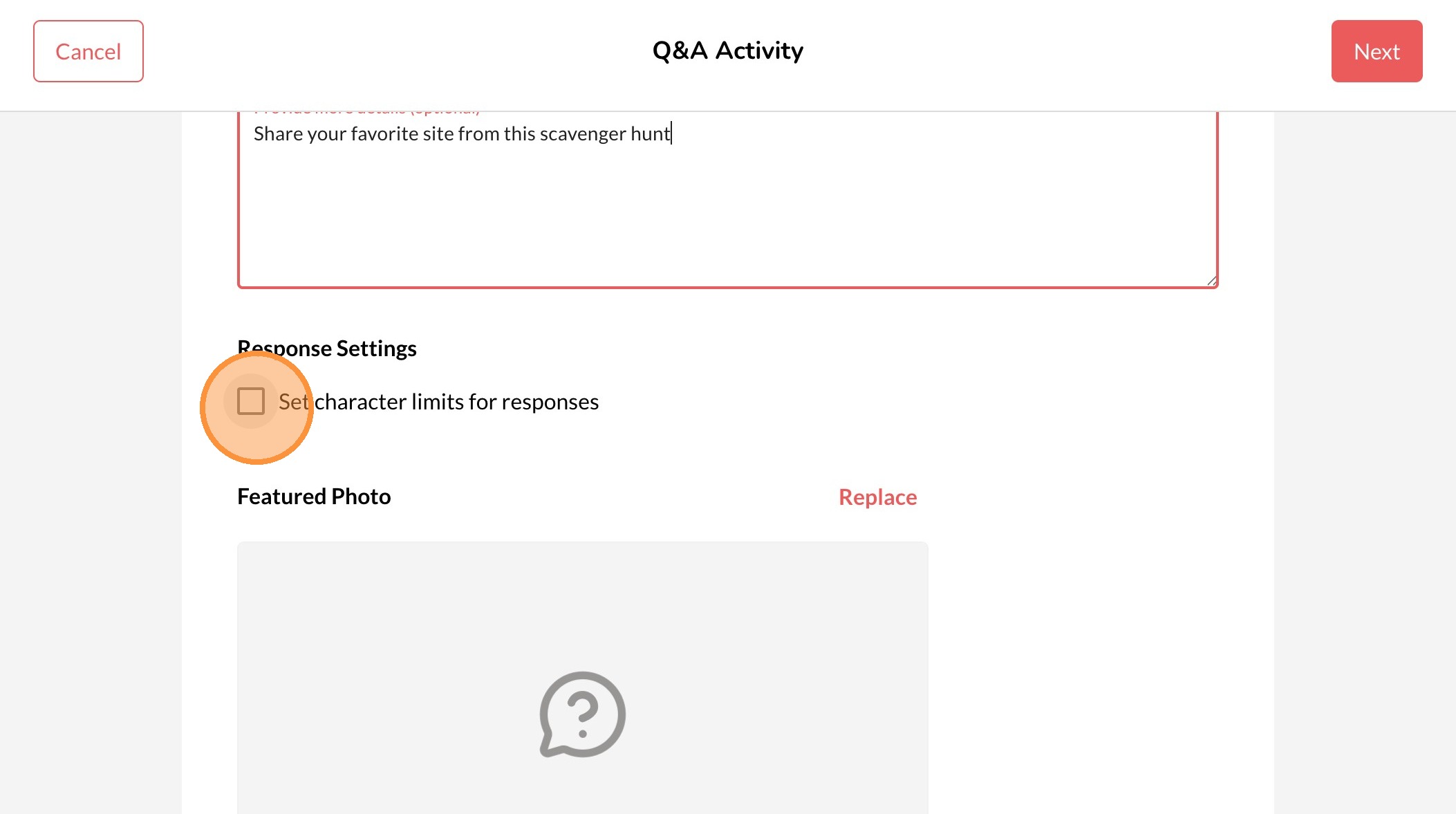
9. Click box to select a character limit
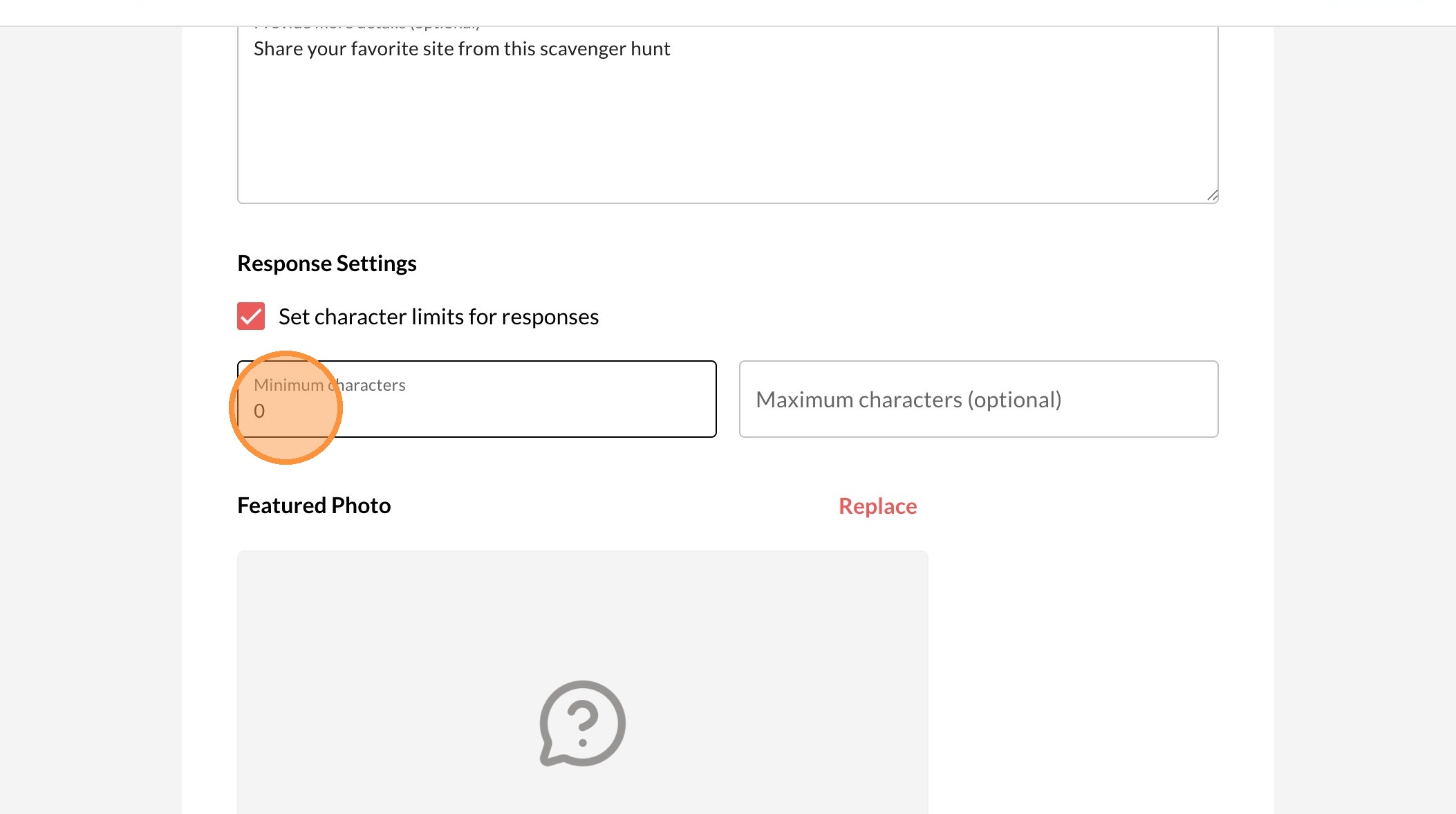
10. Enter a number in the "Minimum characters" field.
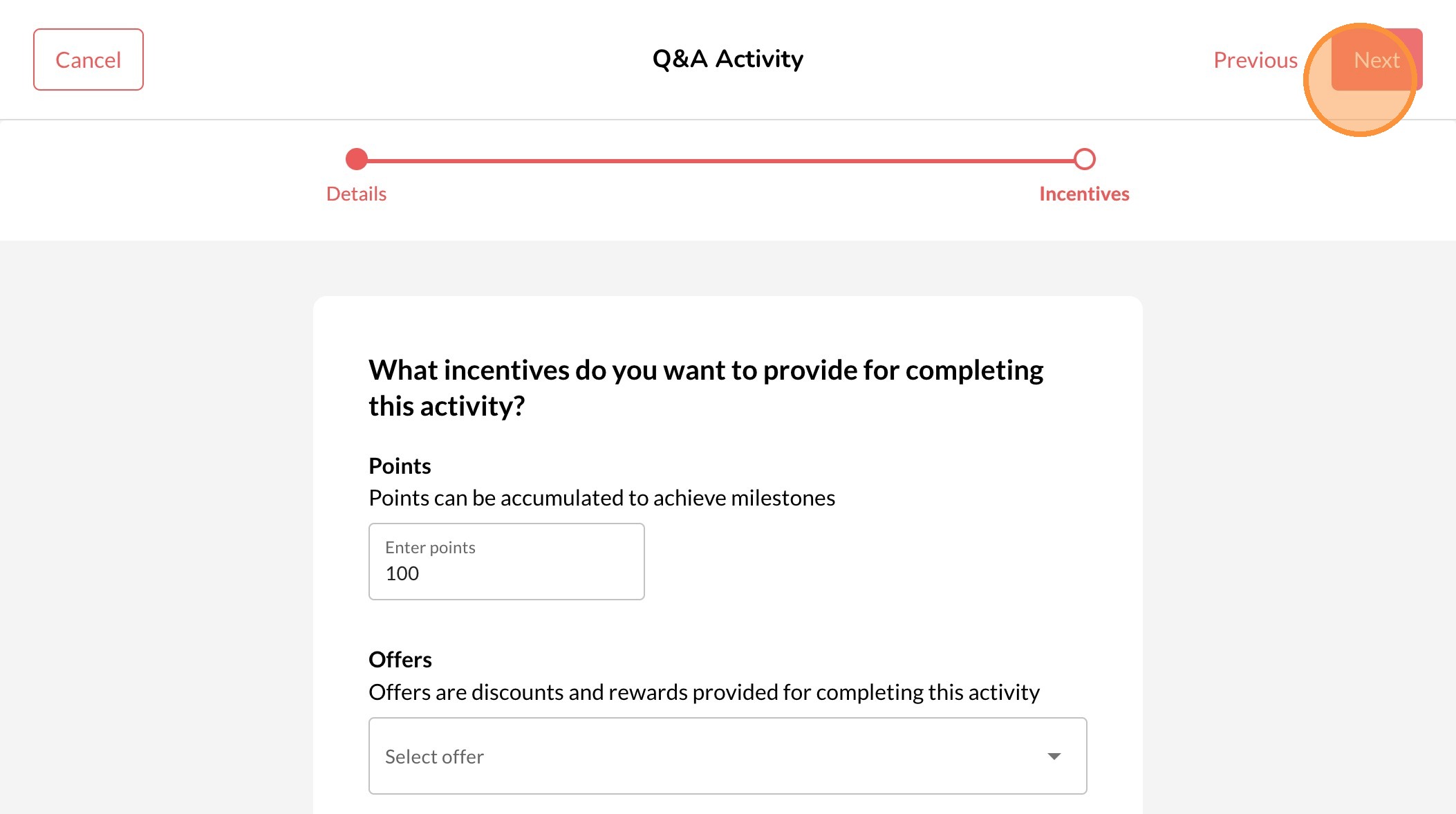
11. Click "Next"
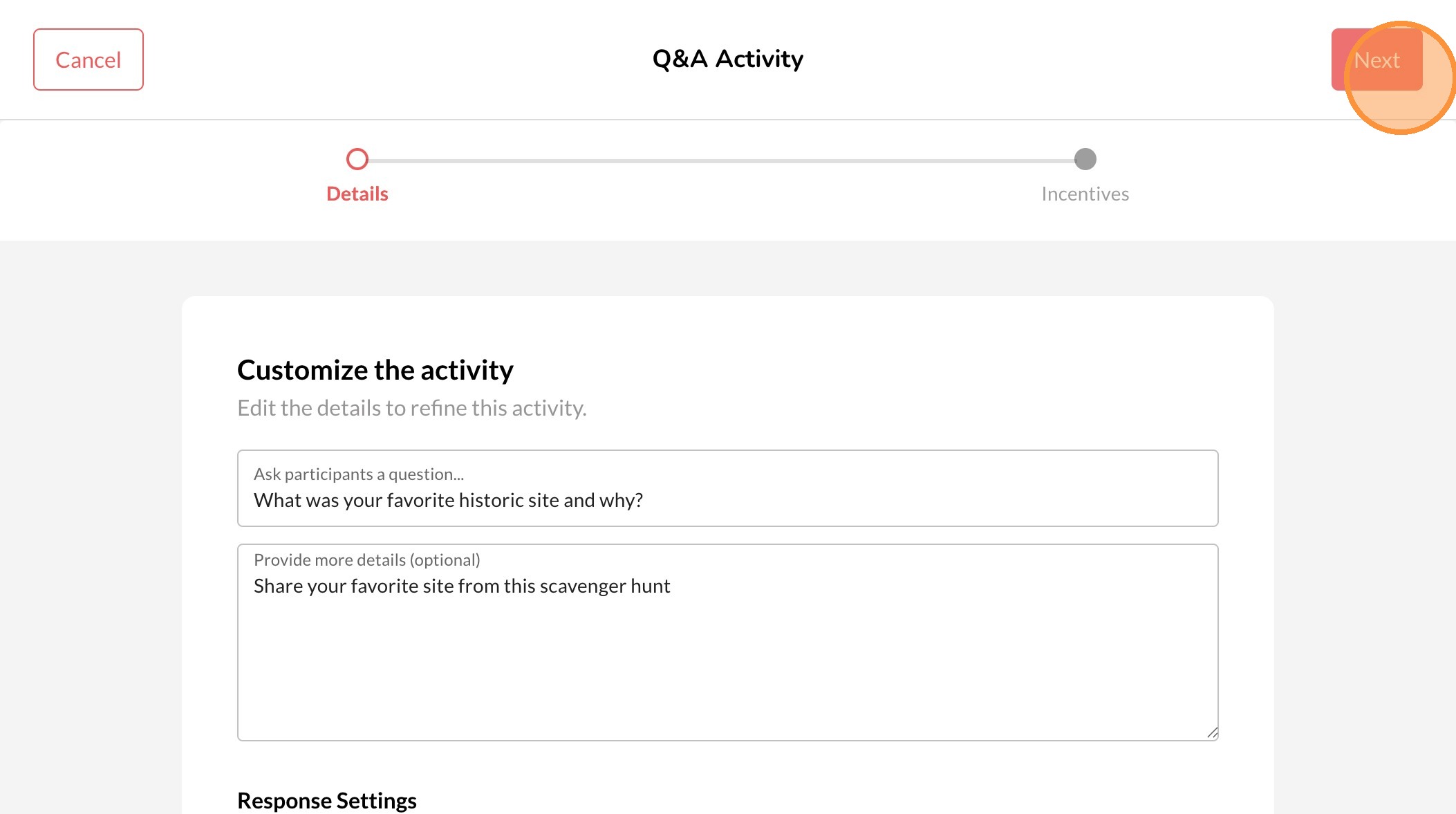
12. Enter the number of points to receive from the Q&A and click Next to save.