-3.png?width=135&height=36&name=Seeker%20Logo%20red%20(1)-3.png)
How to Add a Touch Icon to your Experience Hub
This guide demonstrates the process for accessing hub configurations within your Seeker dashboard. Follow these steps to successfully upload and apply your updated settings.
1. Navigate to your dashboard
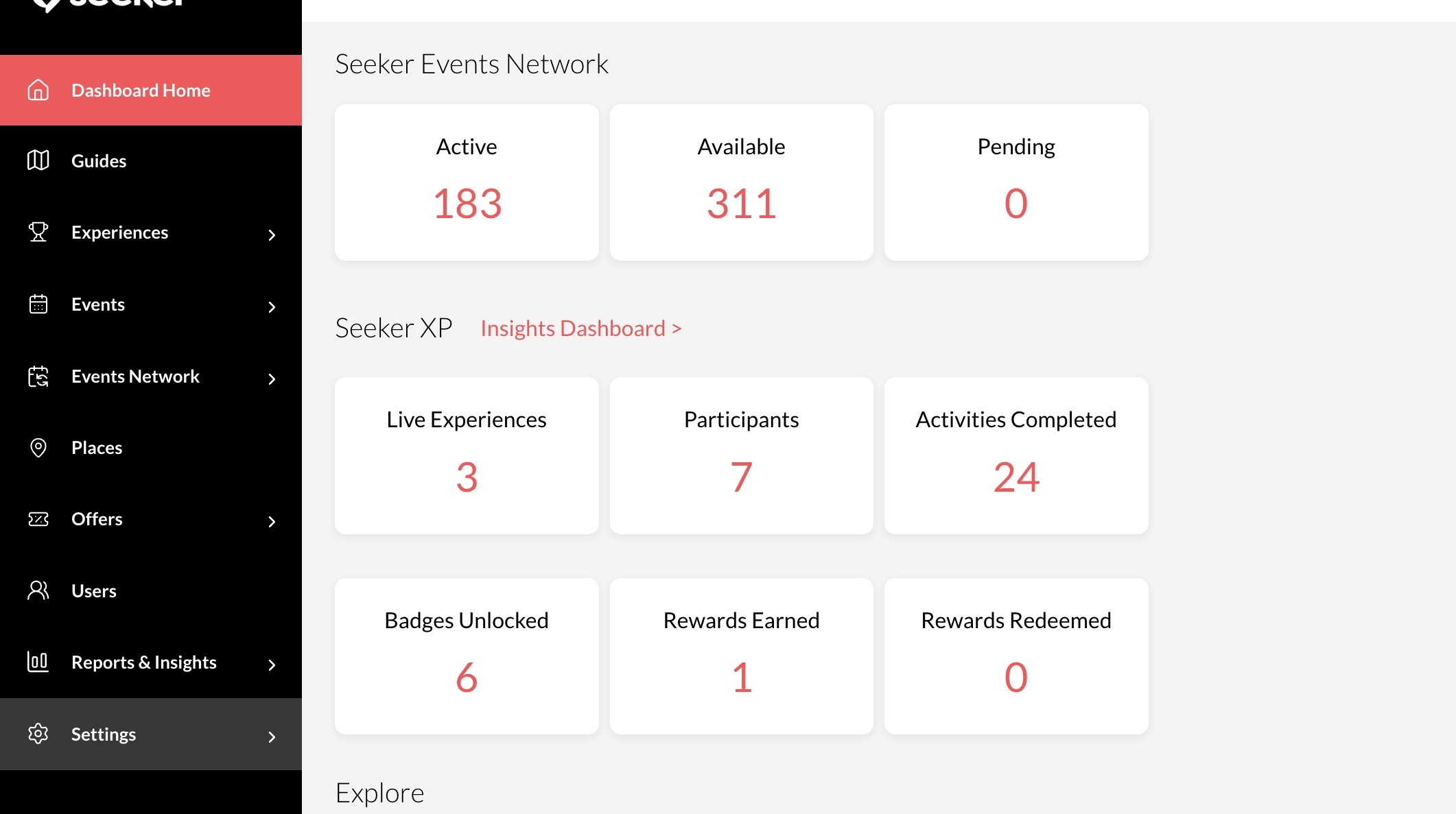
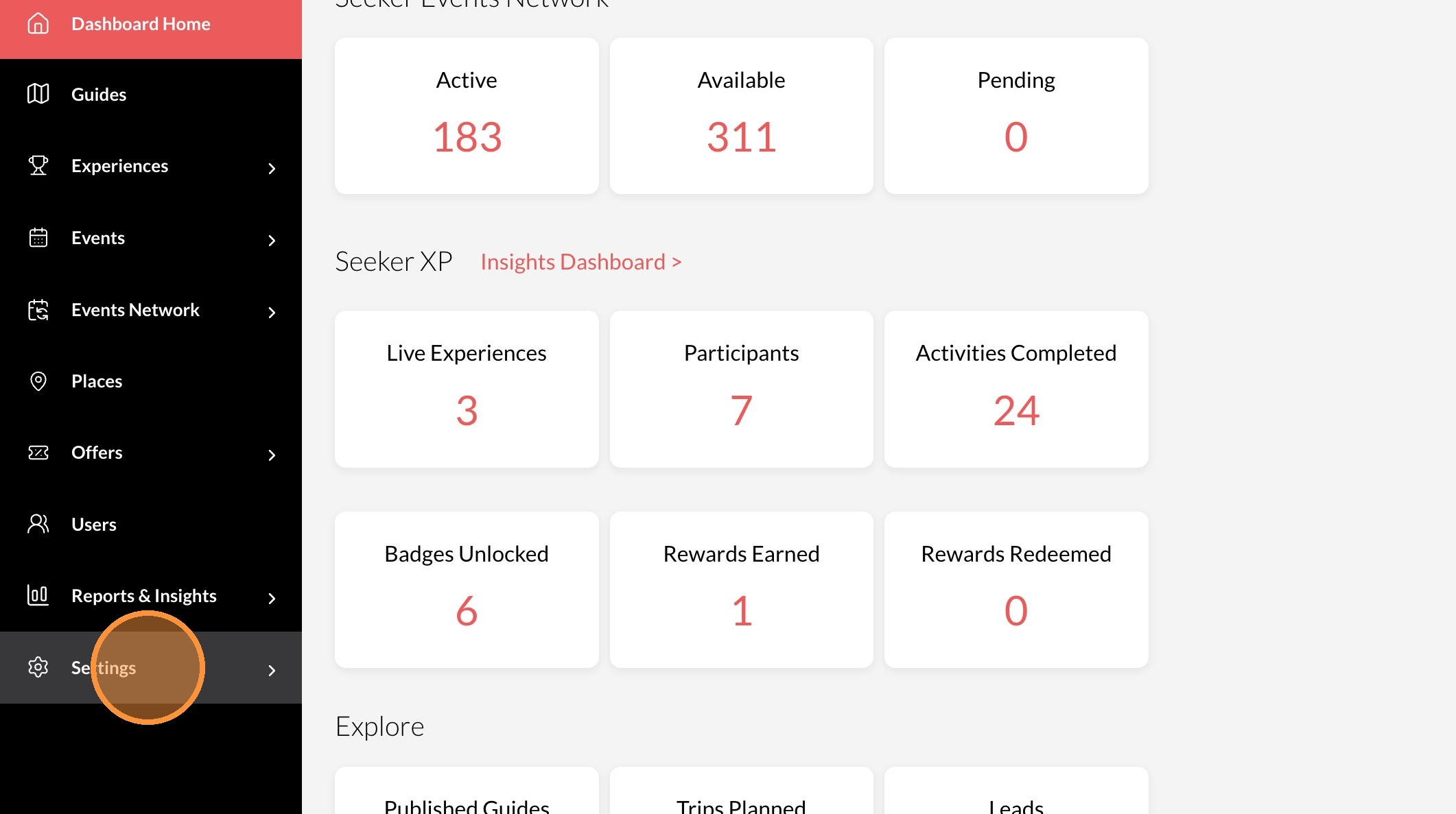
2. Click "Settings"
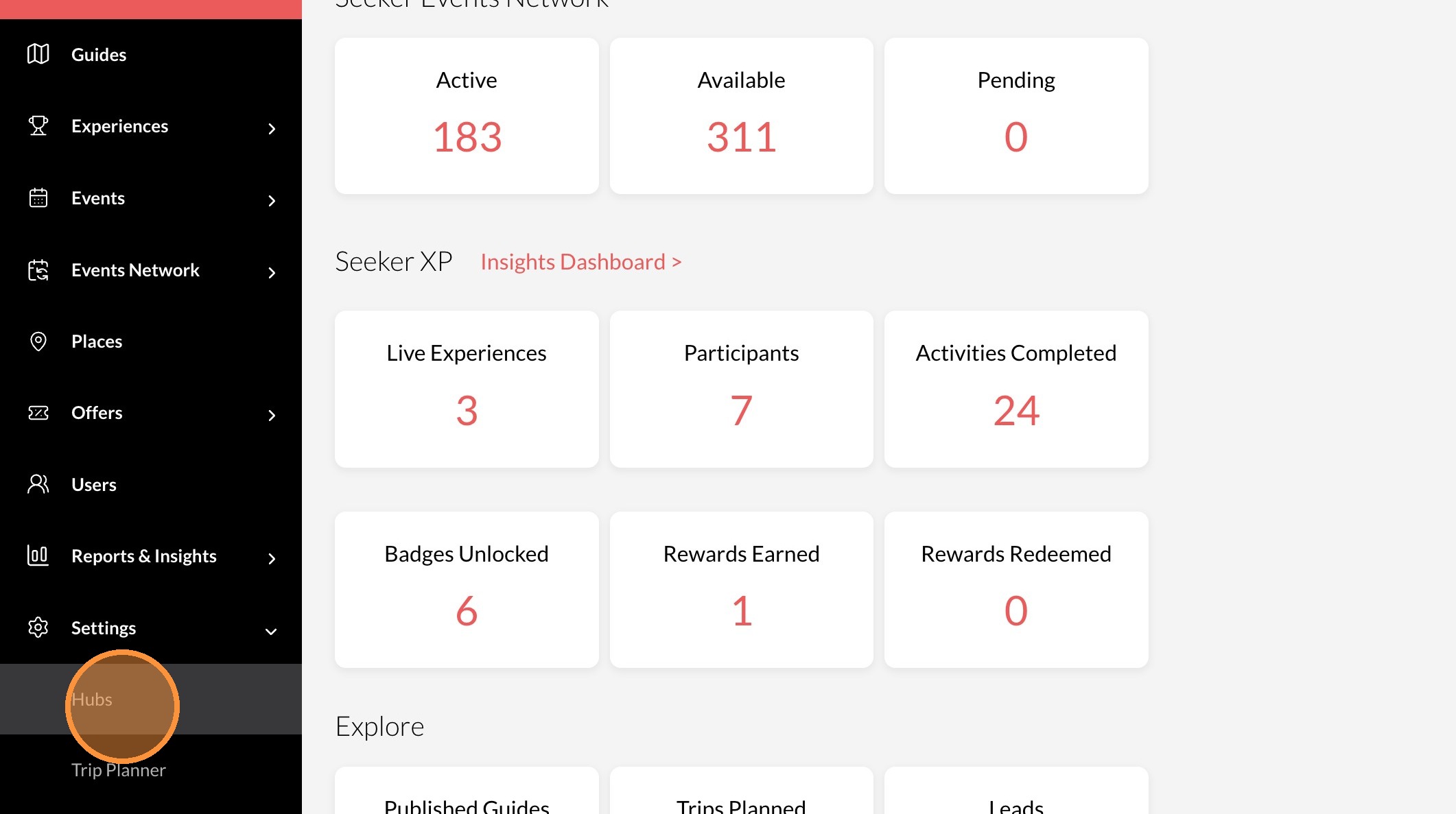
3. Click "Hubs"
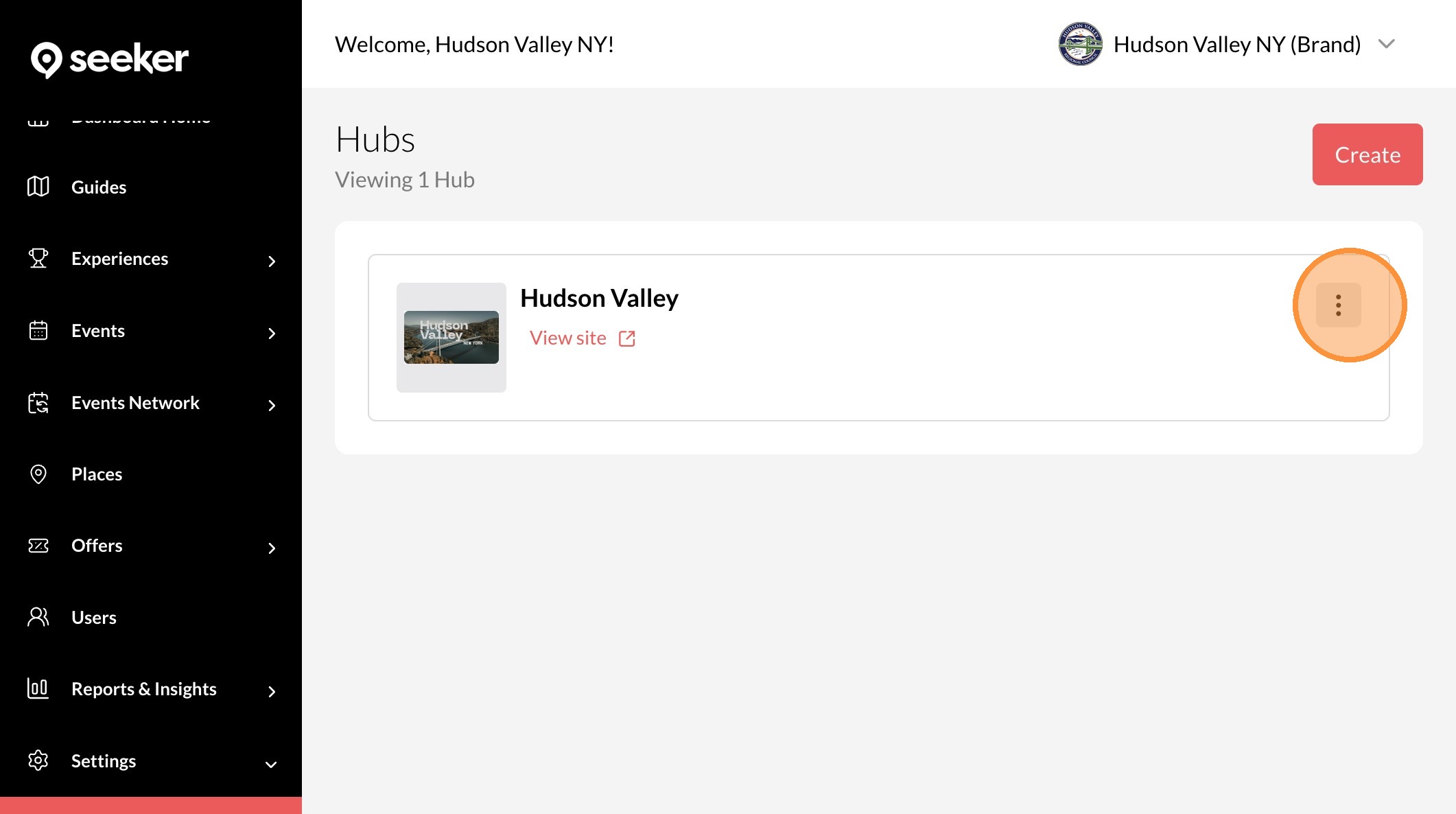
4. Click the "..." icon
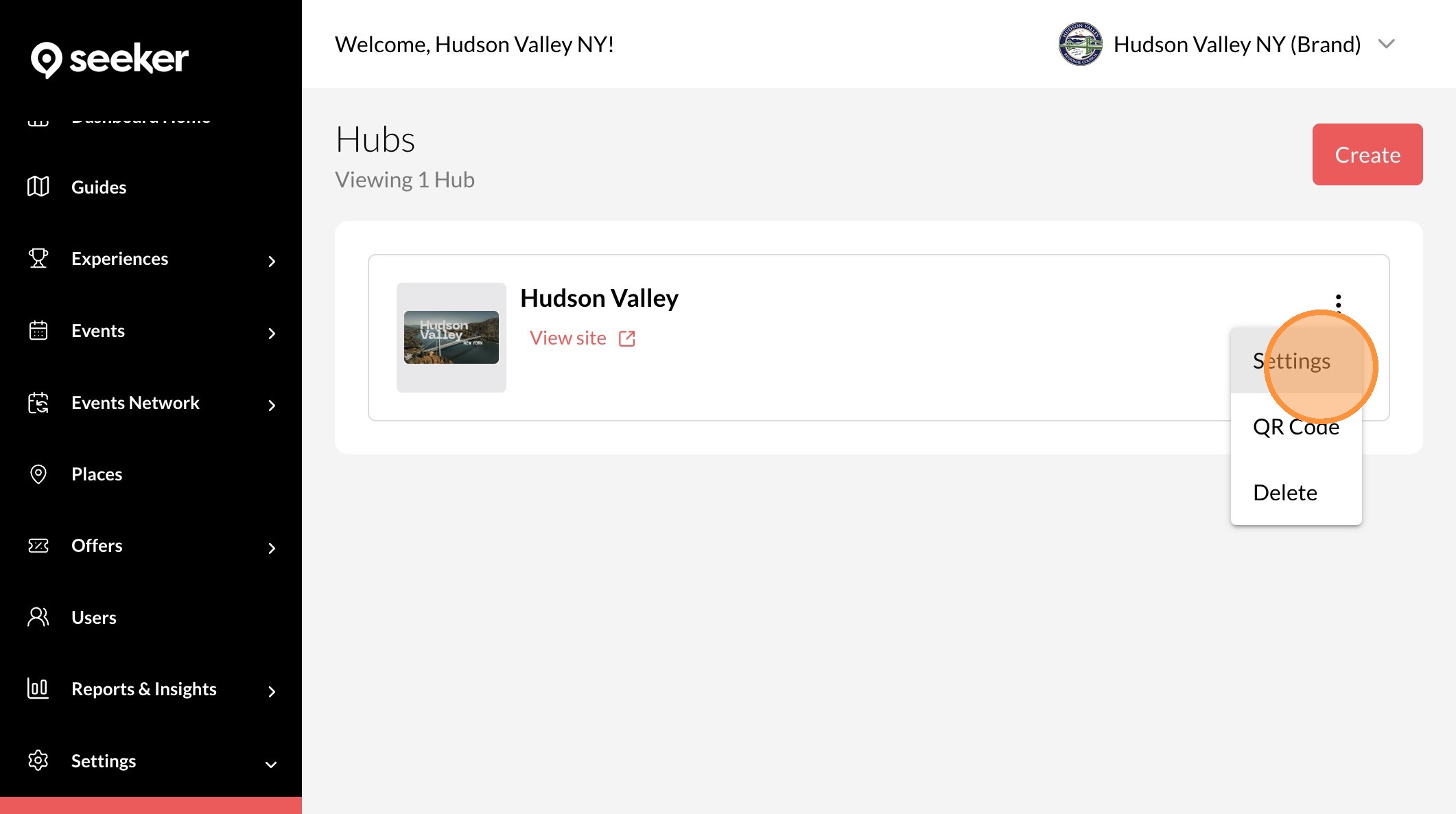
5. Click "Settings"
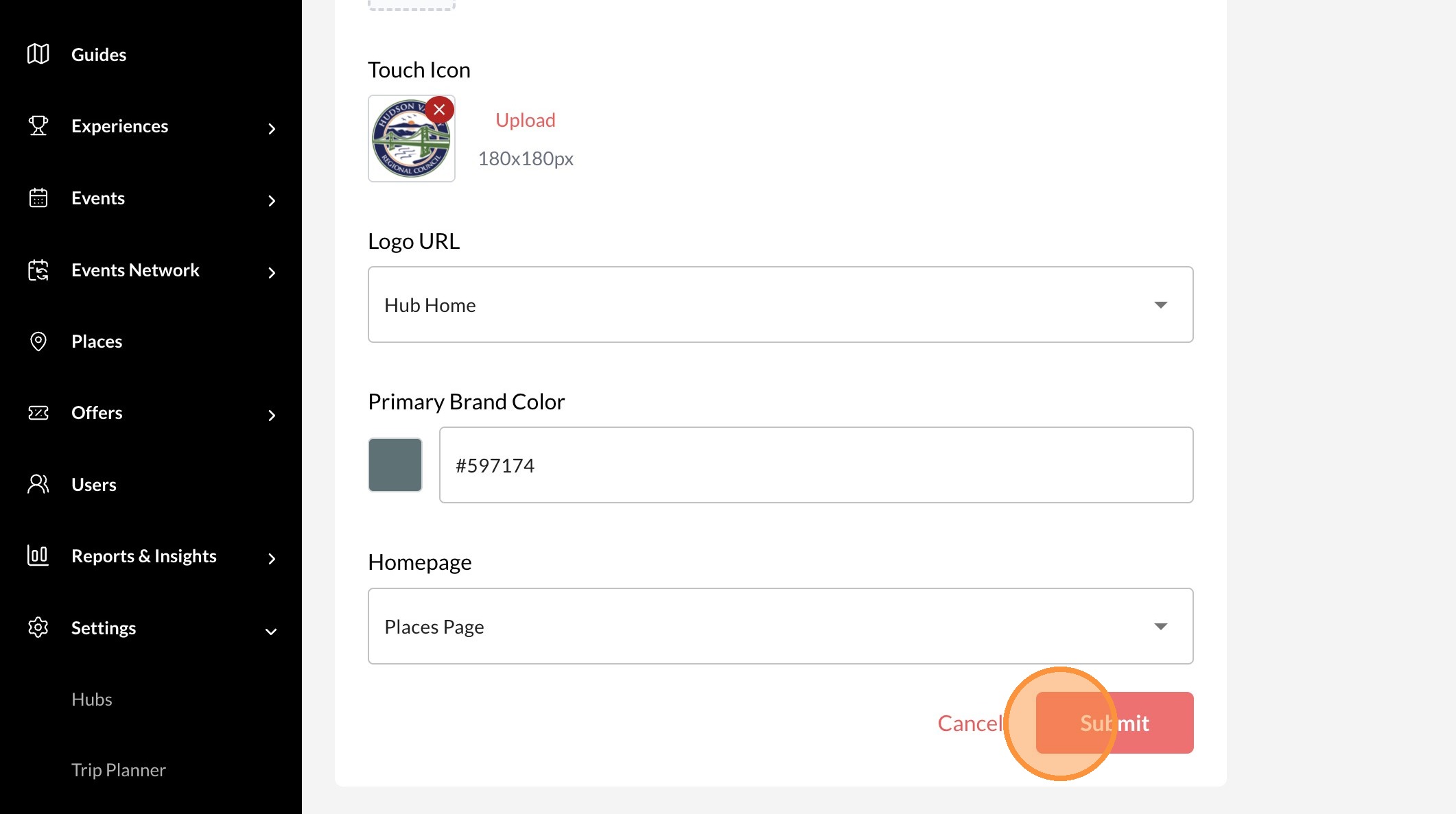
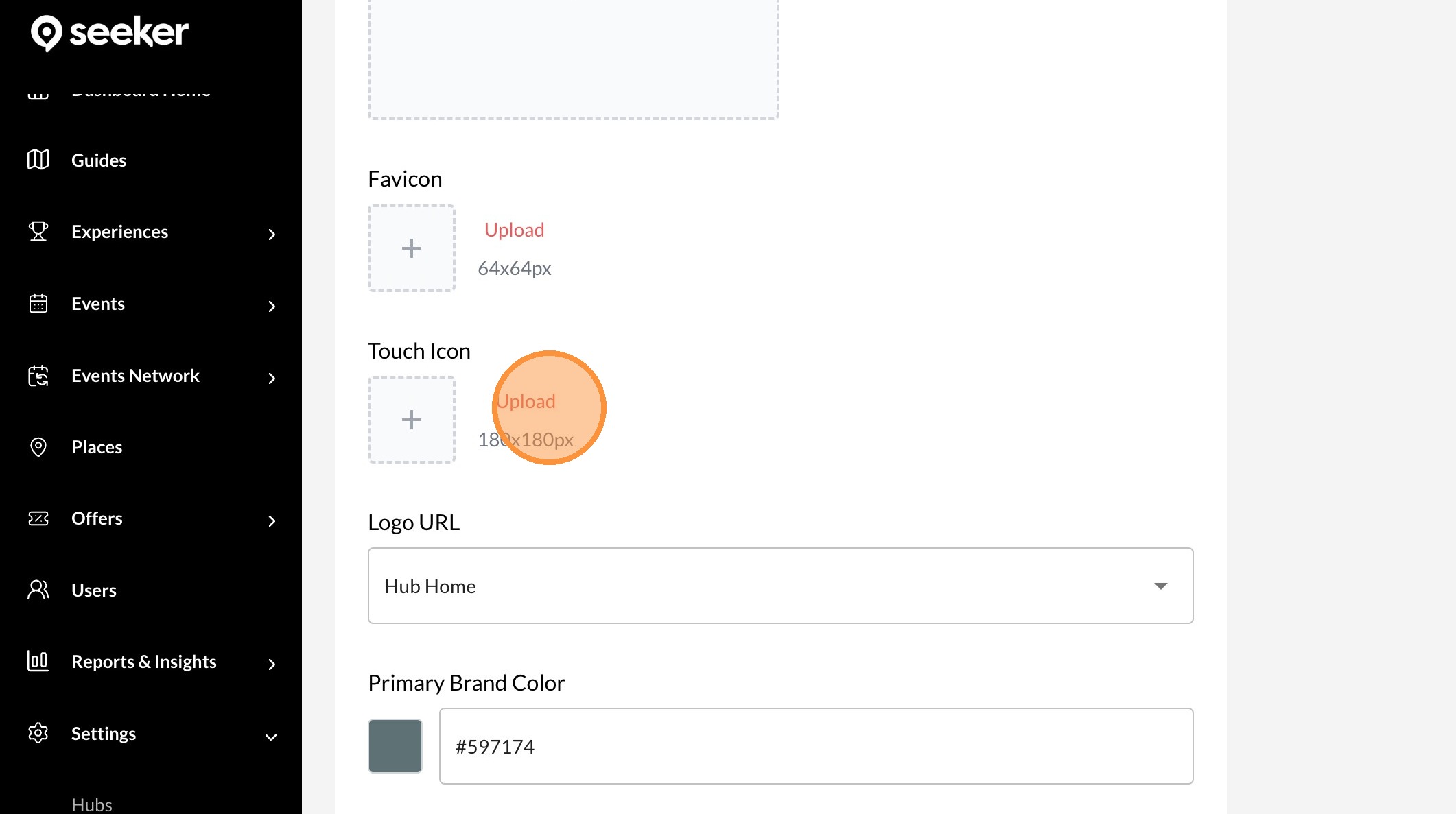
6. Click "Upload" in the Touch Icon section to upload an icon from your computer
7. Click "Submit"