-3.png?width=135&height=36&name=Seeker%20Logo%20red%20(1)-3.png)
How to Archive Events in the Seeker Dashboard
Learn how to manage your event feed by bulk archiving unwanted events directly from the Seeker dashboard. This guide provides a quick, step-by-step walkthrough to help you keep your Discover Feed organized and clutter-free.
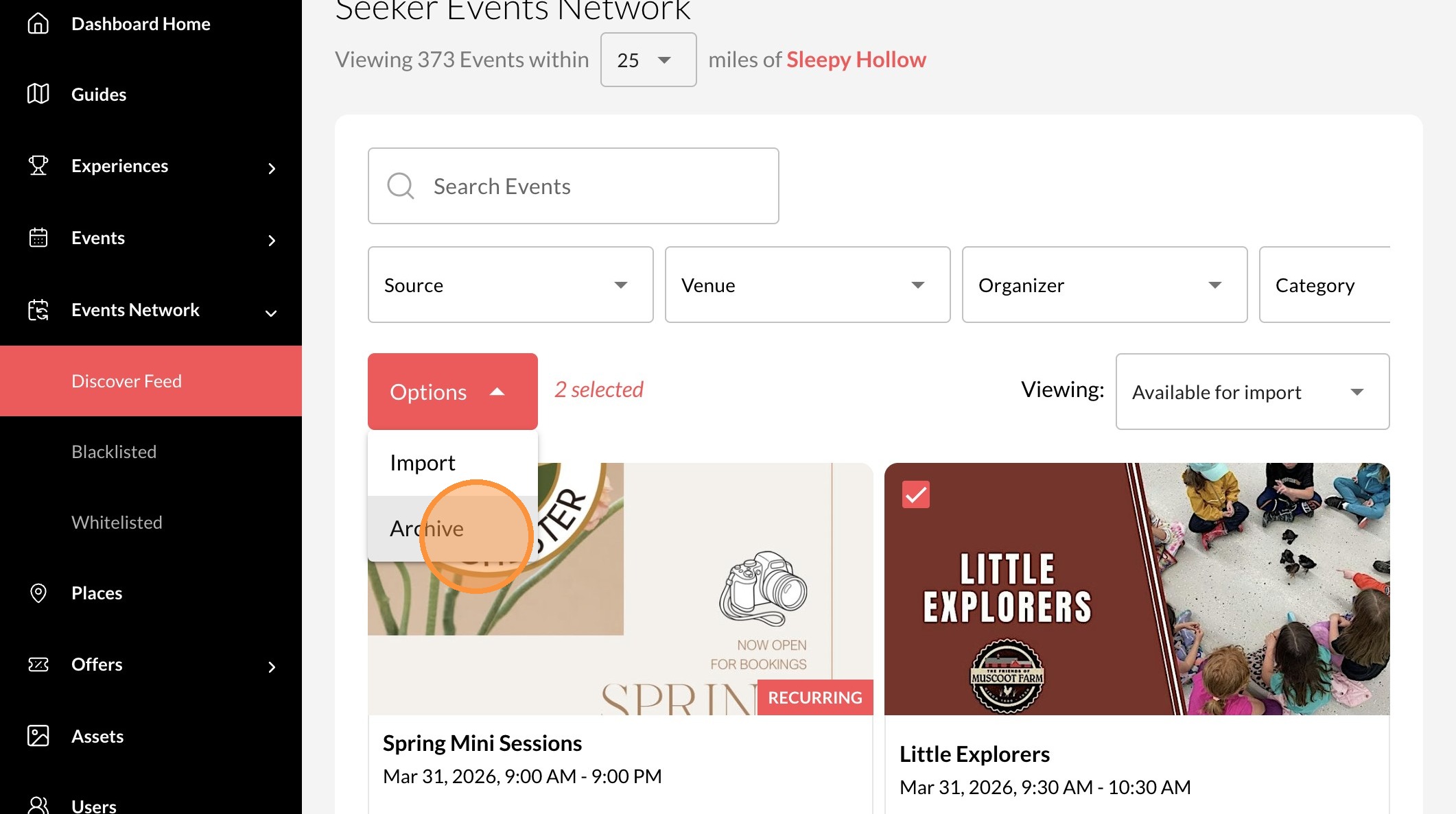
1. Navigate to your Dashboard
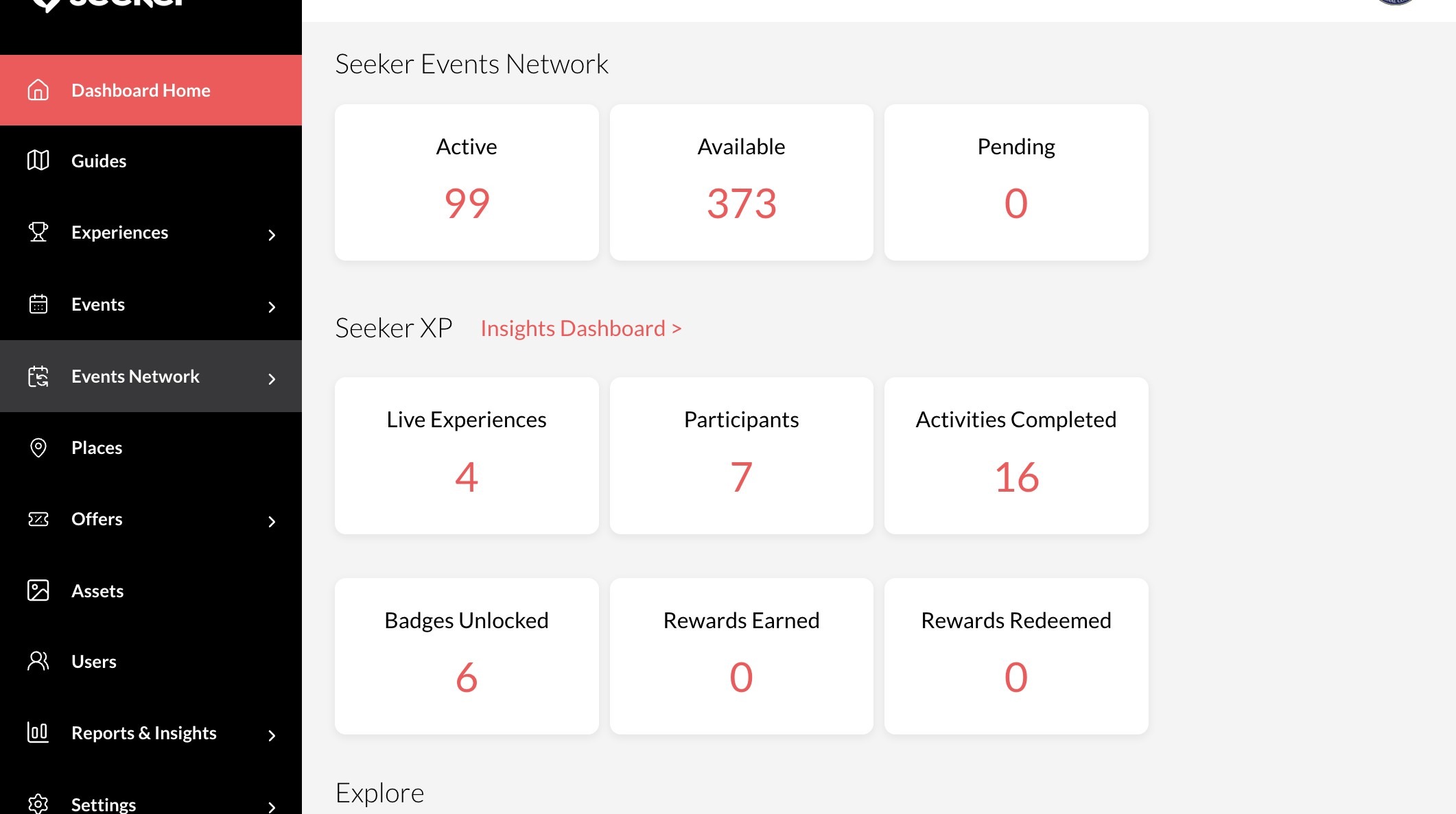
2. Click "Events Network"
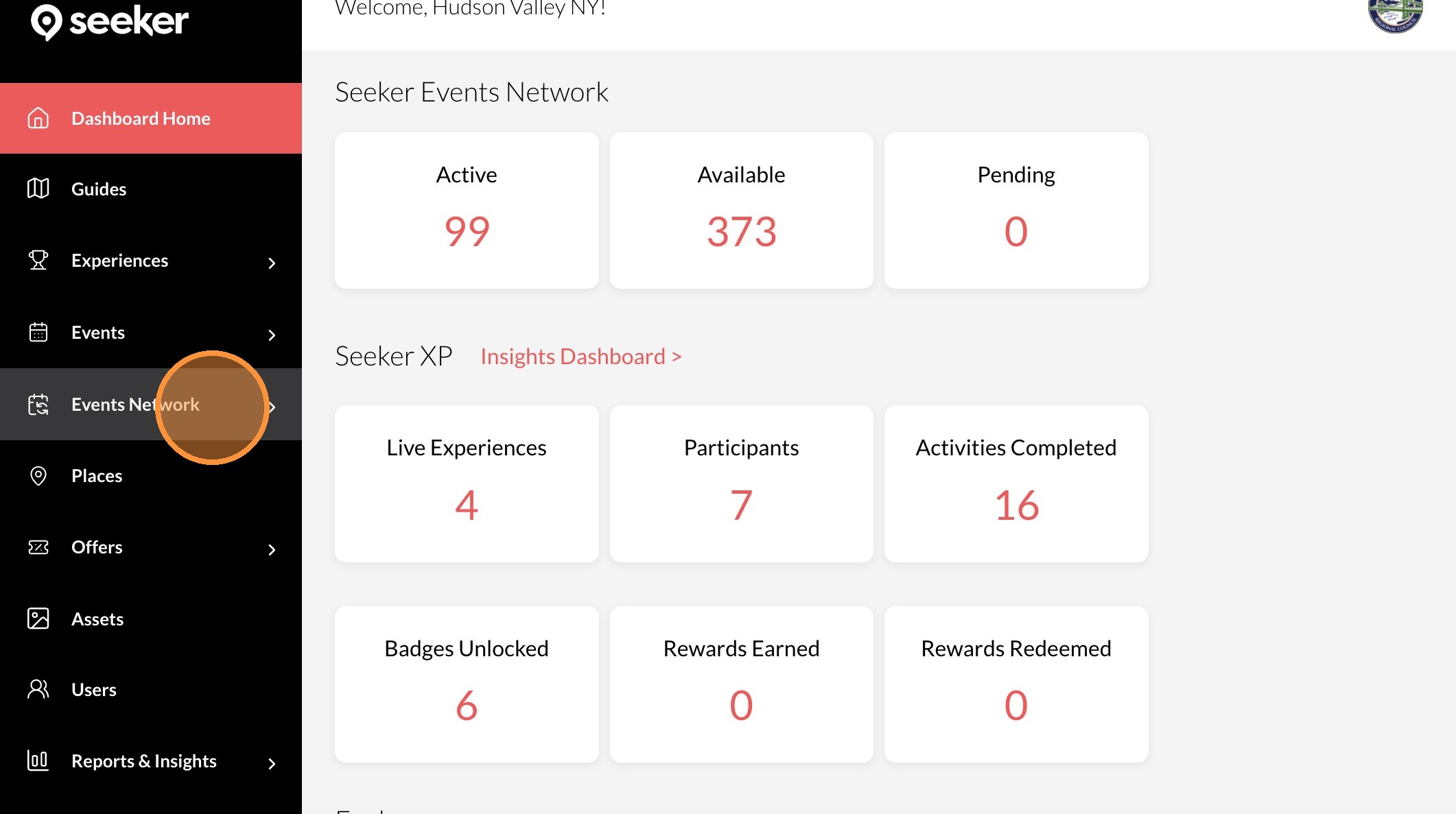
3. Click "Discover Feed"
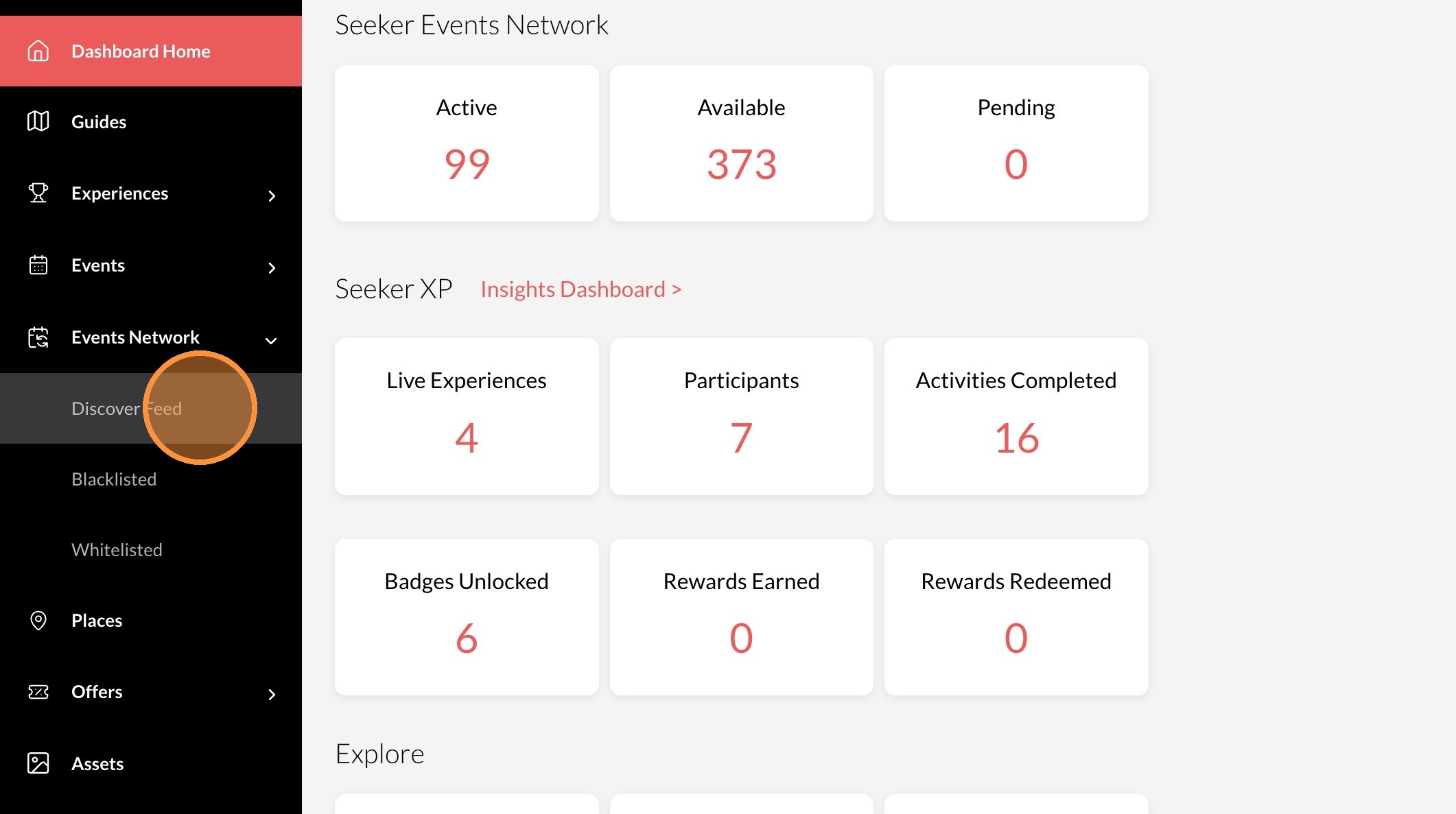
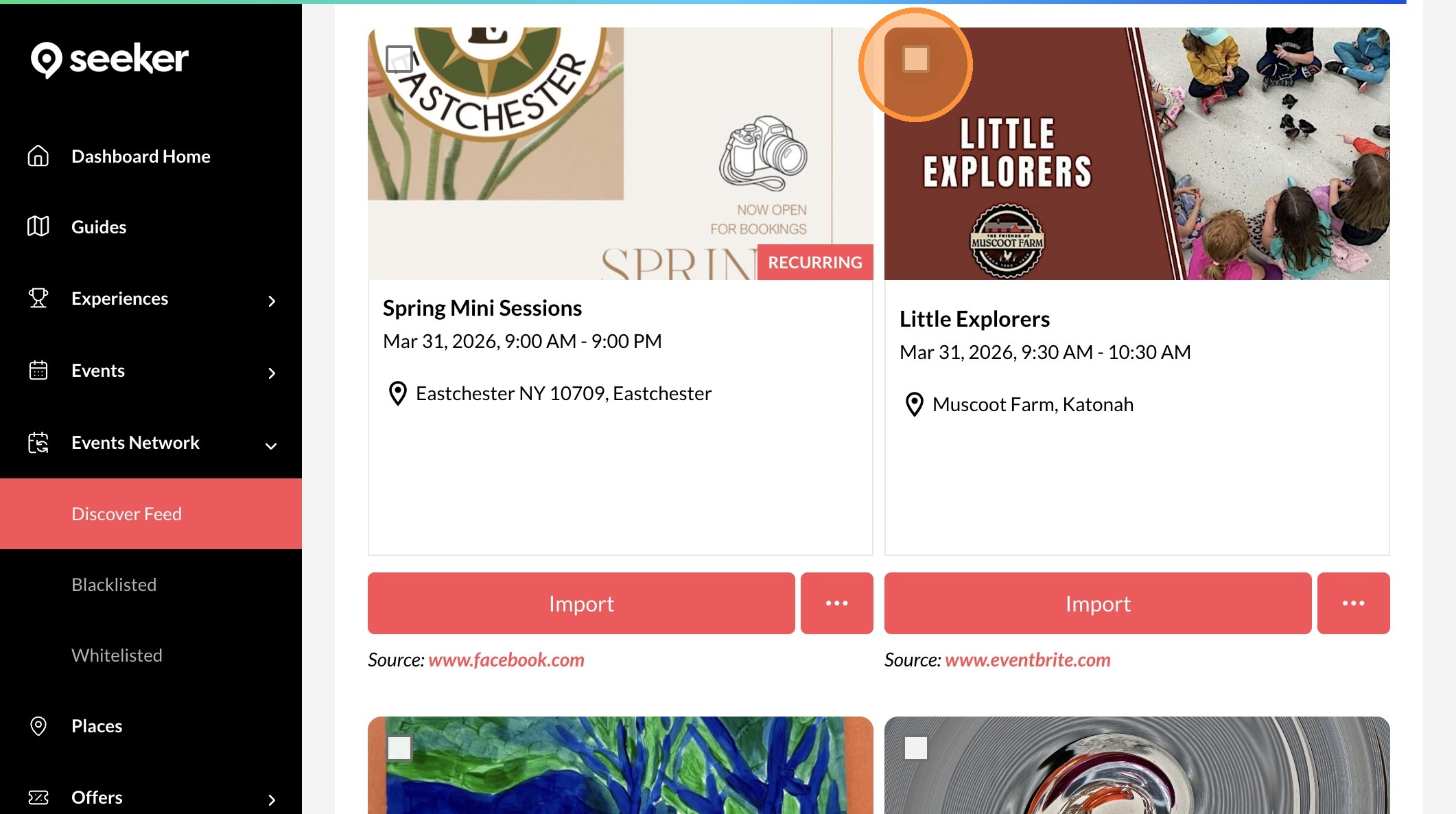
4. Click the checkbox on any events you would like to archive
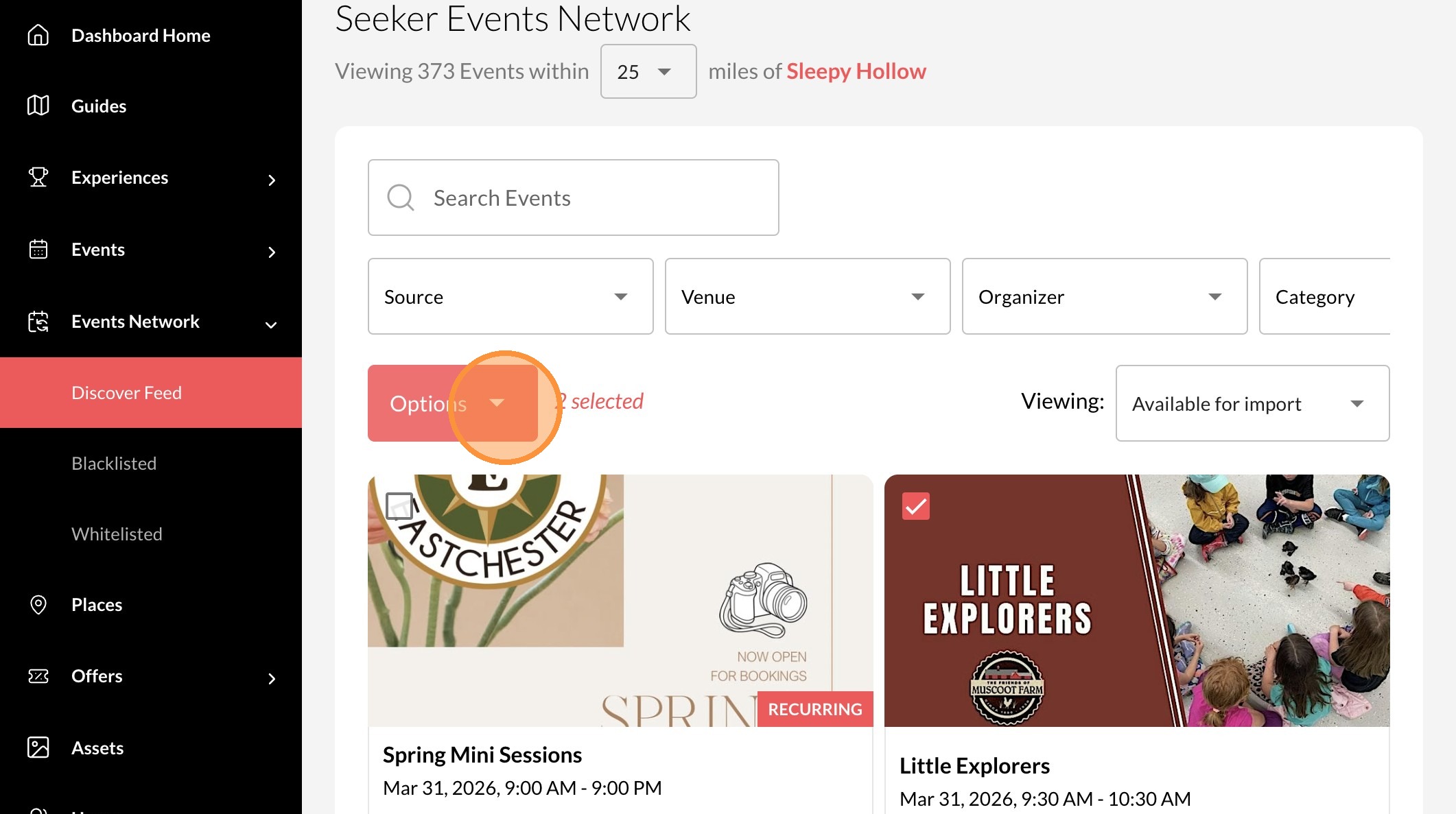
5. Click "Options"
6. Click "Archive"