-3.png?width=135&height=36&name=Seeker%20Logo%20red%20(1)-3.png)
How to Customize the Logo on an Experience
1. Navigate to your dashboard
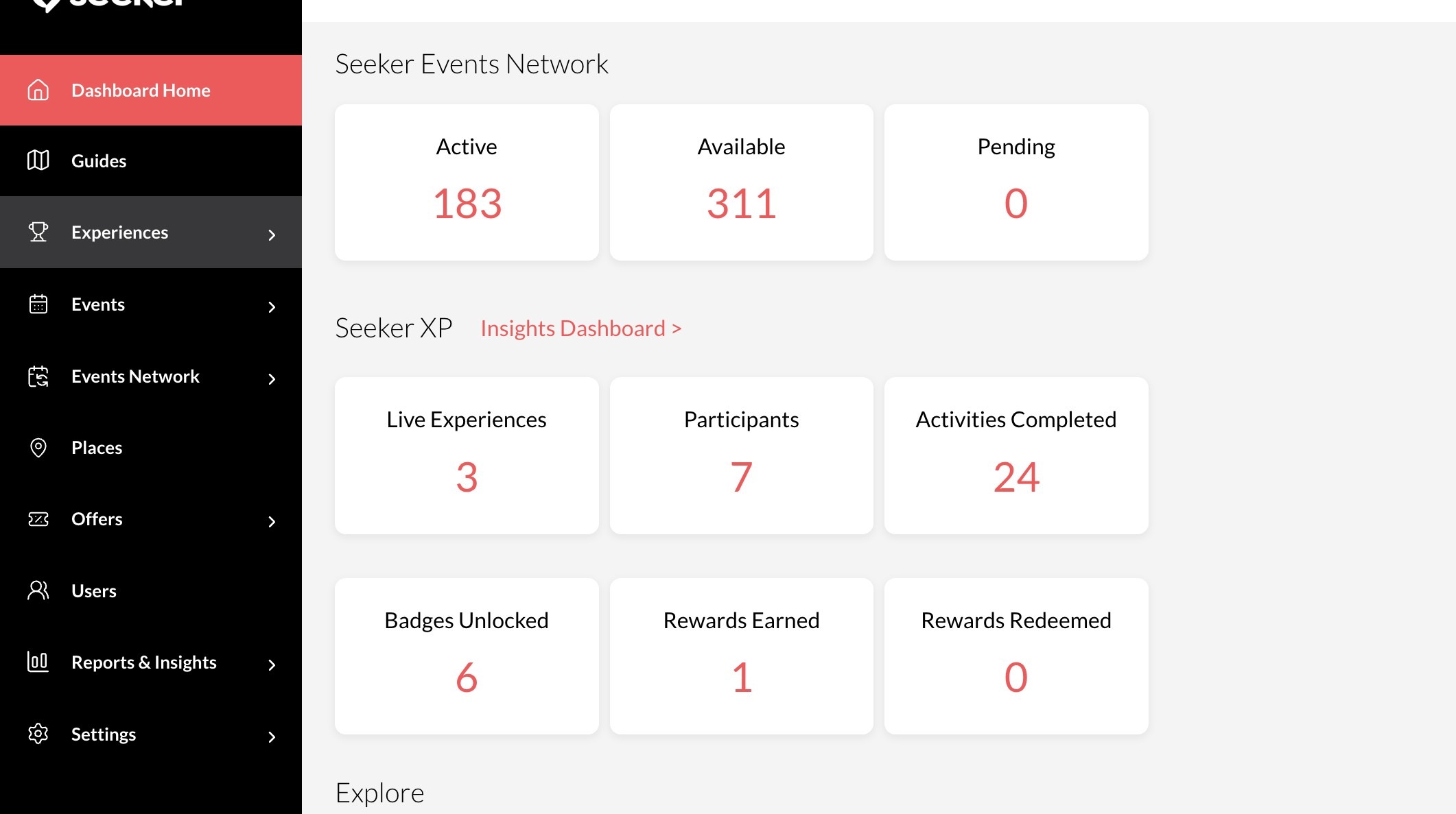
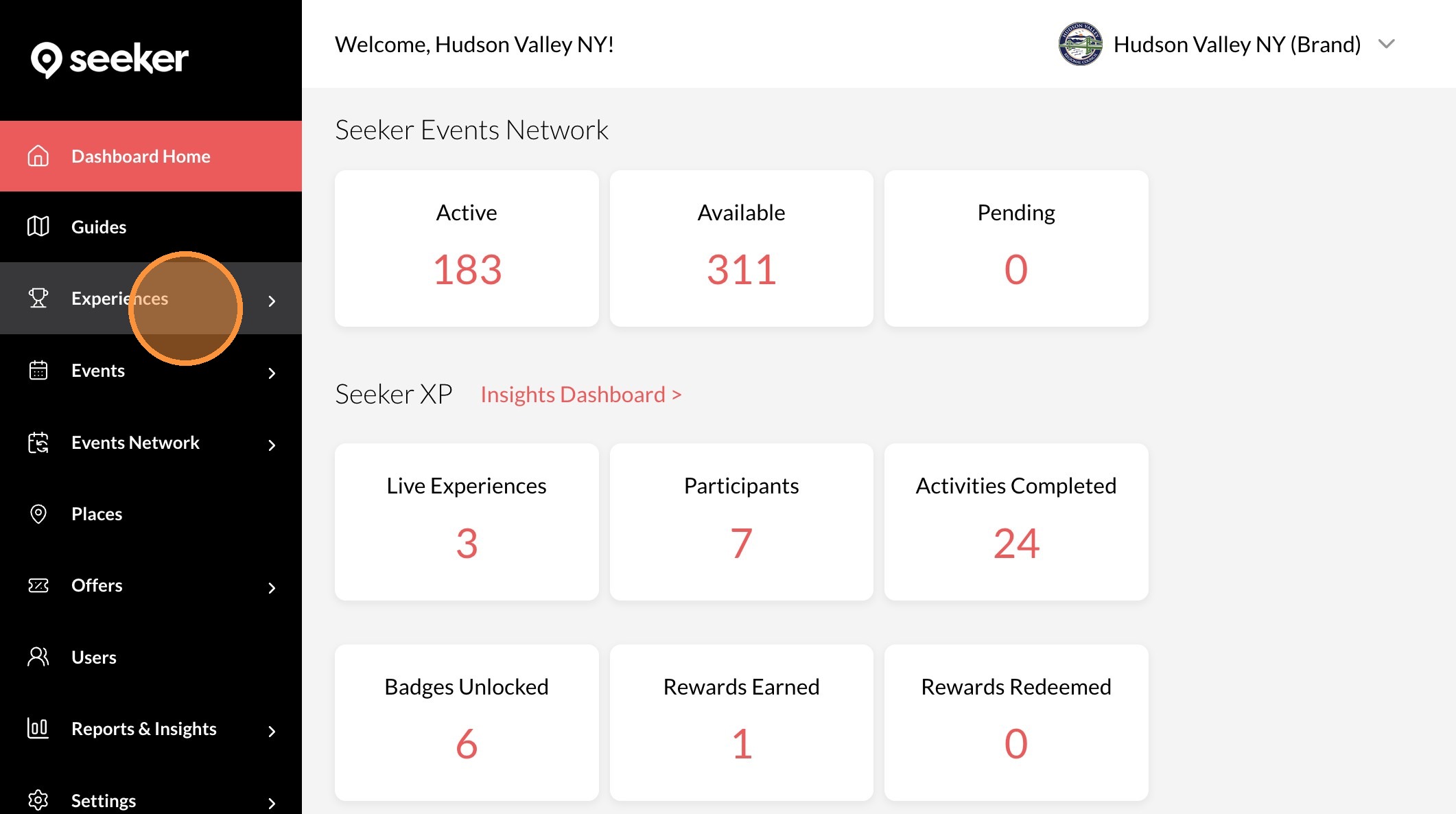
2. Click "Experiences"
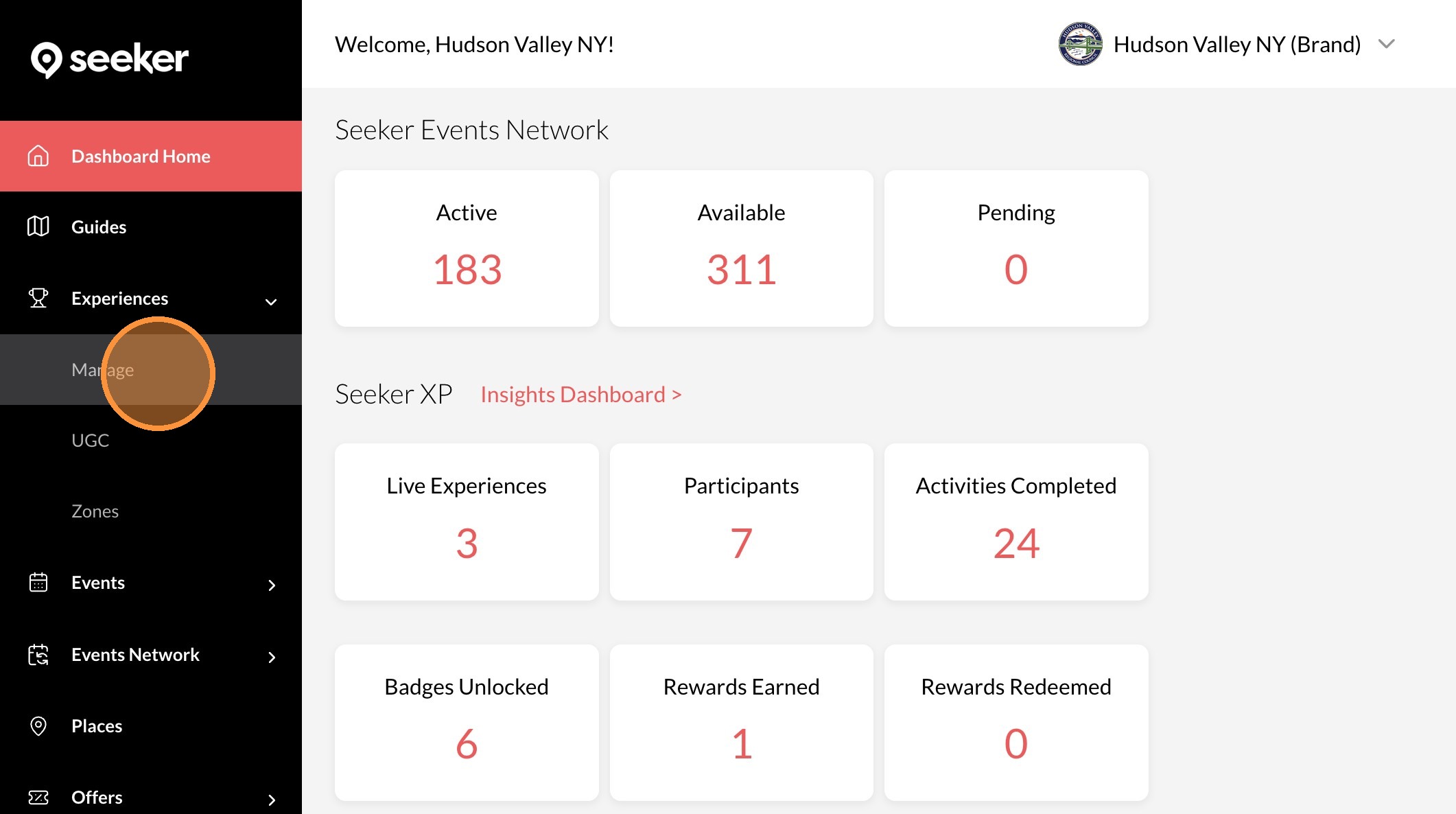
3. Click "Manage"
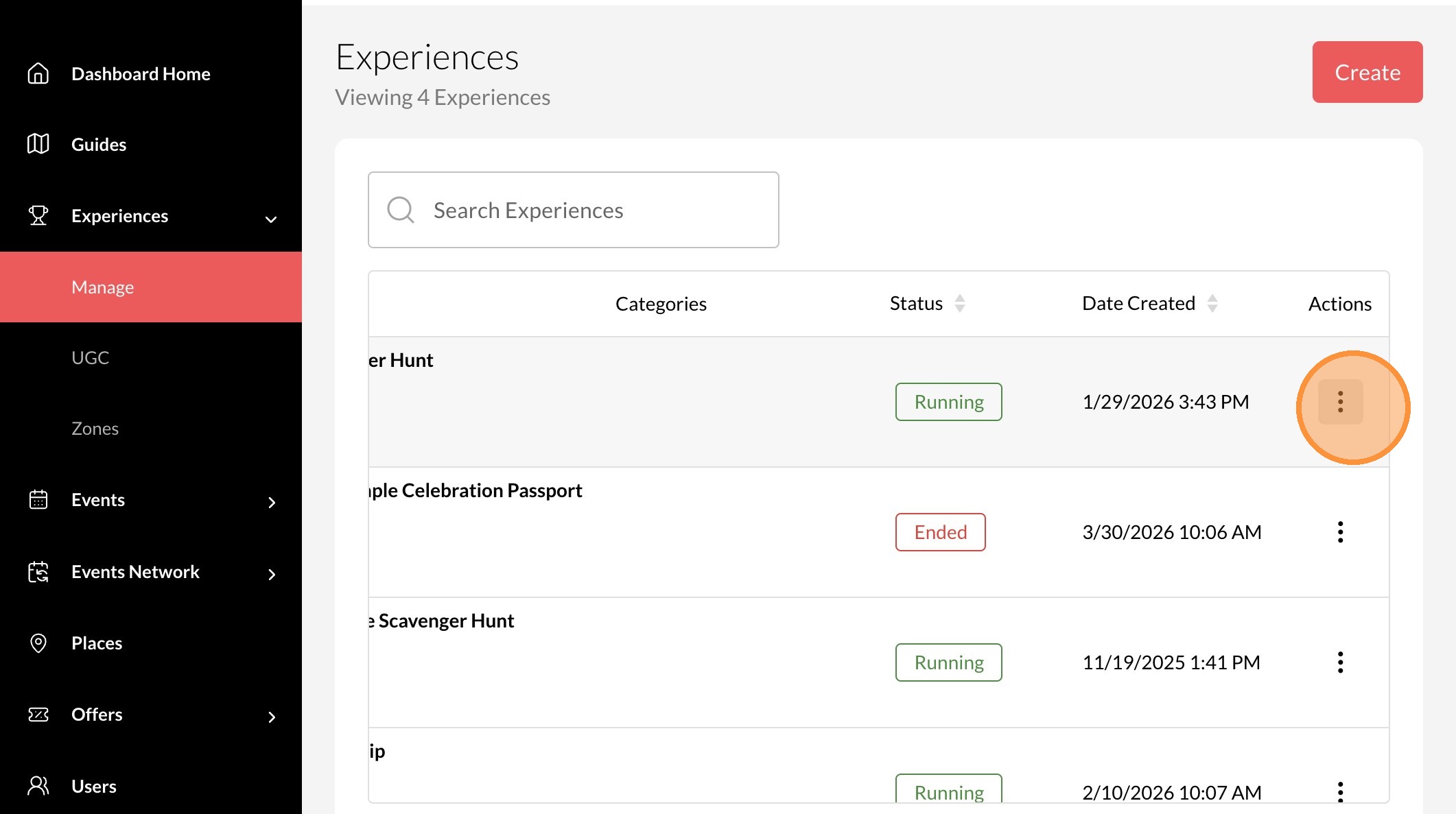
4. Click the "..." icon on the experience you want to edit
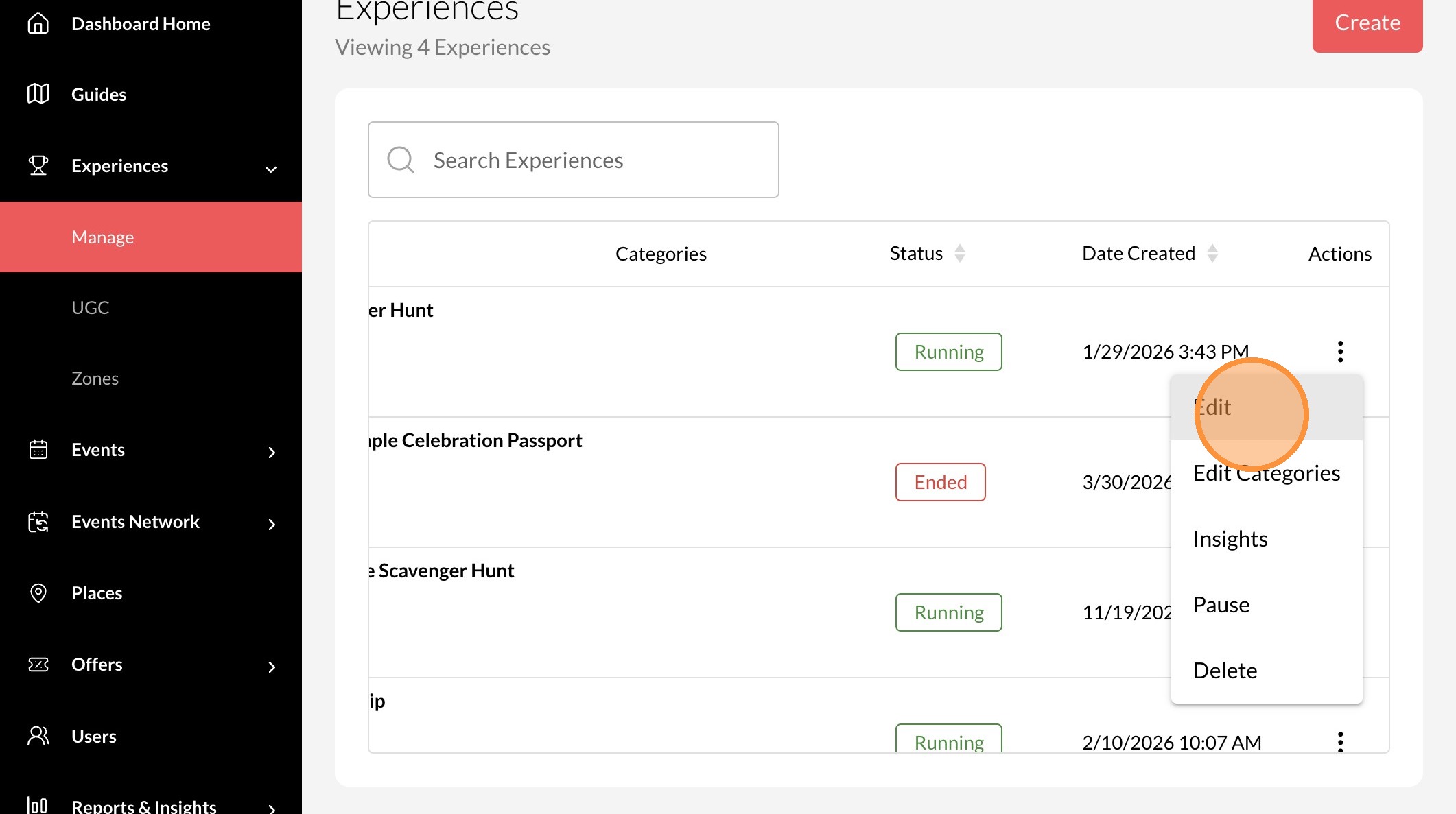
5. Click "Edit"
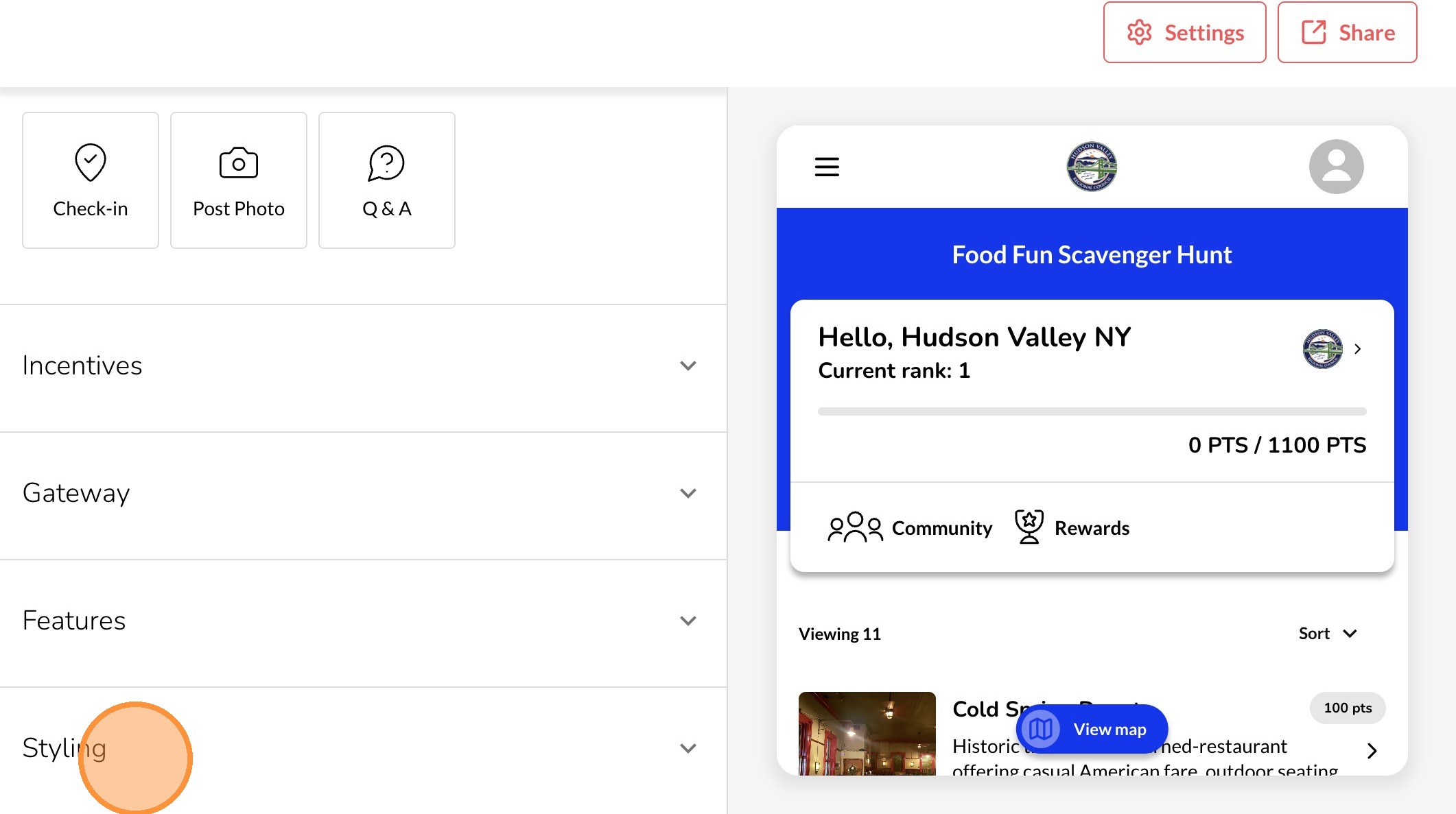
6. Click "Styling"
7. Click this field to upload a new logo
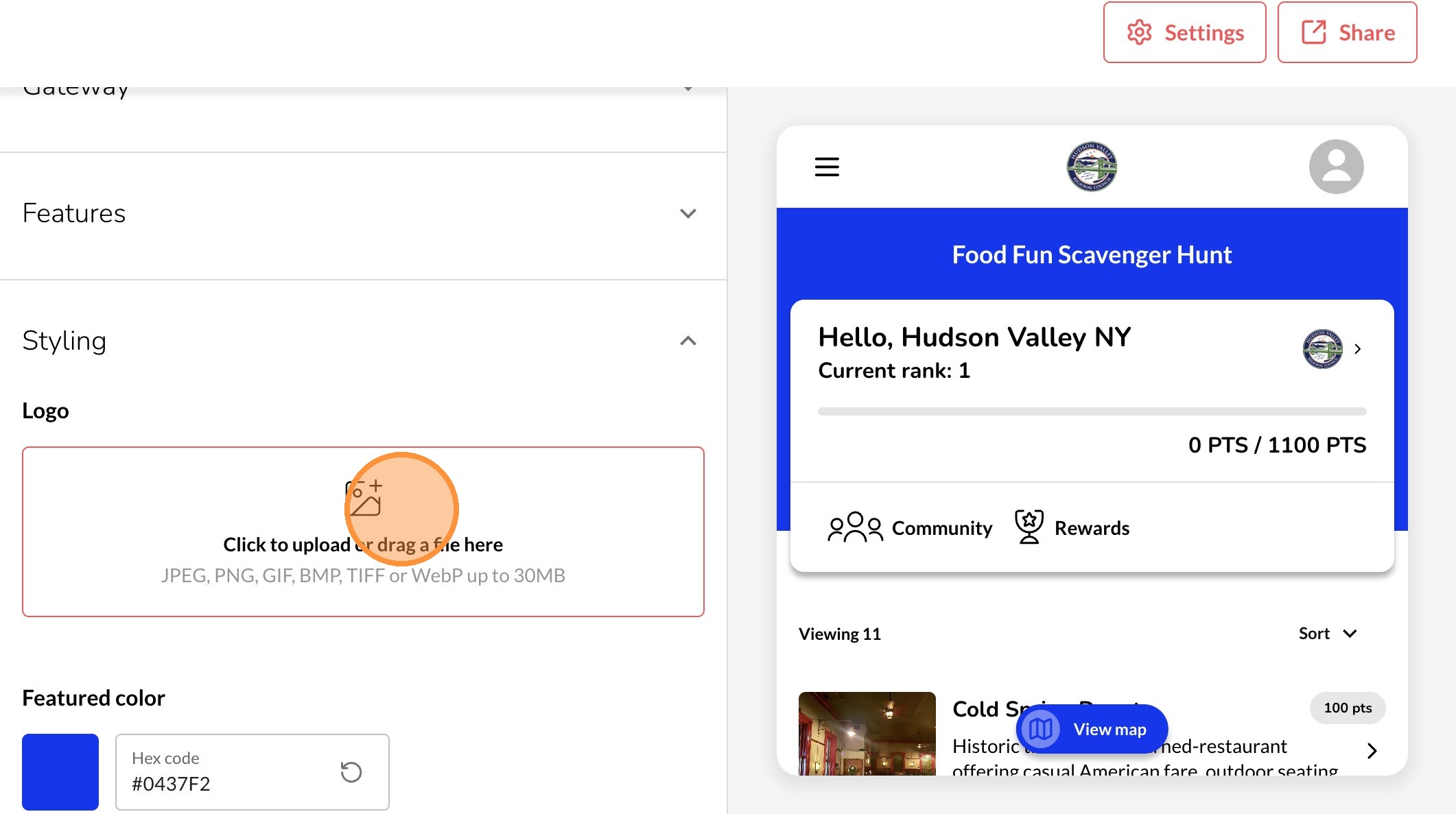
8. Your new logo will automatically save