-3.png?width=135&height=36&name=Seeker%20Logo%20red%20(1)-3.png)
How to Edit a Milestone Reward
1. Navigate to your dashboard
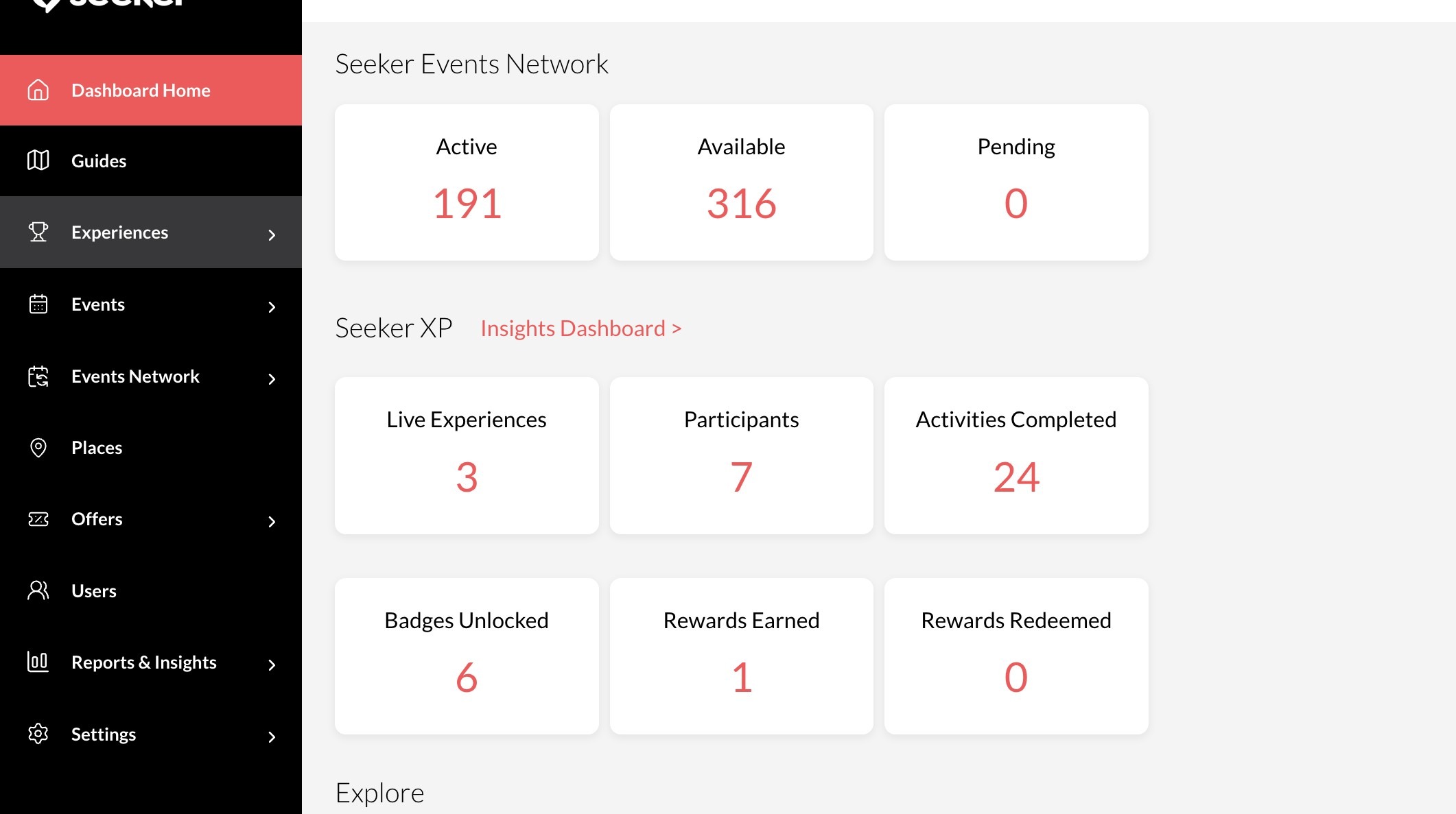
2. Click "Experiences"
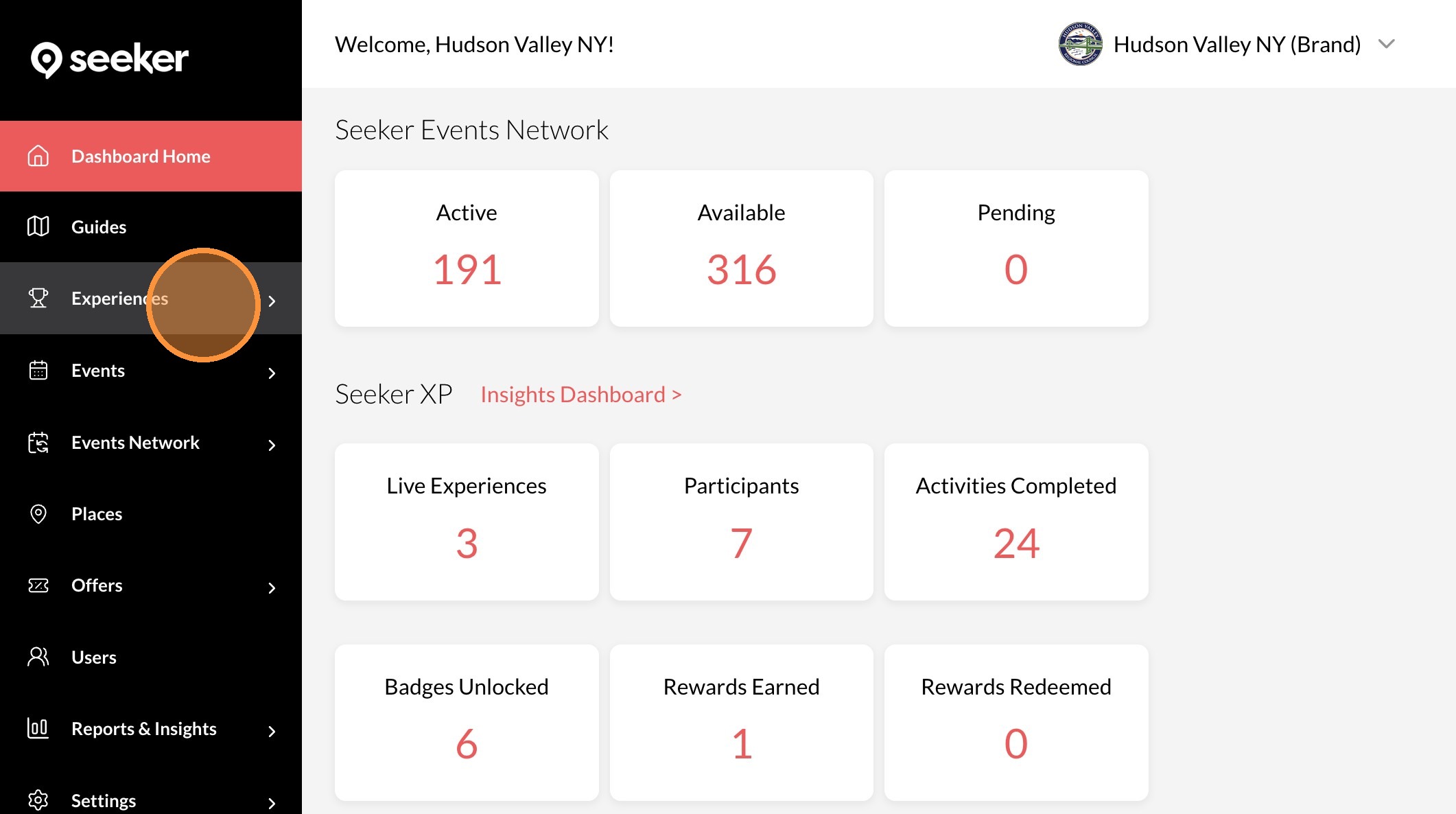
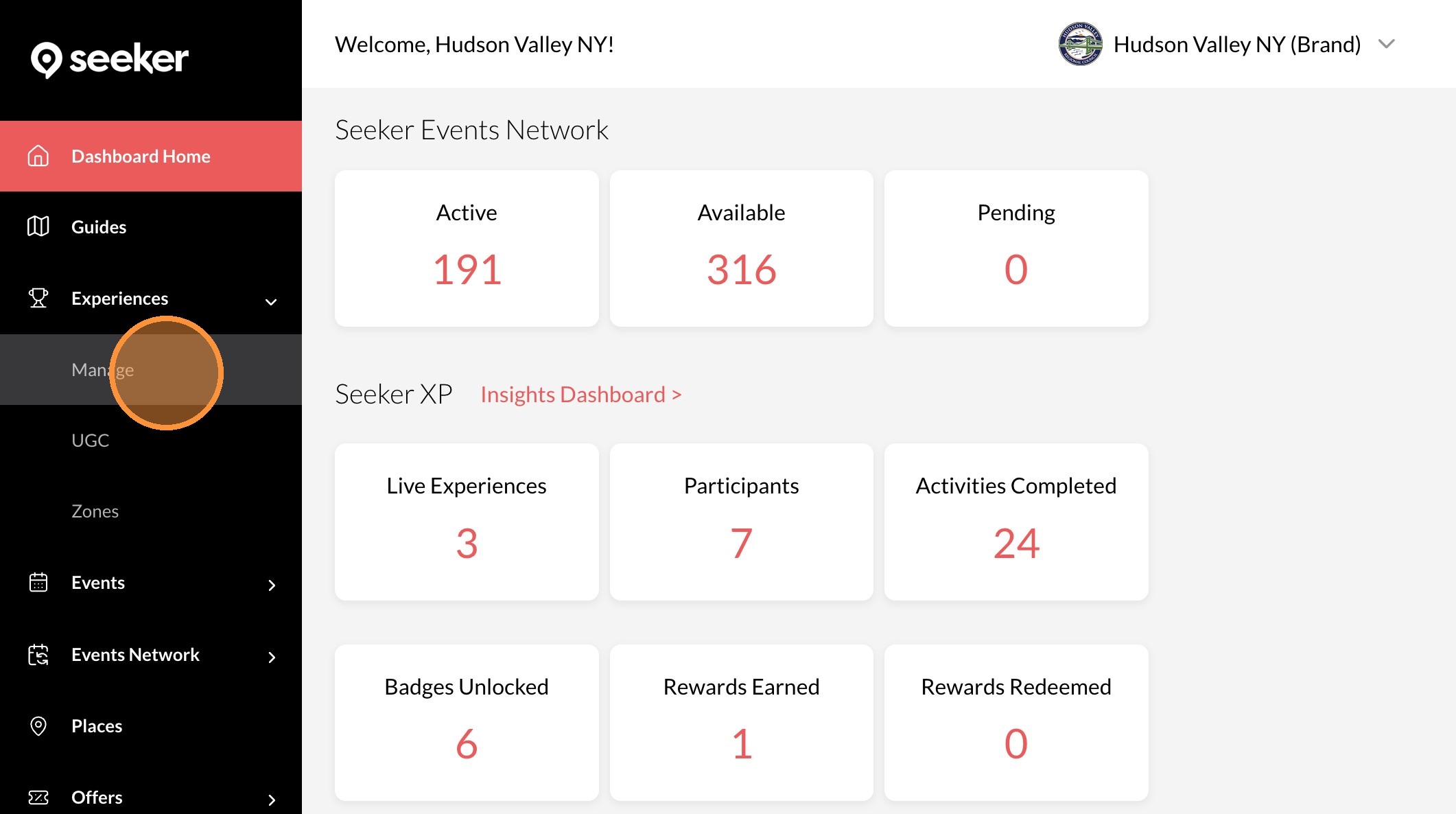
3. Click "Manage"
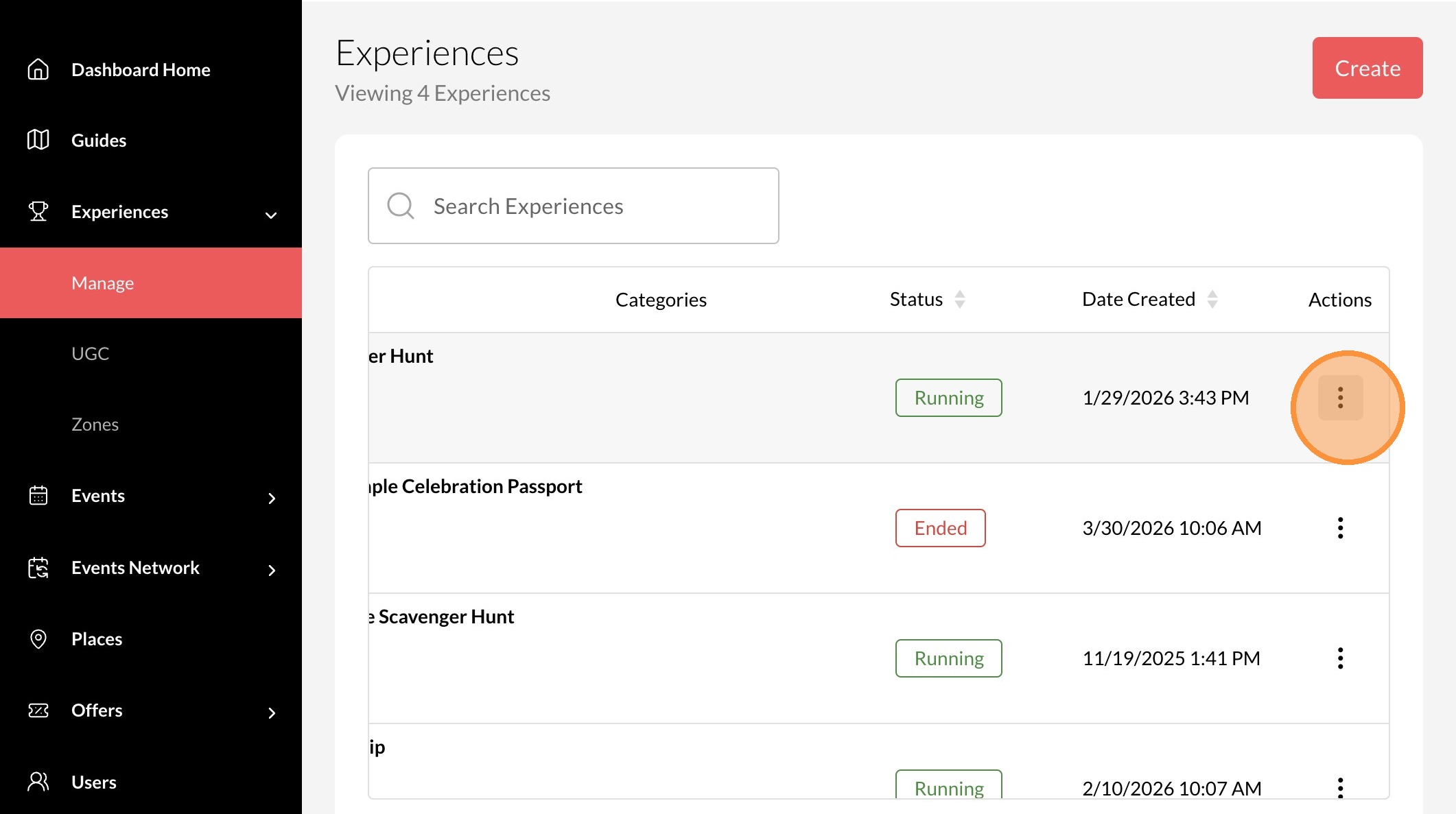
4. Click the "..." icon on the experience you want to edit.
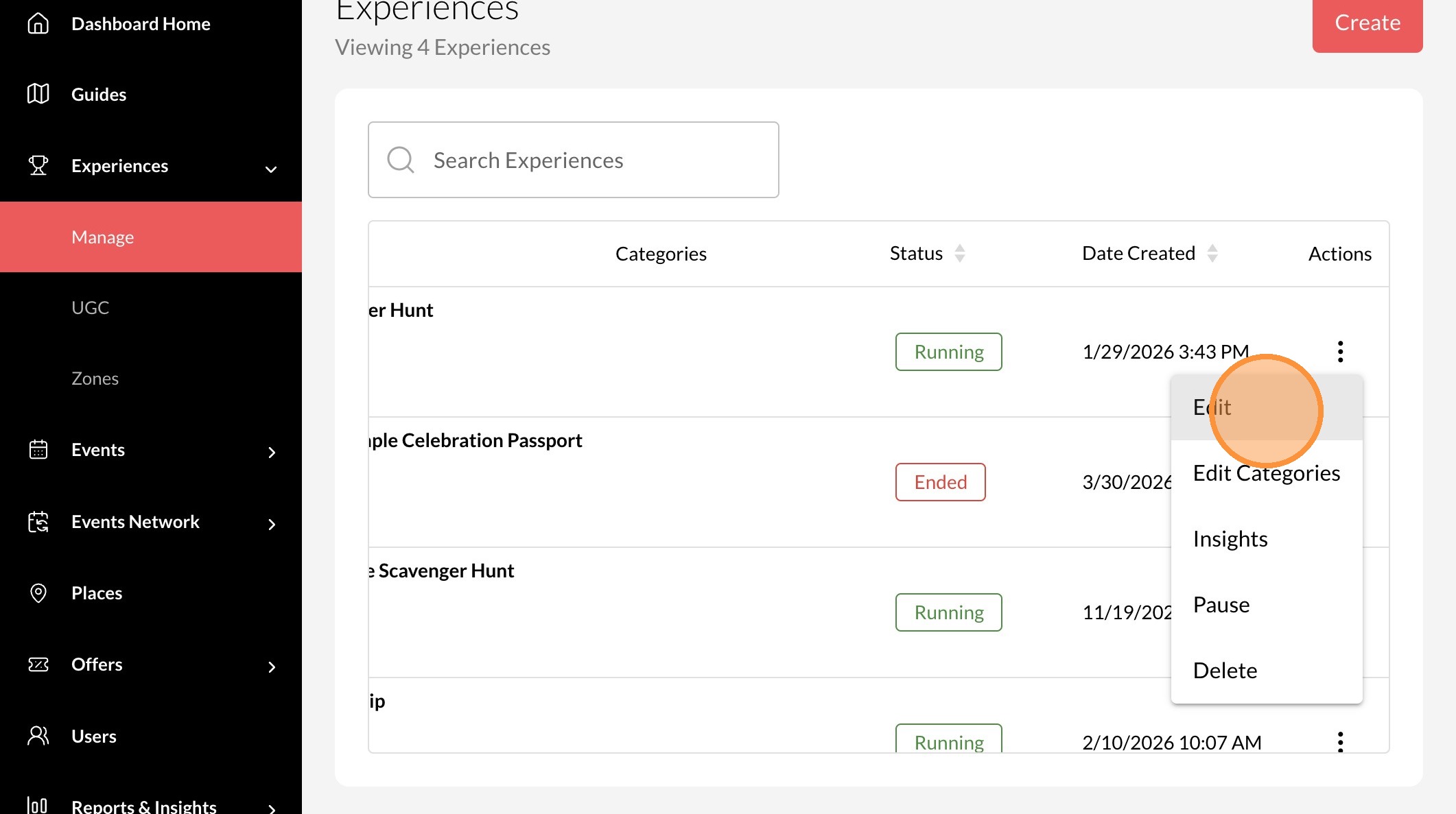
5. Click "Edit"
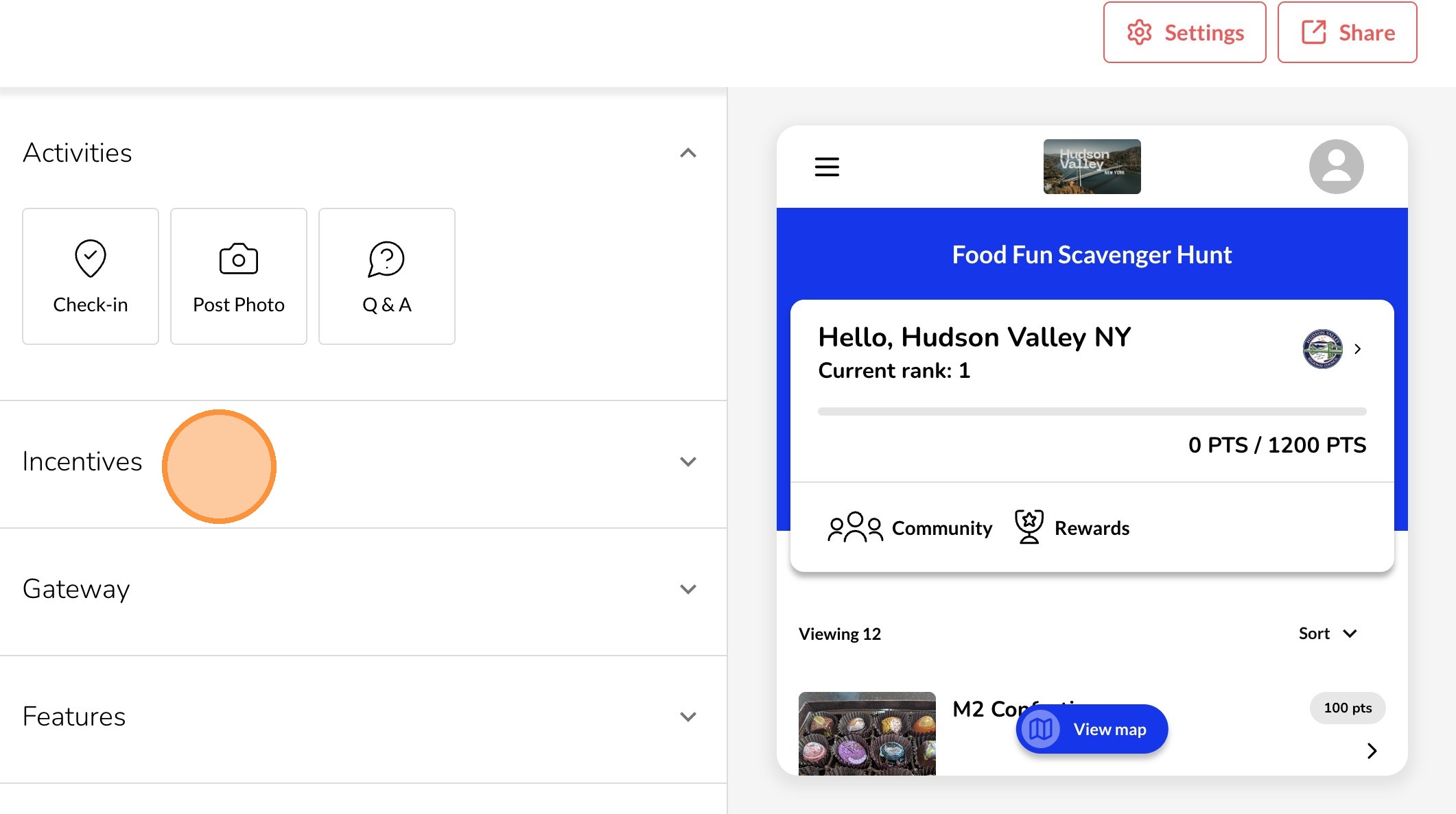
6. Click "Incentives"
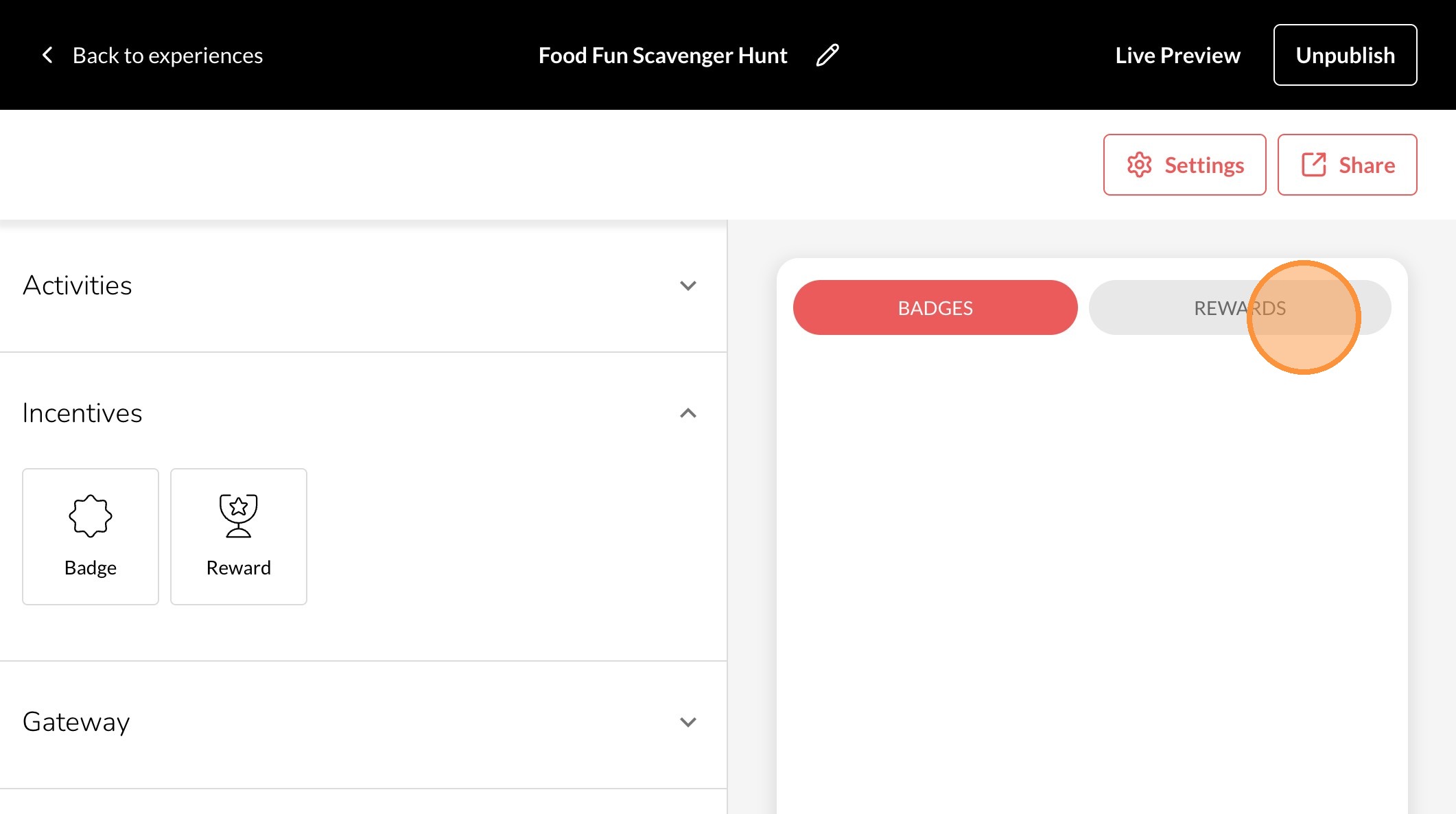
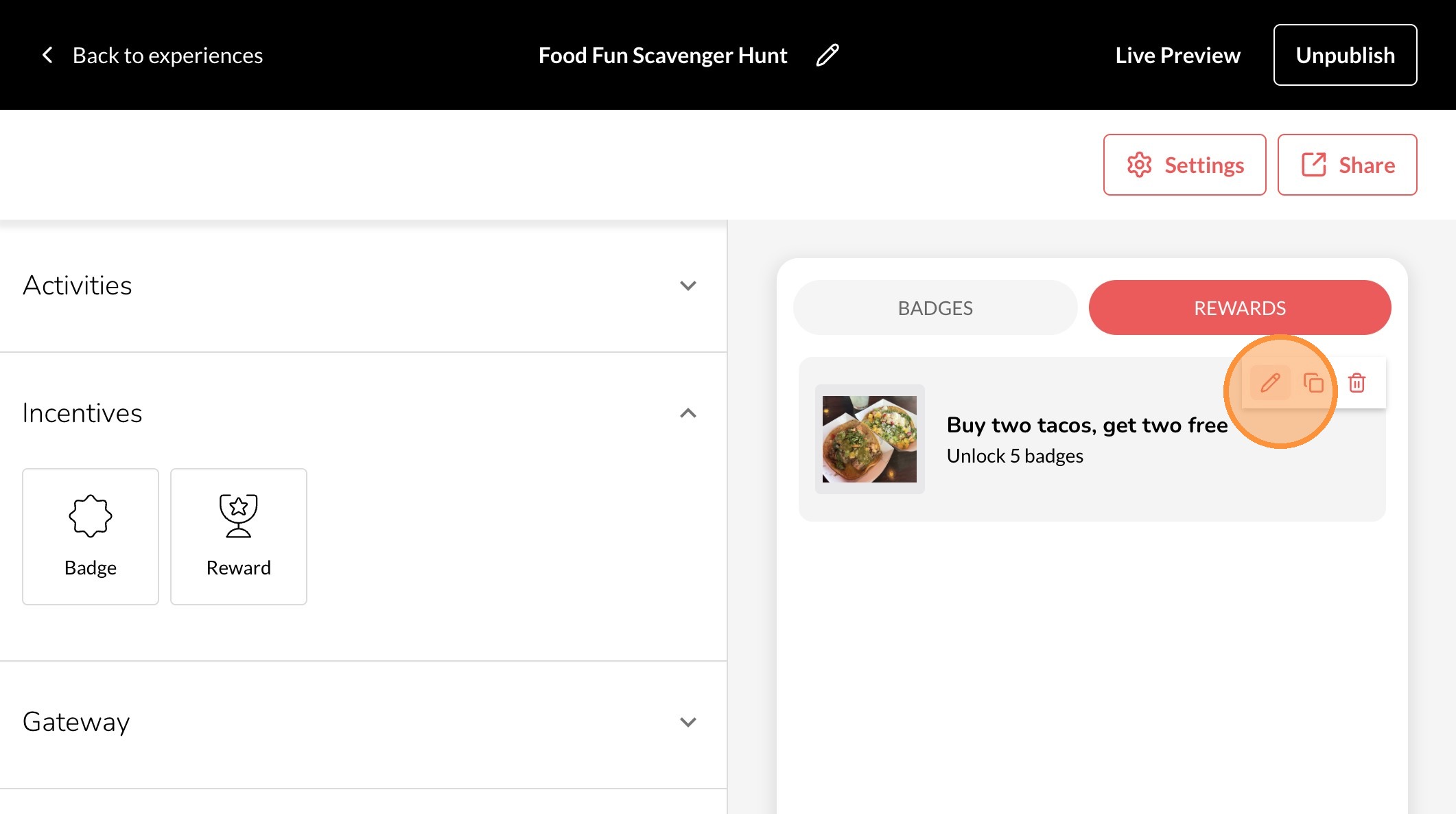
7. Click "Rewards"
8. Click the pencil icon.
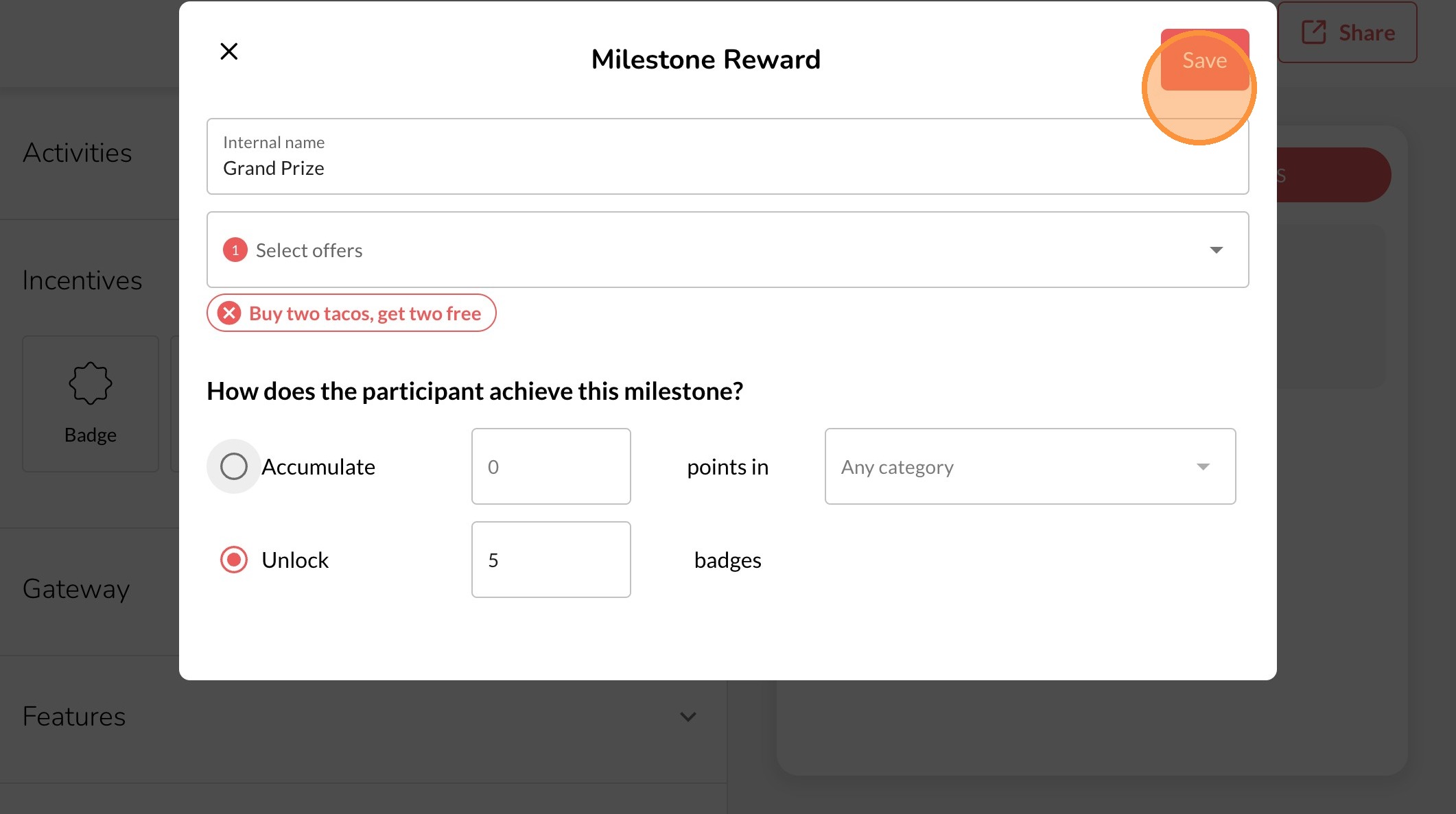
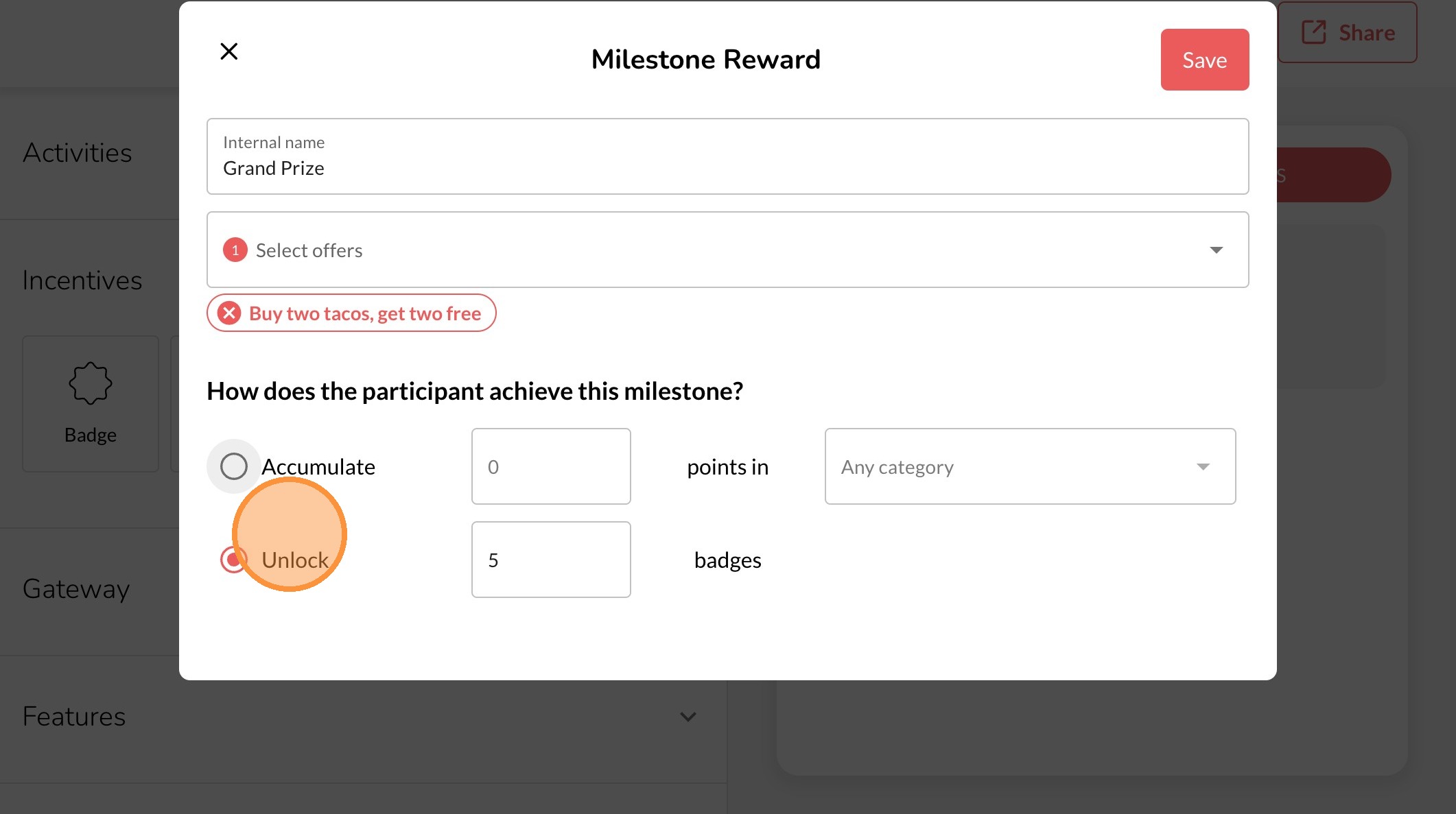
9. Make your edits
10. Click "Save"