-3.png?width=135&height=36&name=Seeker%20Logo%20red%20(1)-3.png)
How to Export an Embed for your Experience
1. Navigate to your dashboard
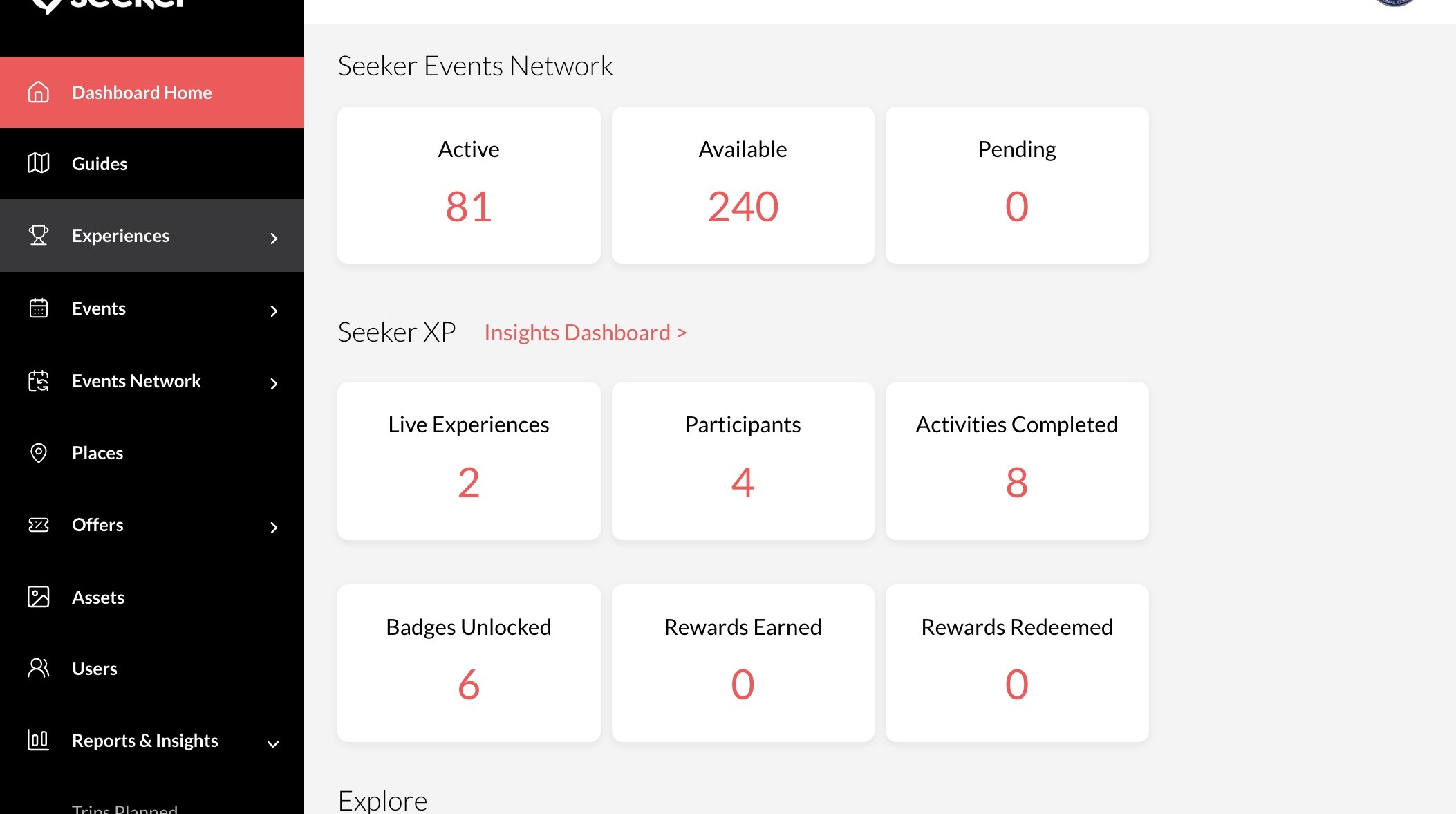
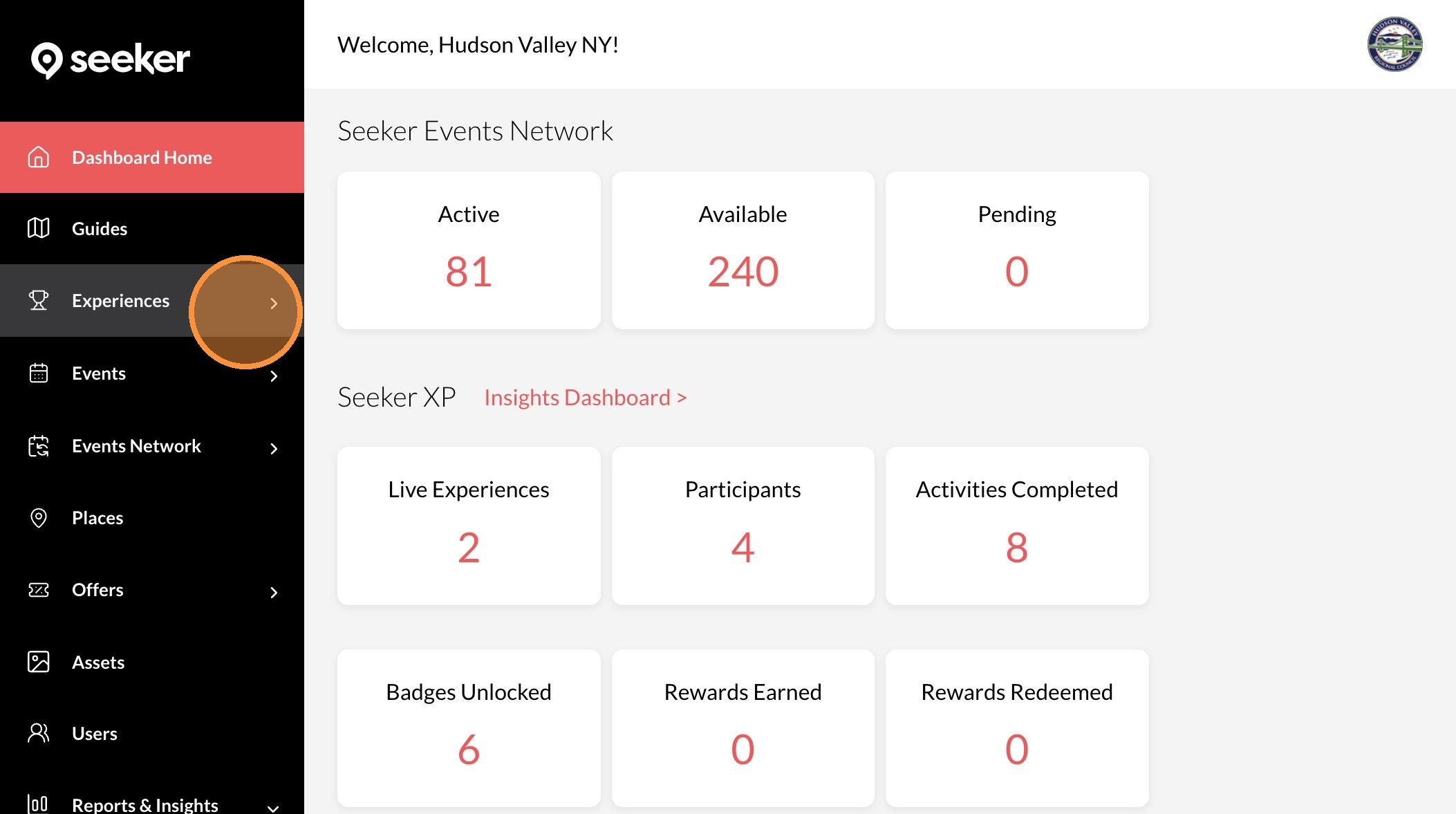
2. Click "Experiences"
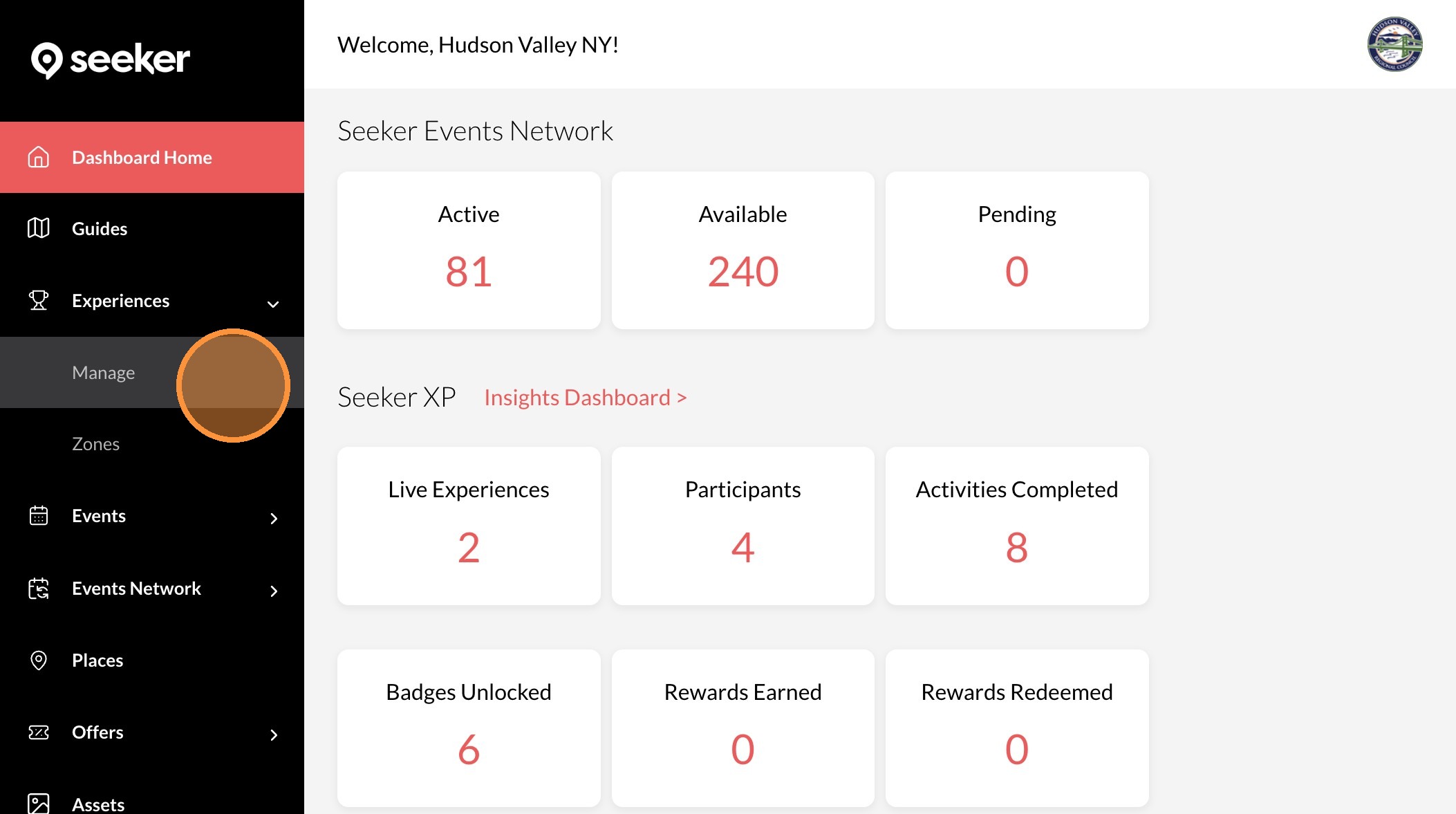
3. Click "Manage"
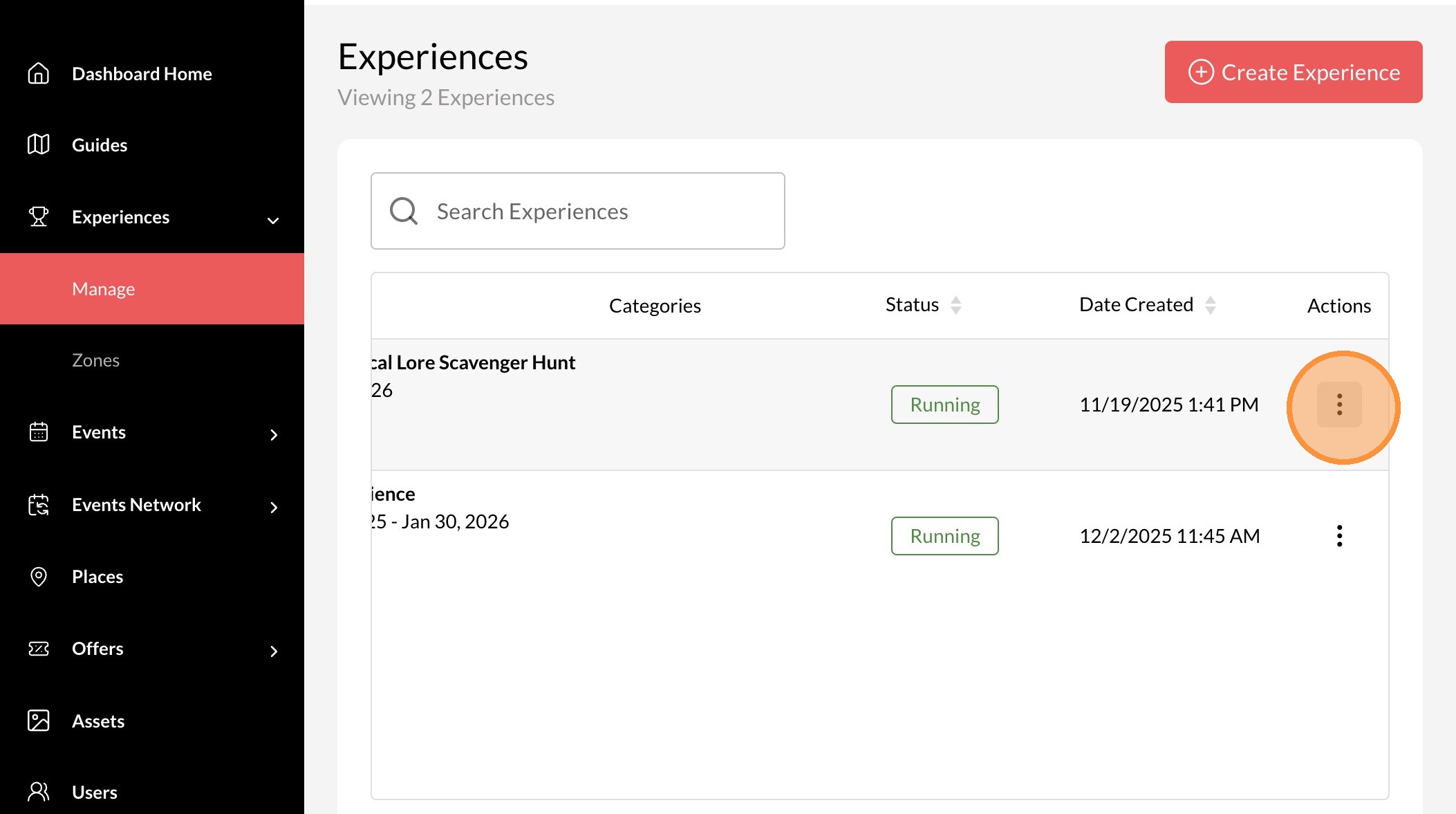
4. Click the ... icon.
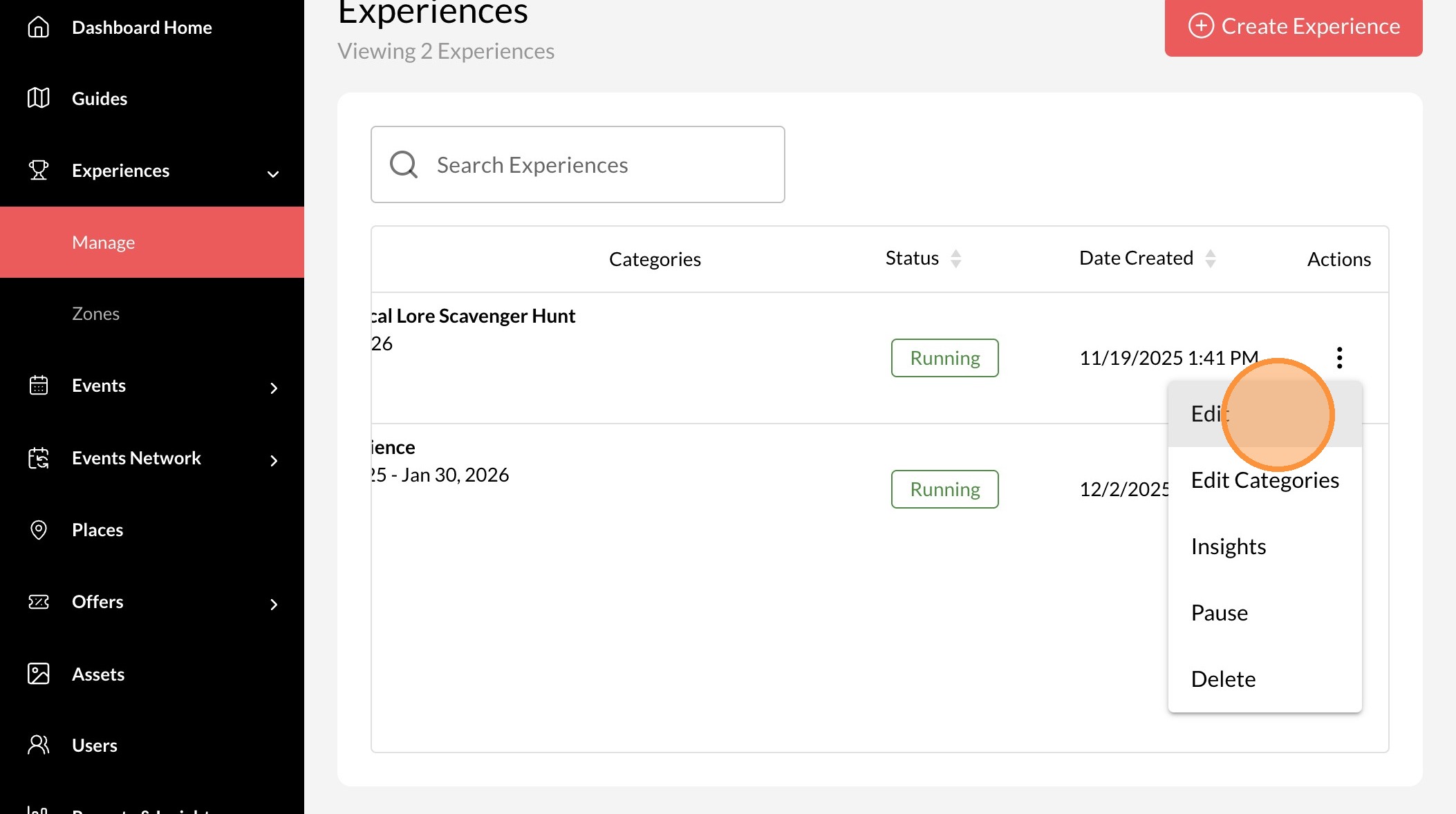
5. Click "Edit"
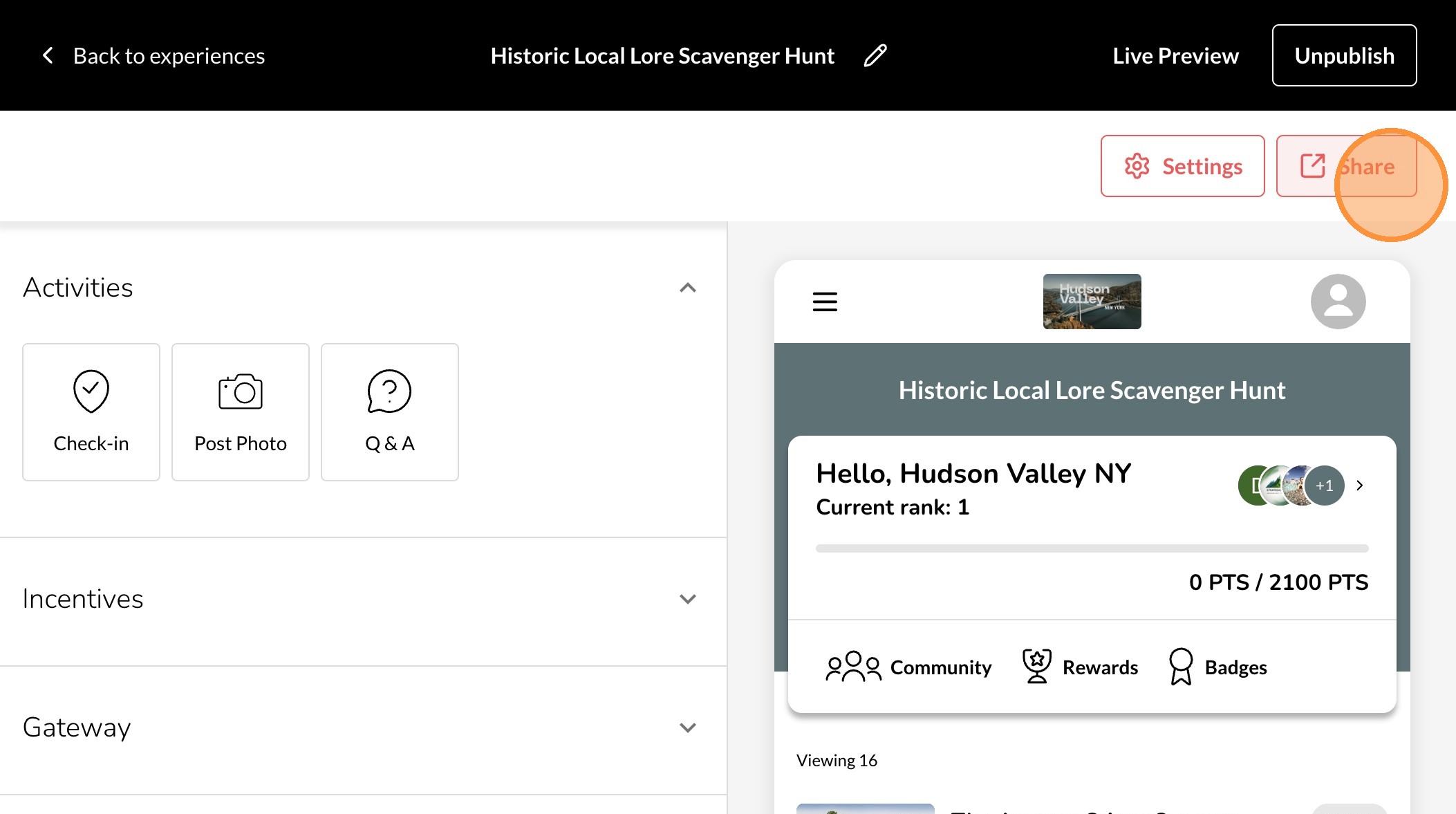
6. Click "Share"
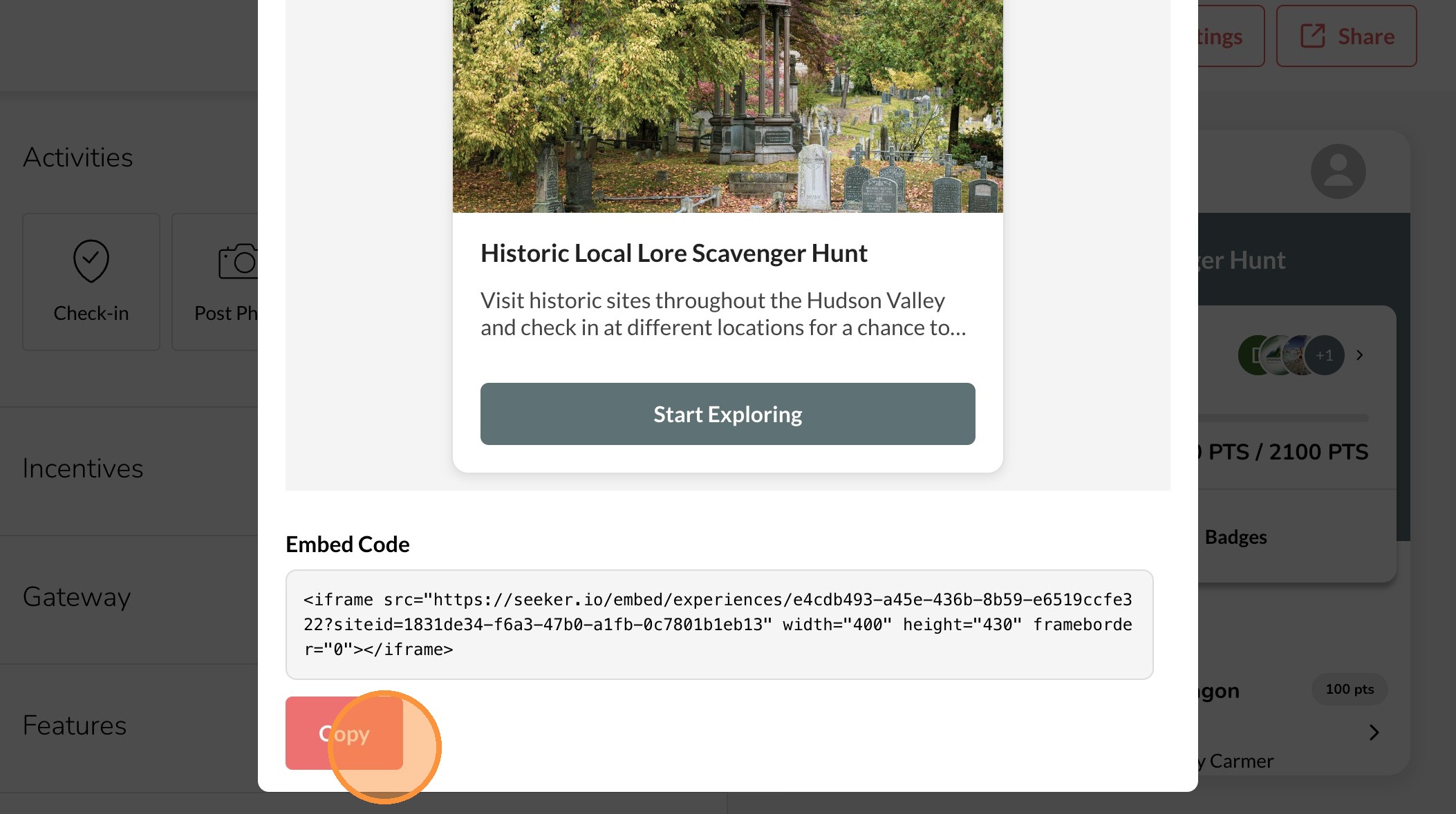
7. Click "Embed"
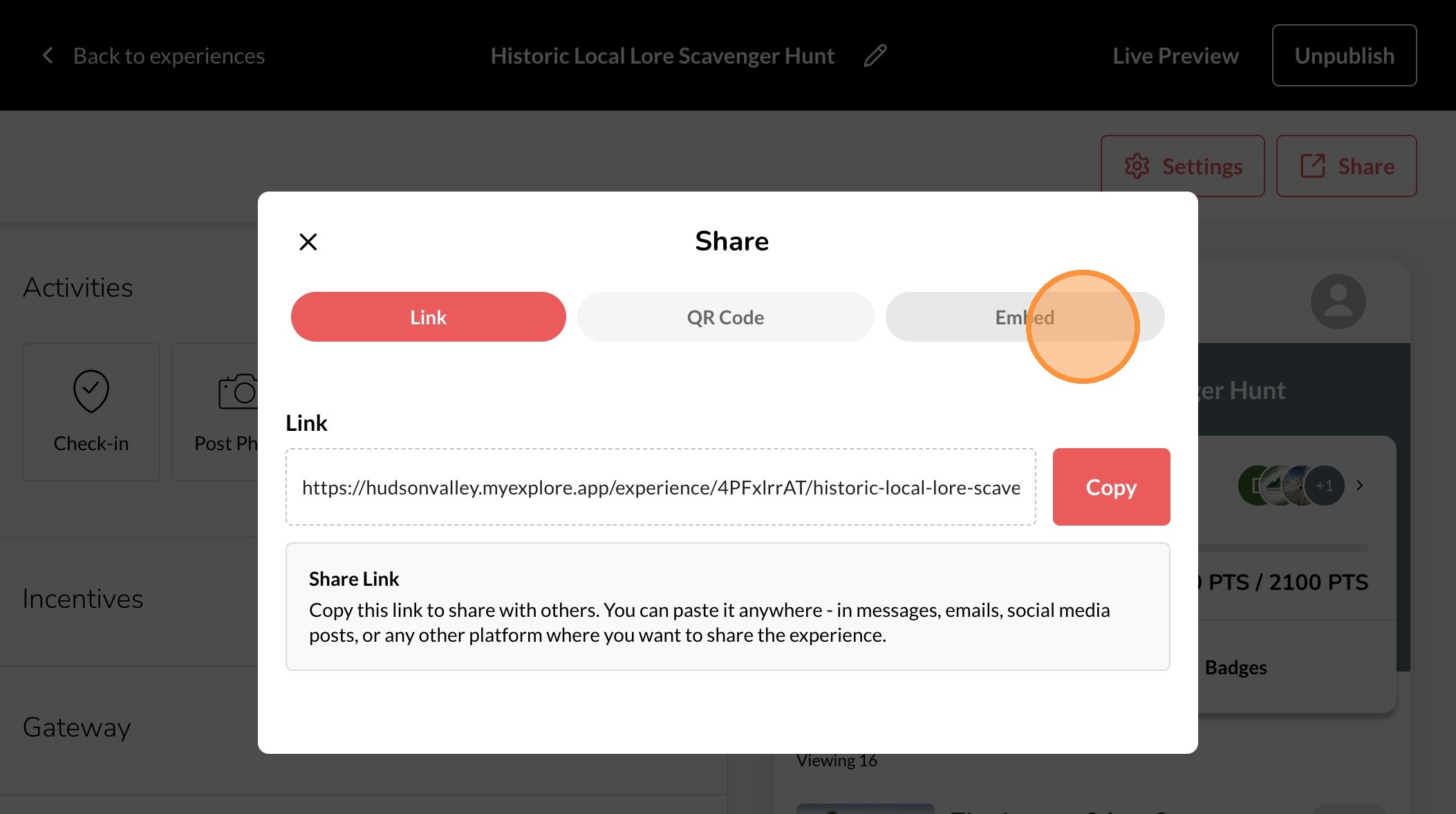
8. Click "Copy" and paste this code to the site you would like to embed it.