-3.png?width=135&height=36&name=Seeker%20Logo%20red%20(1)-3.png)
How to Whitelist a Source in the Seeker Dashboard
This guide provides the exact steps needed to access your discover feed and whitelist specific sources to streamline your data workflow.
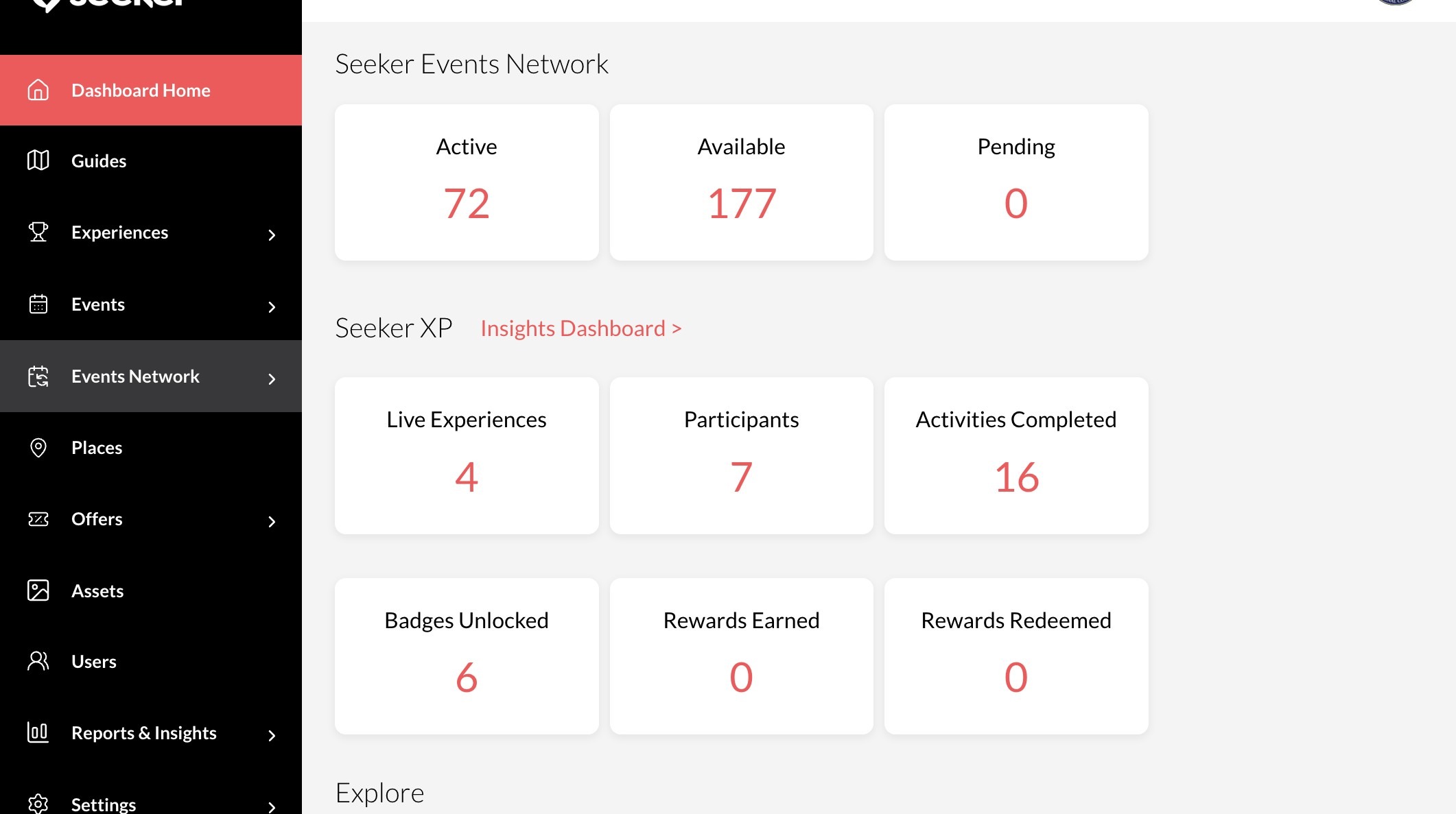
1. Navigate to your Seeker Dashboard
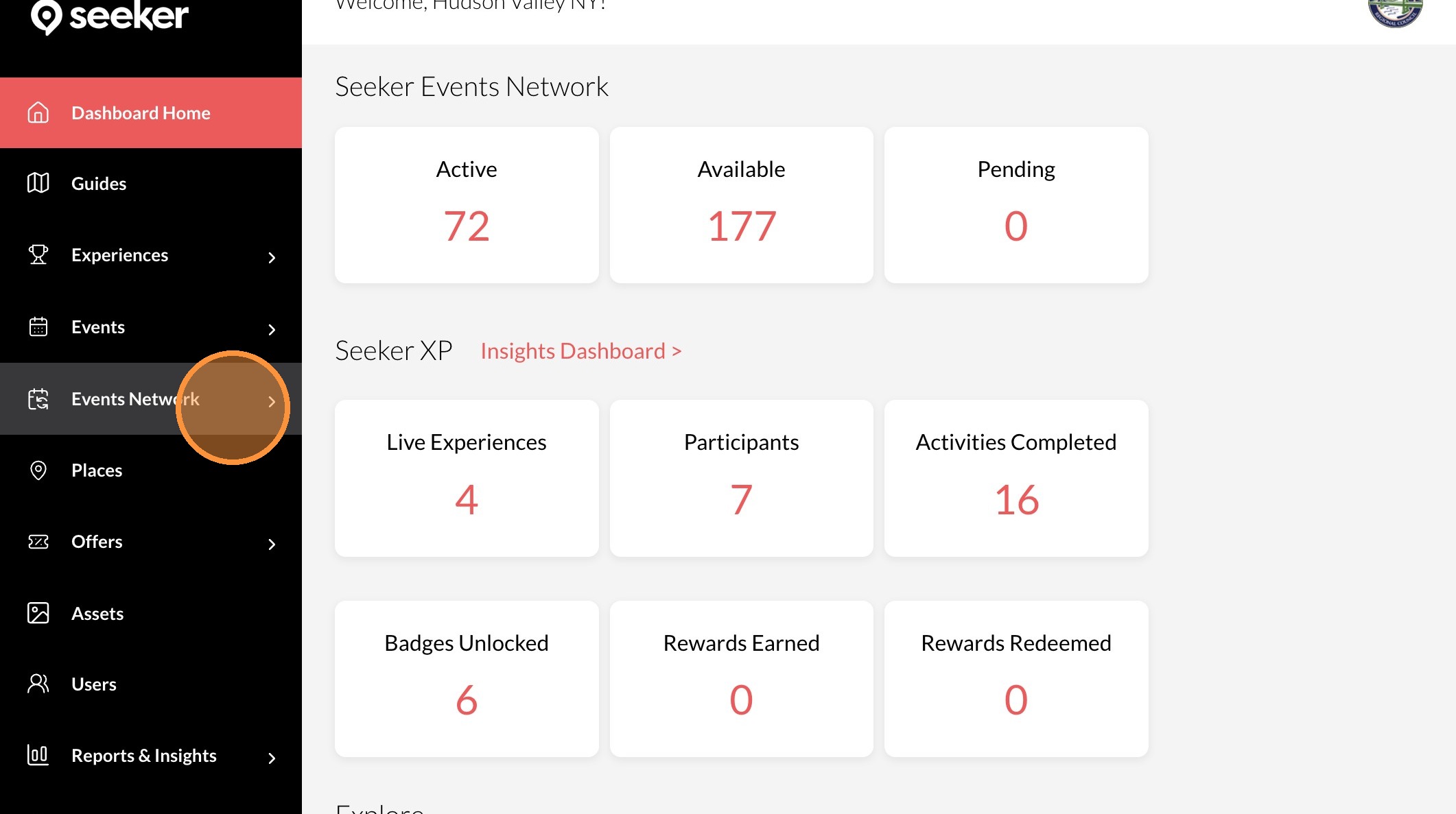
2. Click "Events Network"
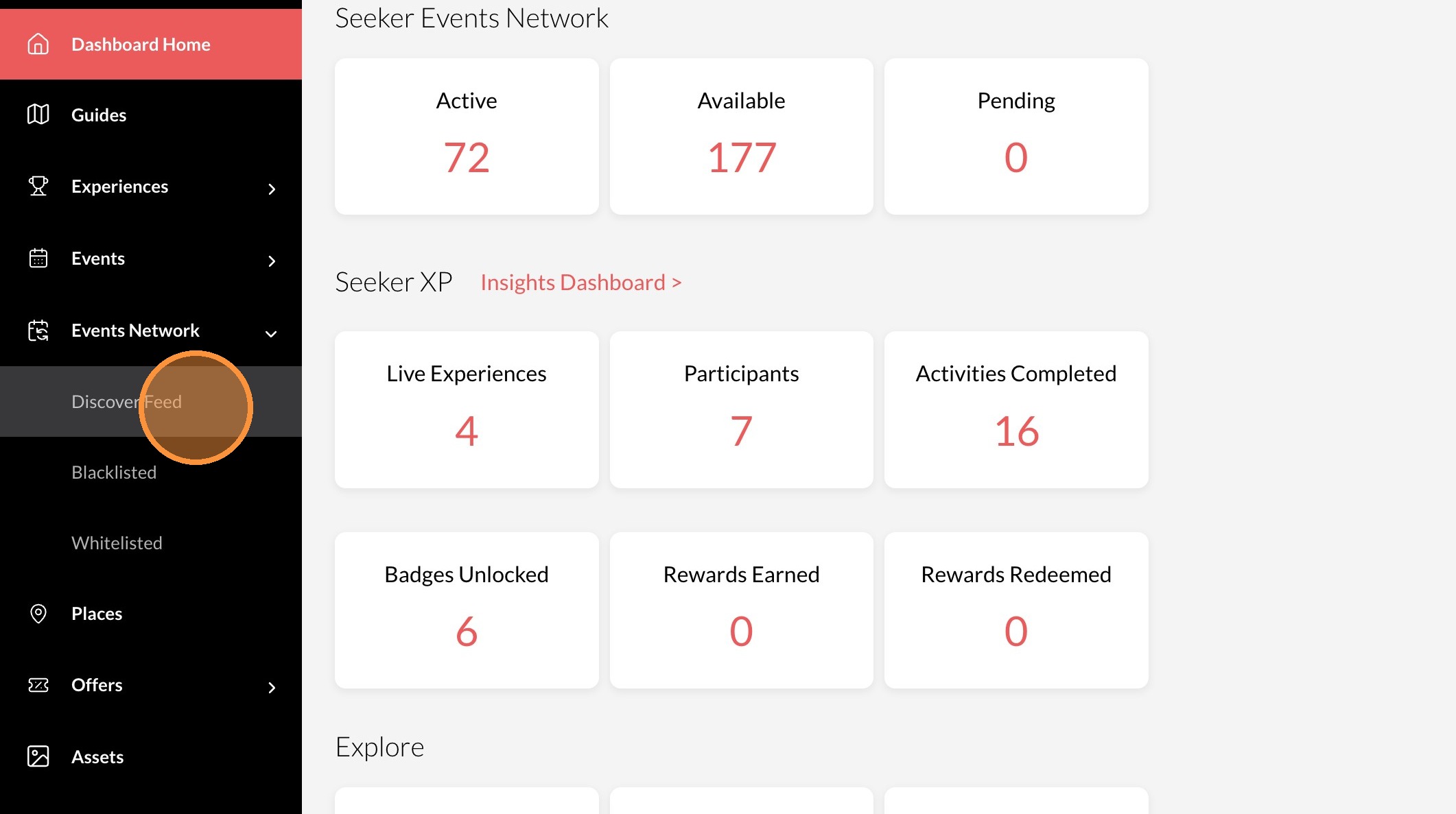
3. Click "Discover Feed"
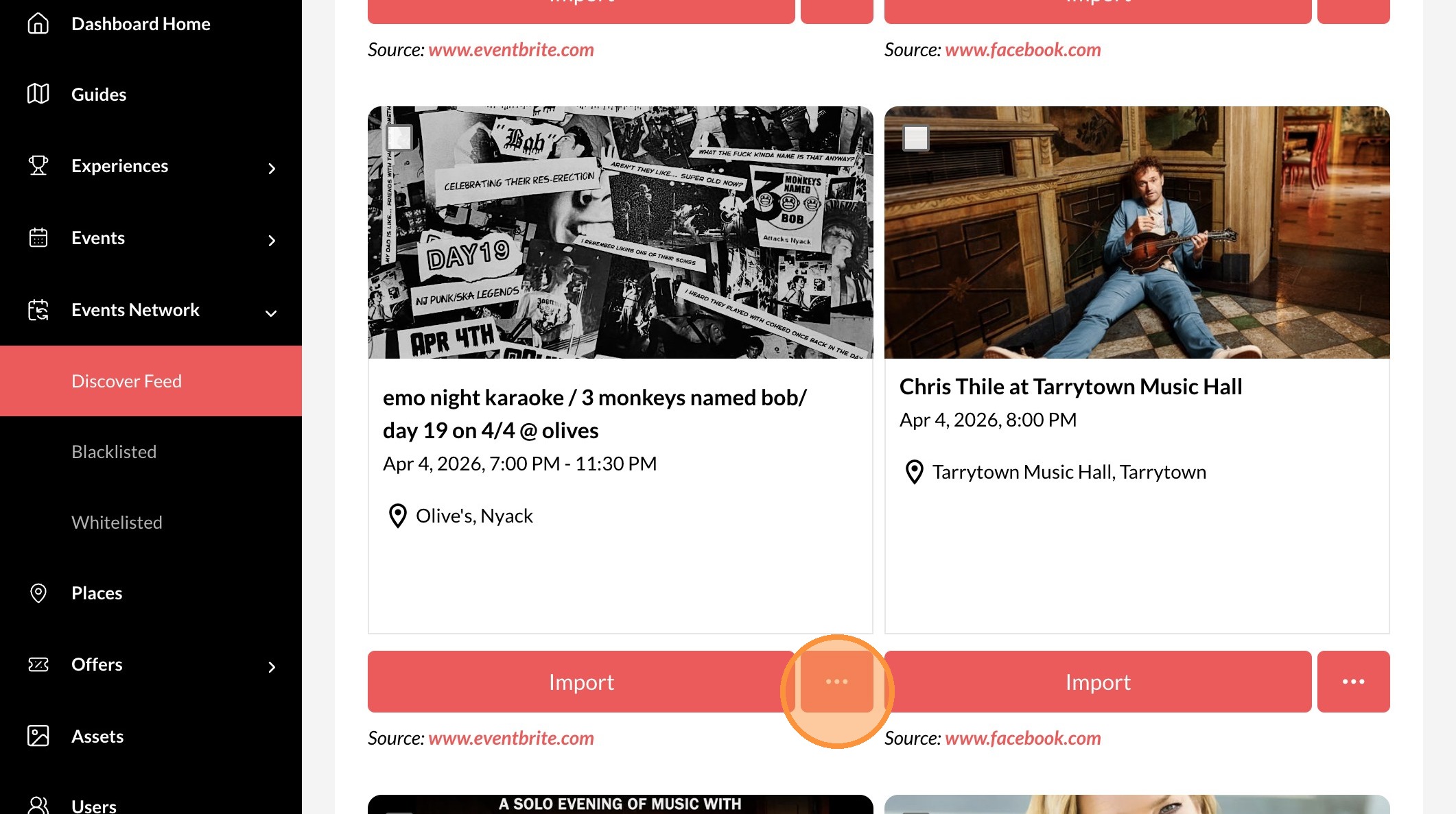
4. Click the "..." icon.
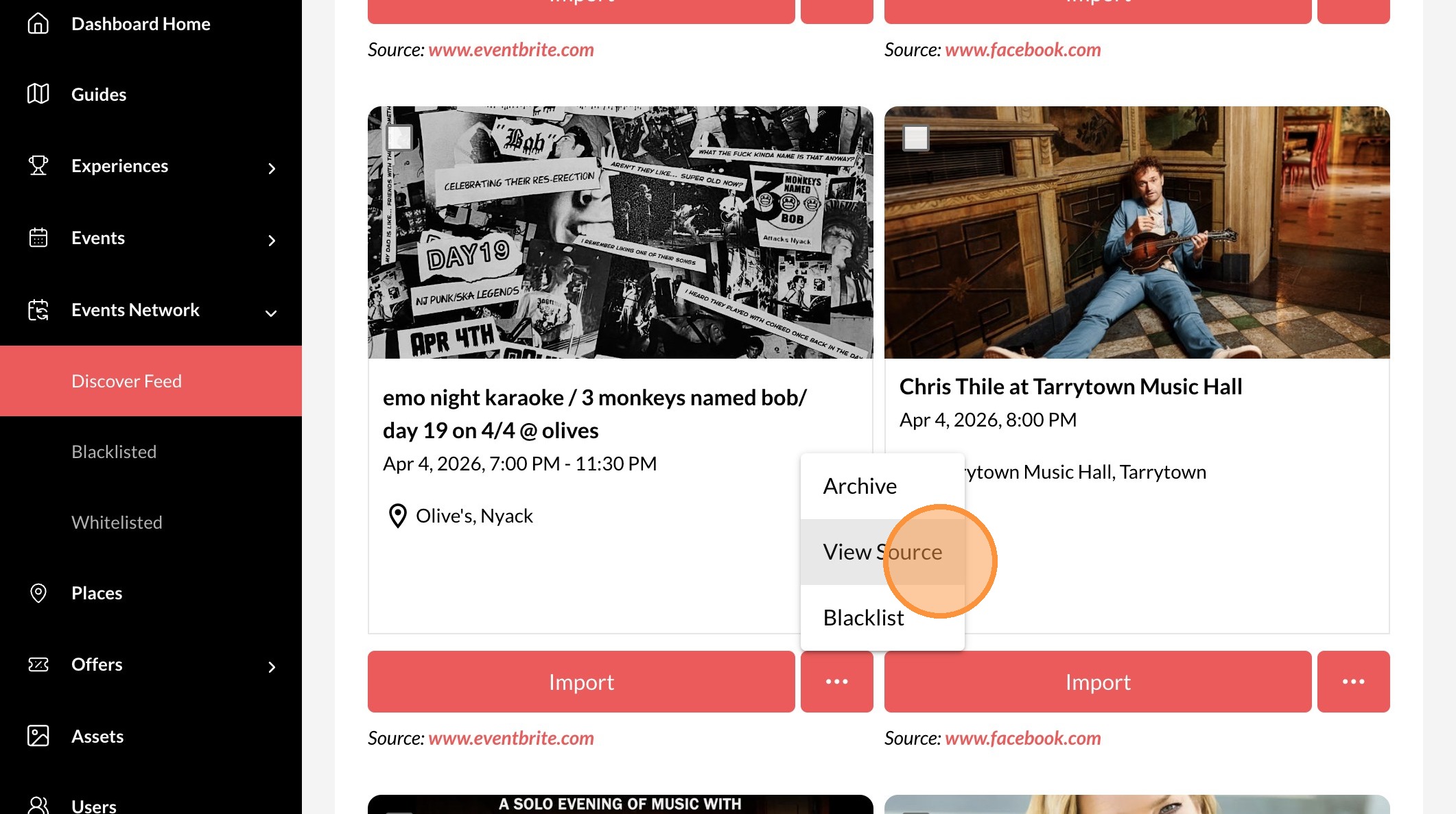
5. Click "View Source"
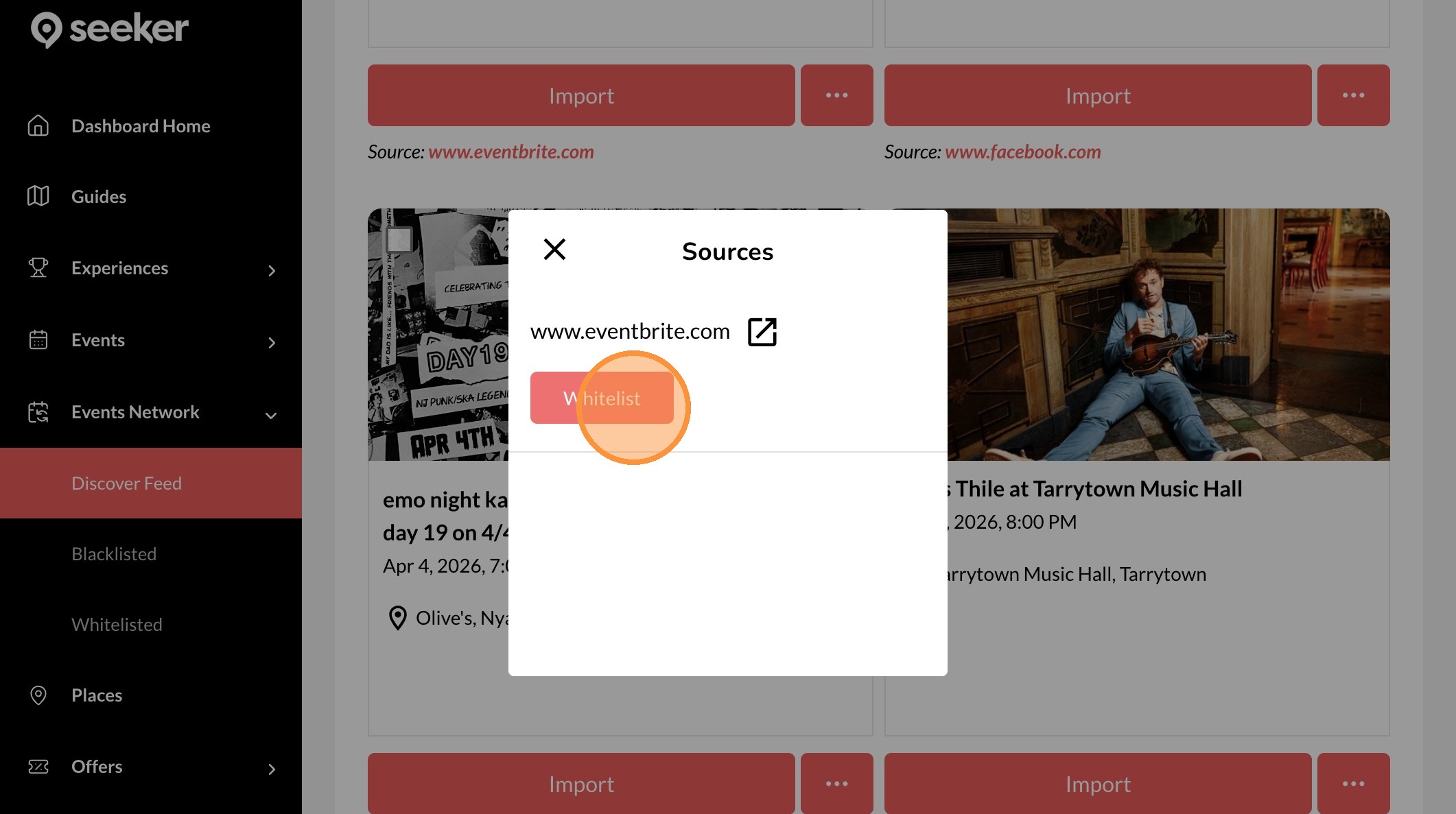
6. Click "Whitelist"