-3.png?width=135&height=36&name=Seeker%20Logo%20red%20(1)-3.png)
How to Manually Add Completed Activities in your Admin Dashboard
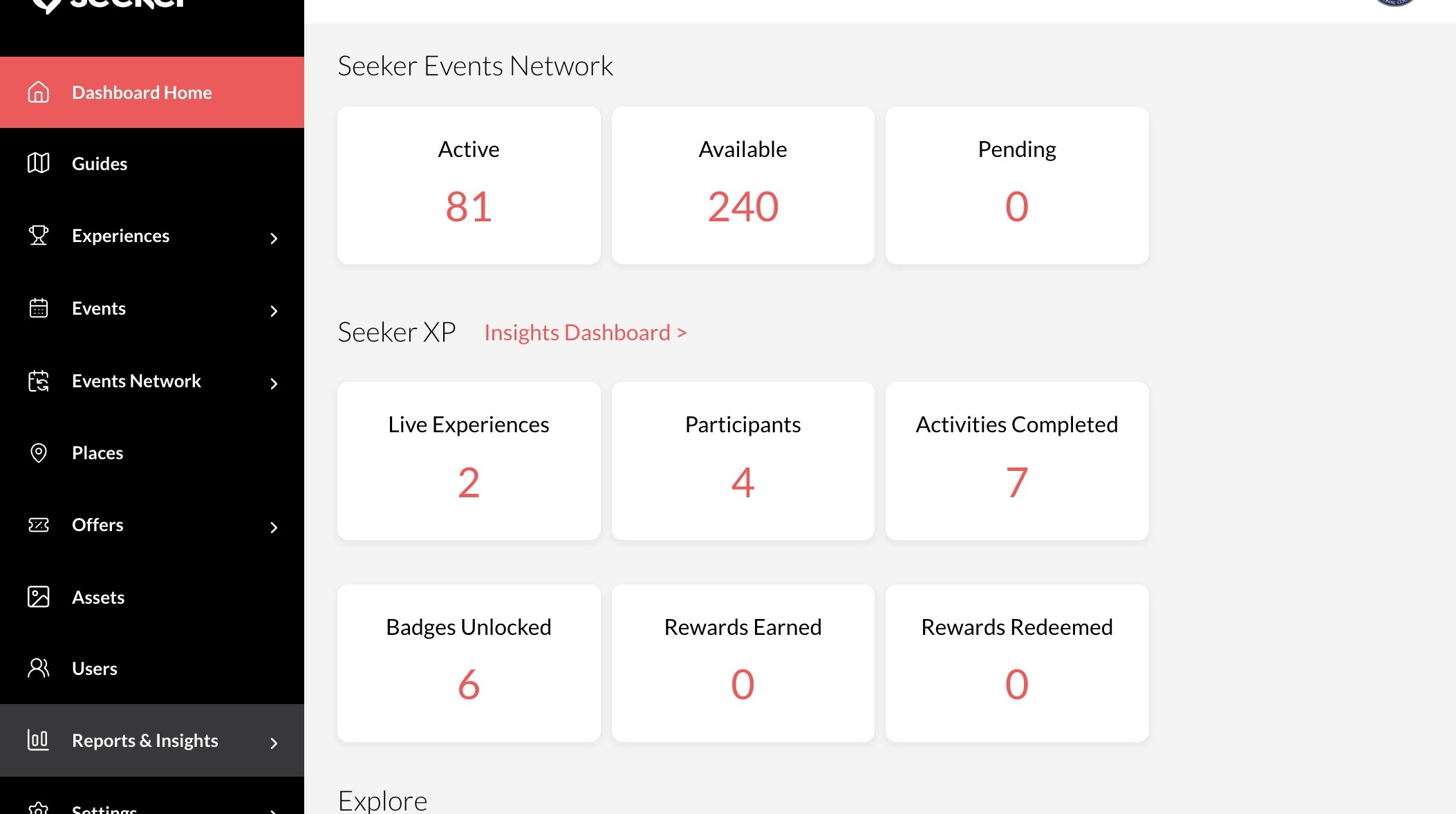
1. Navigate to your dashboard
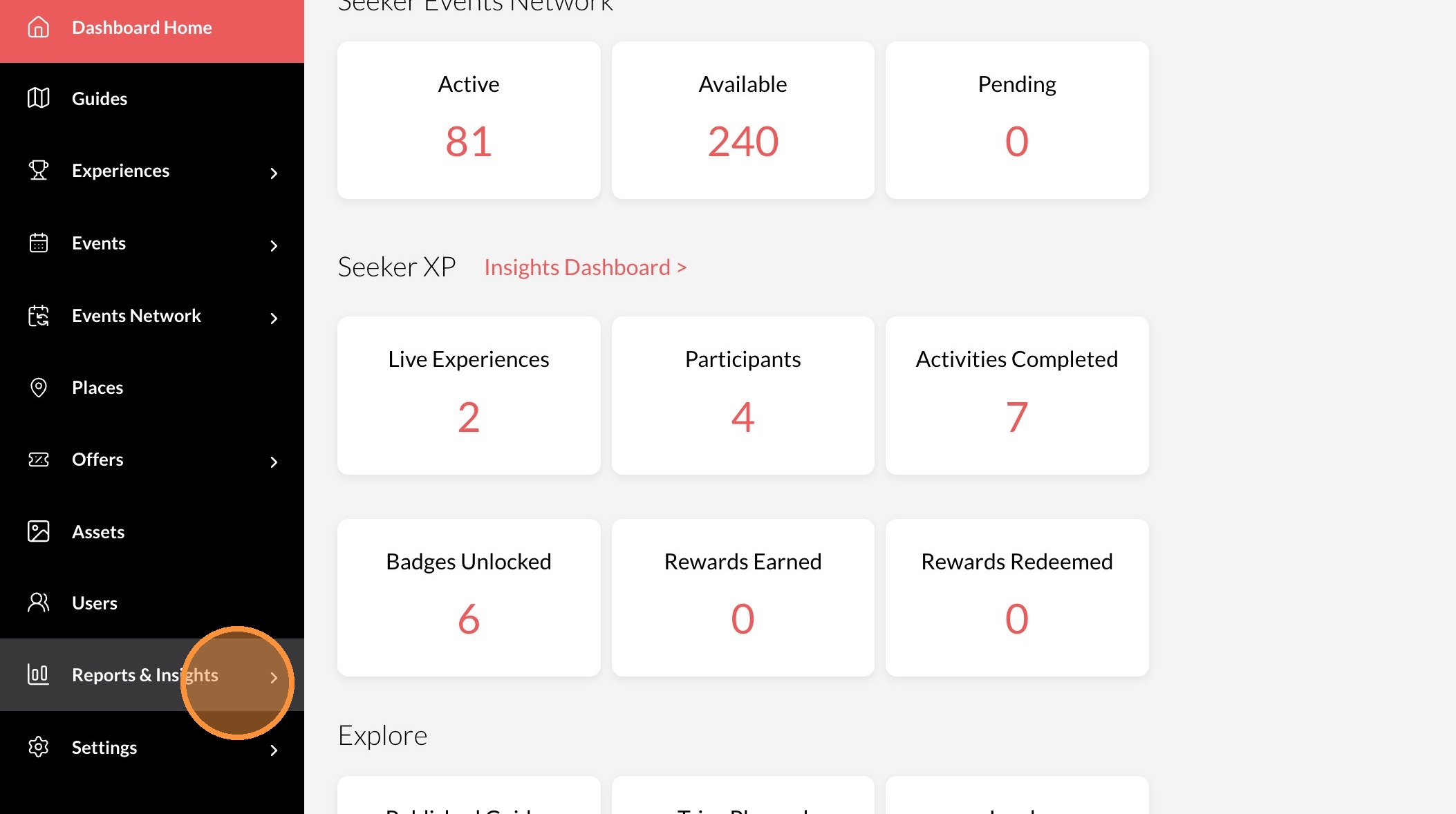
2. Click "Reports & Insights"
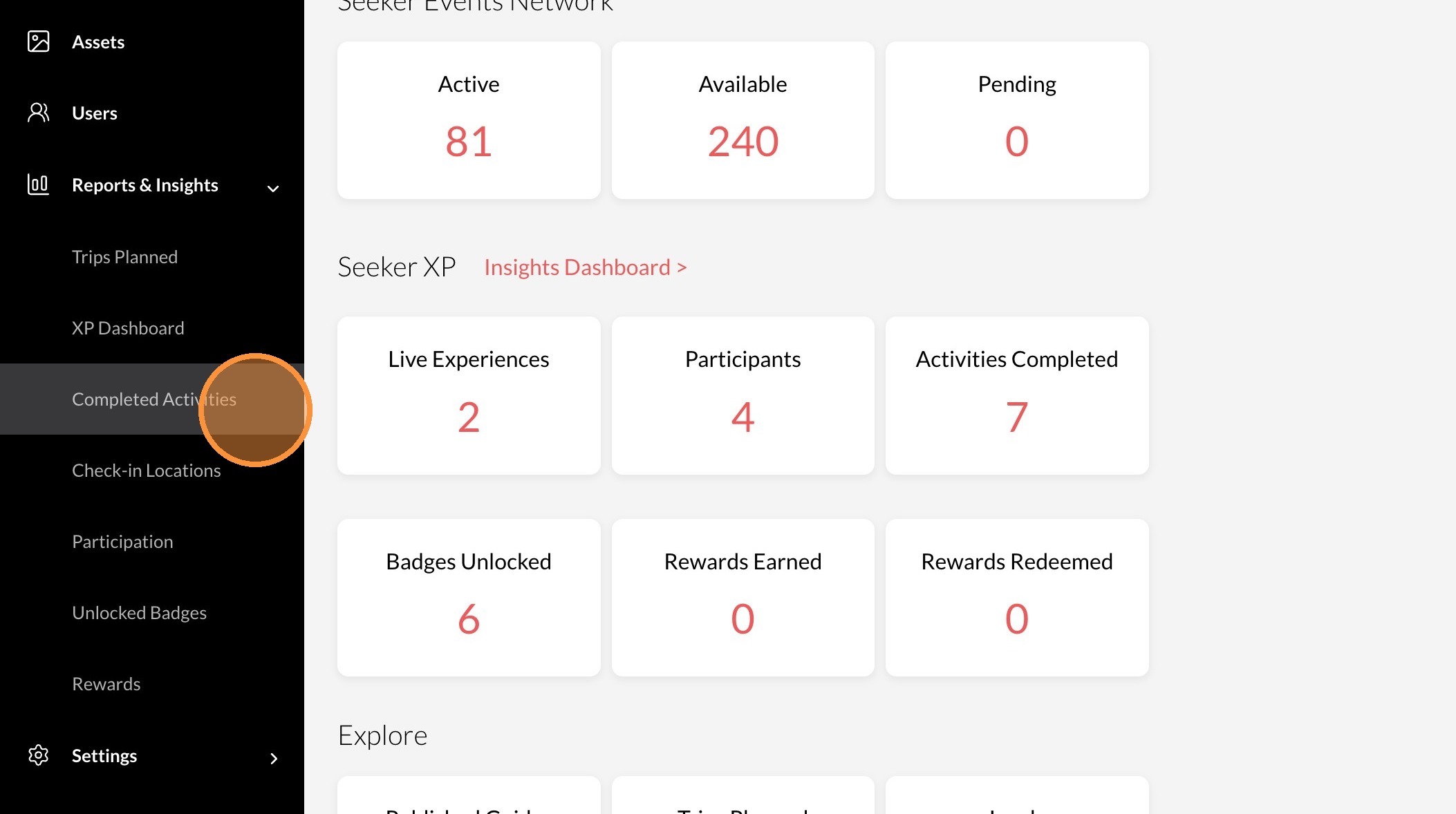
3. Click "Completed Activities"
4. Click "Manually Add"
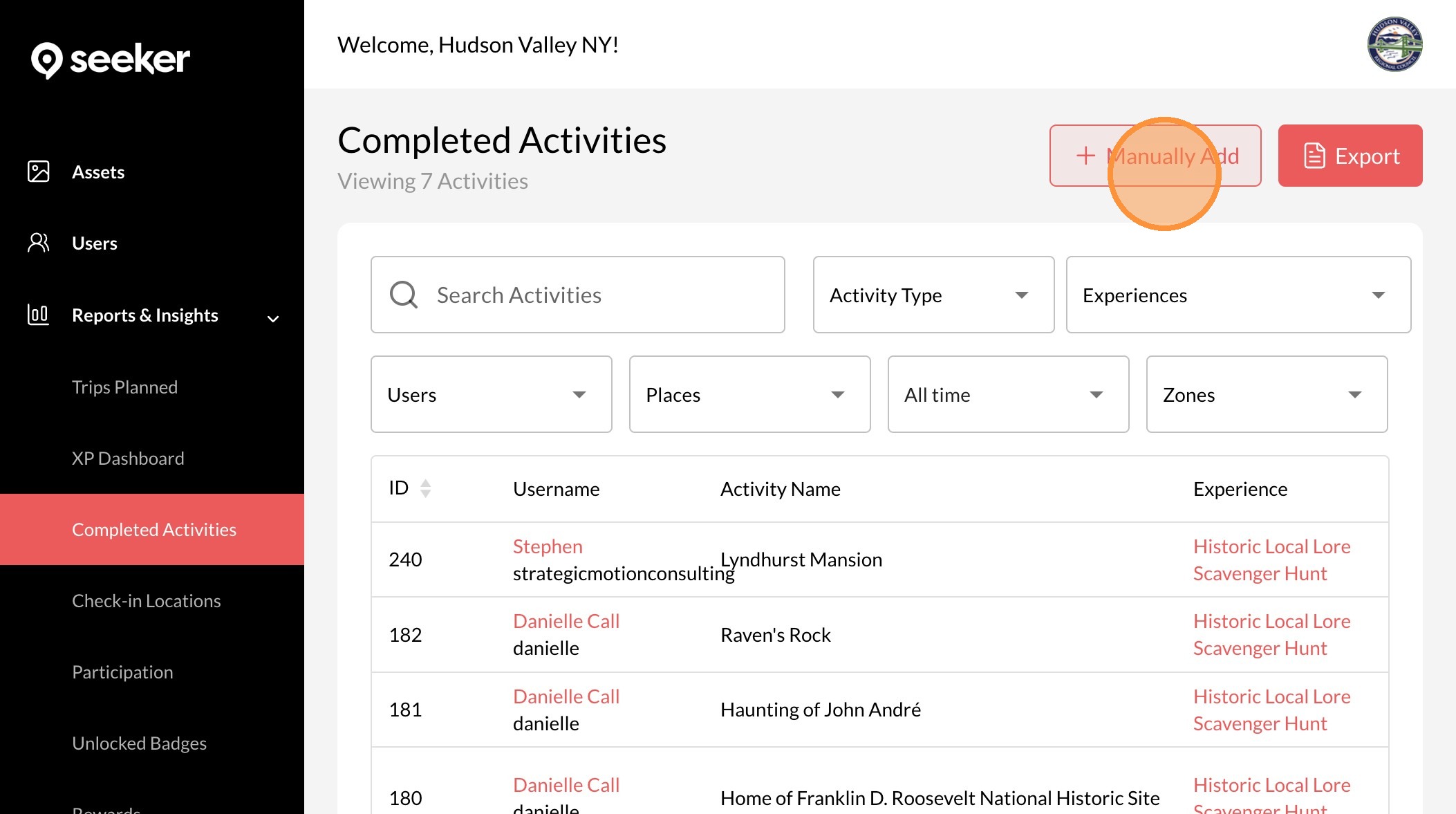
5. Click here.
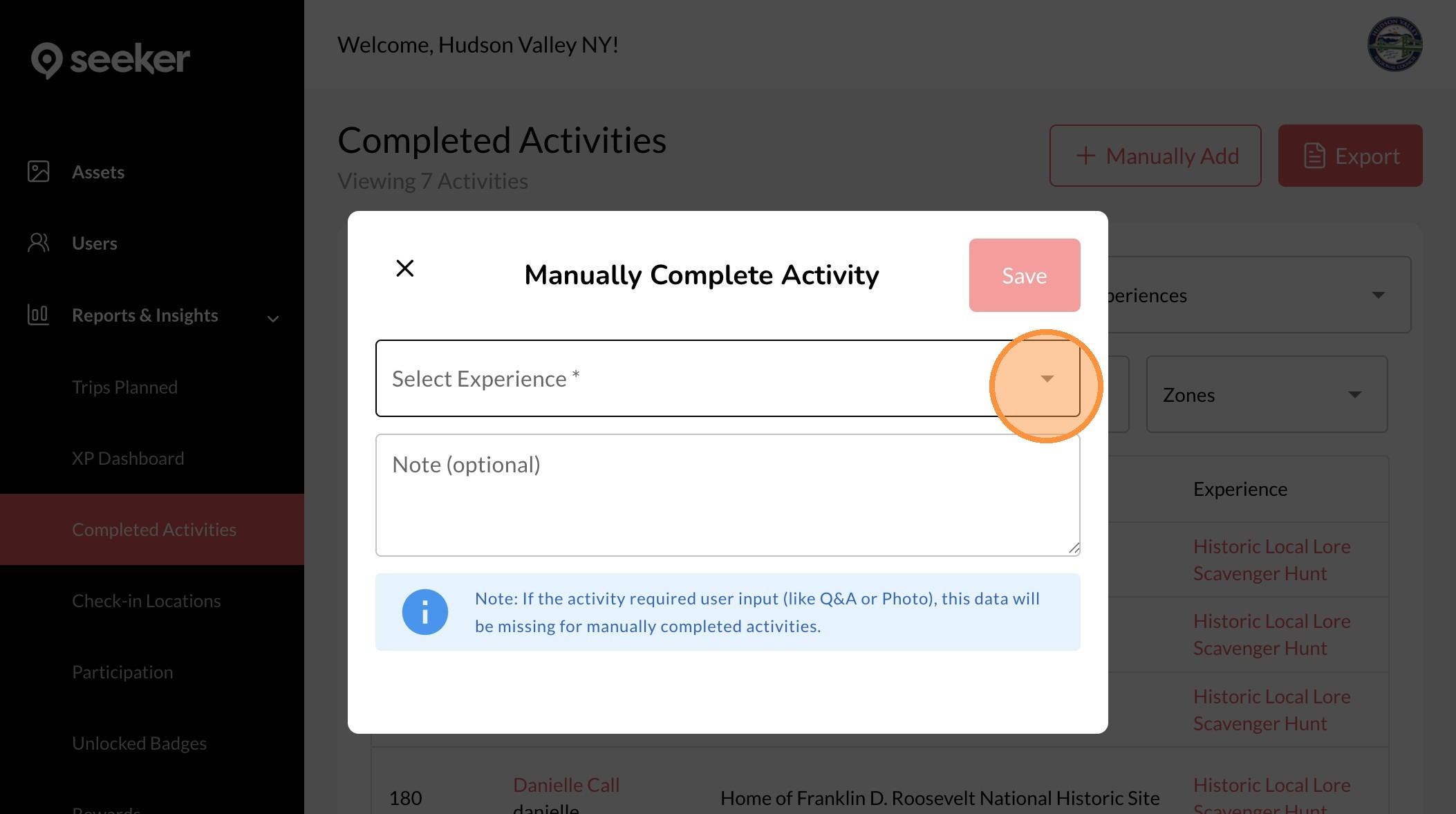
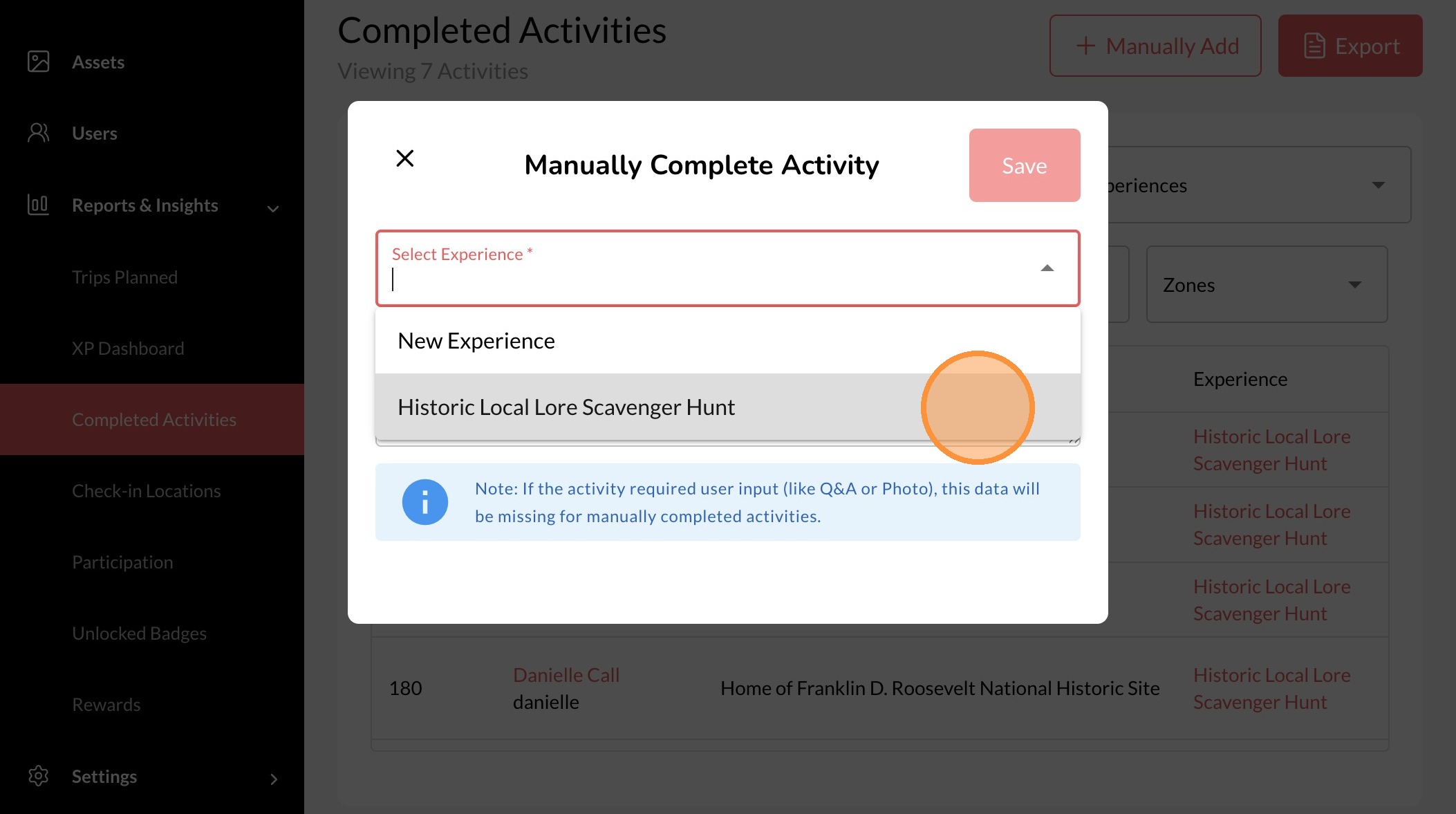
6. Select the experience to you are adding a completed activity for
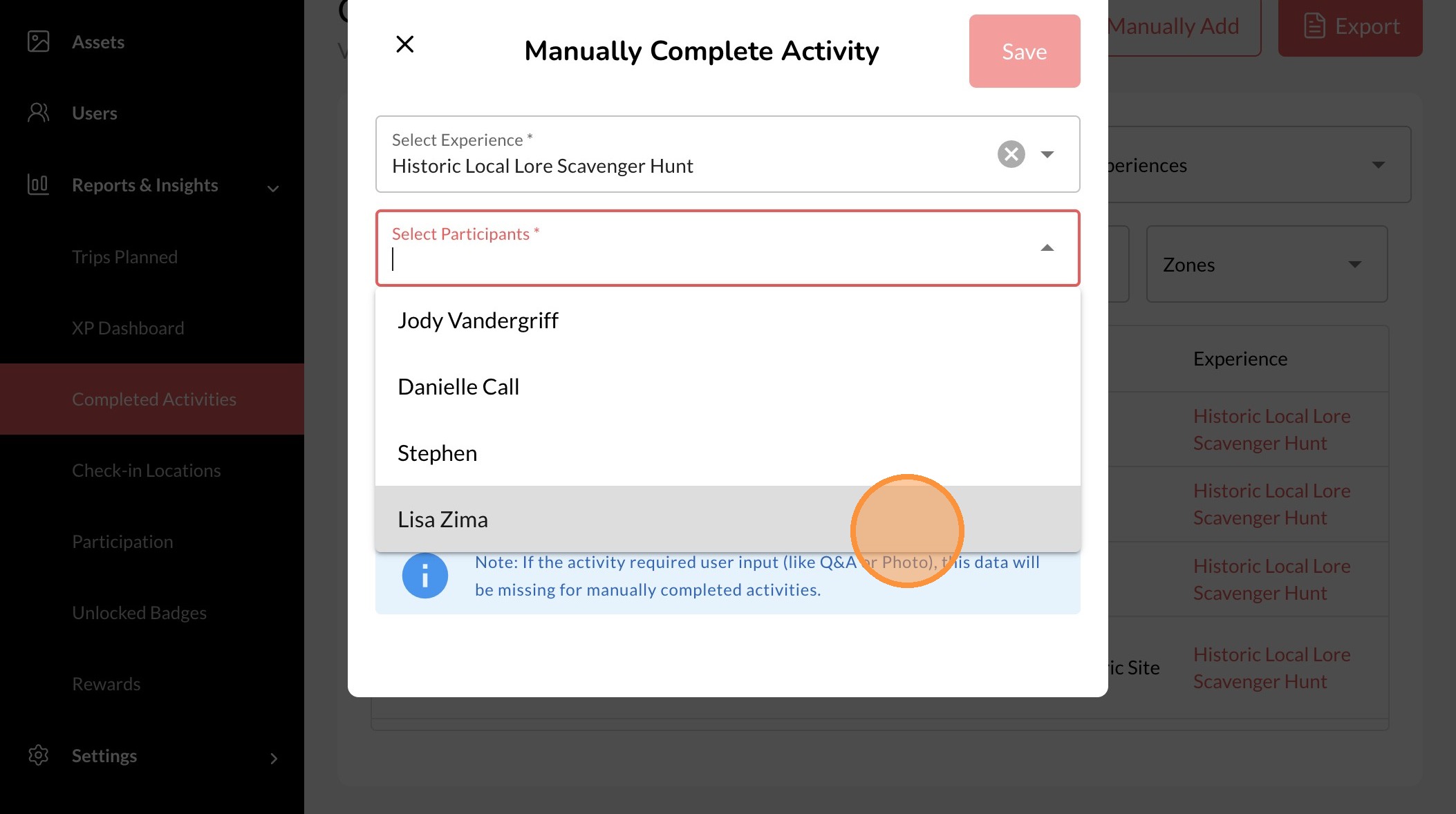
7. Select the participants you are adding a completed activity for
8. Click here.
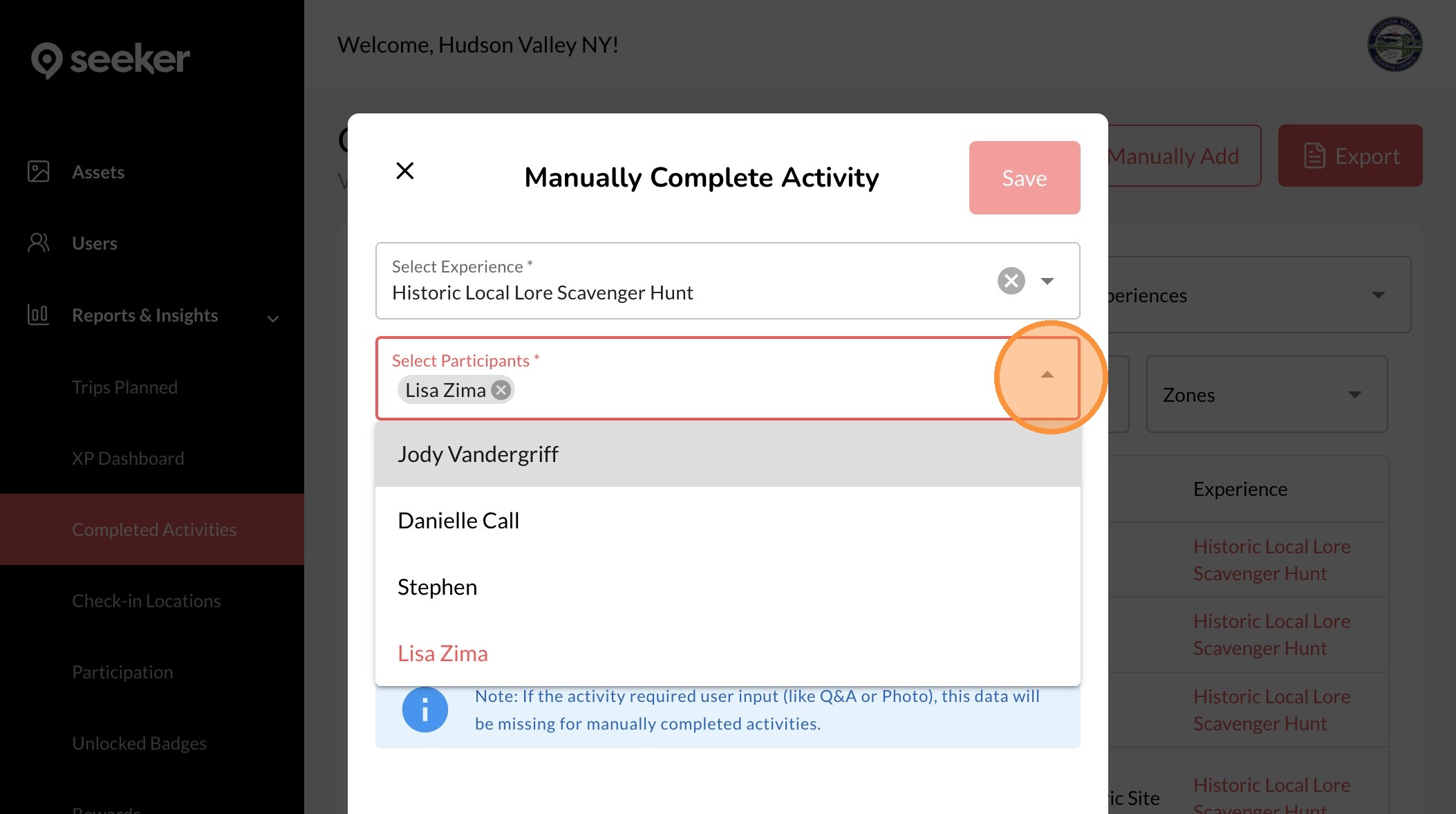
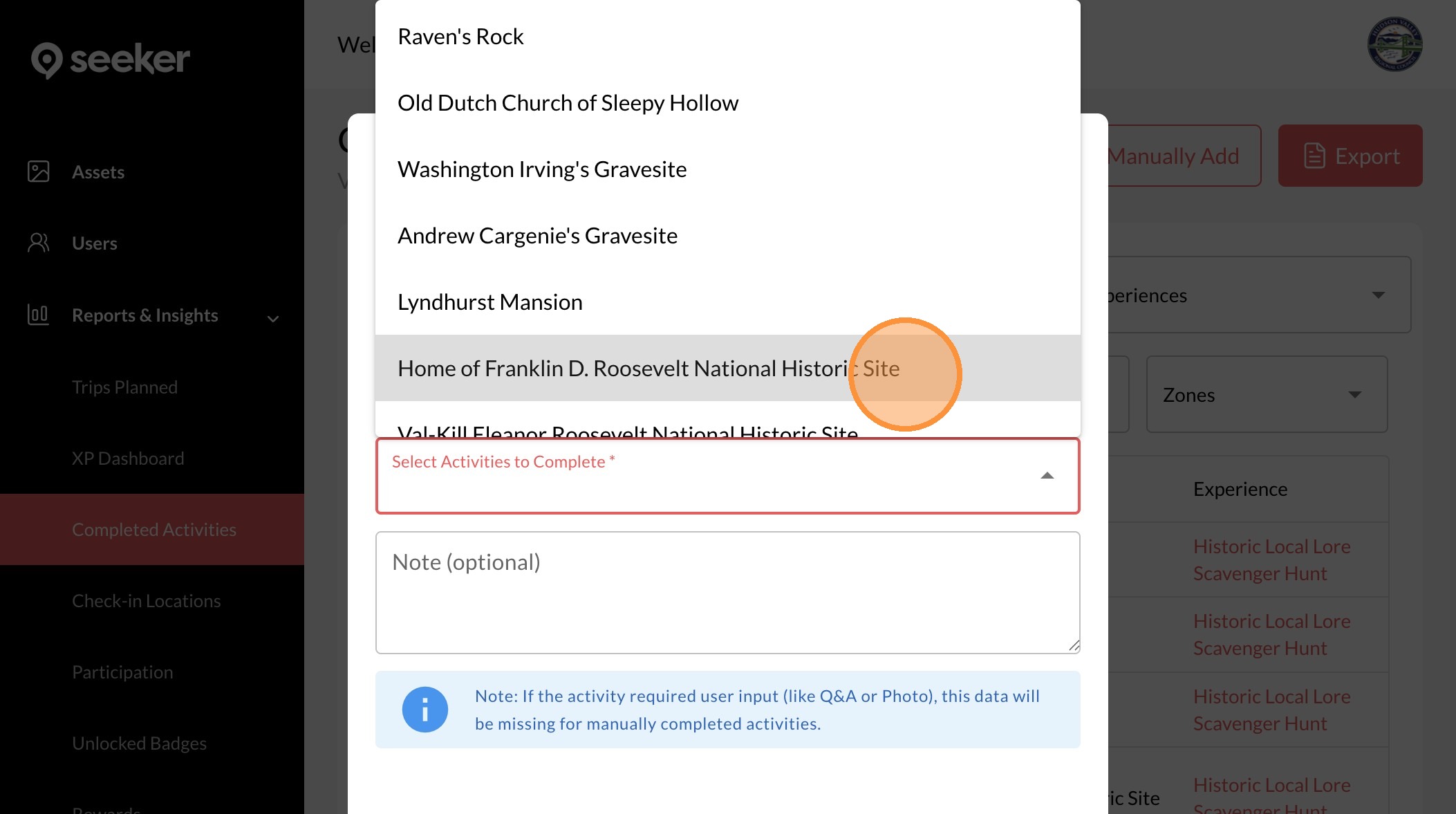
9. Select the activity to manually complete
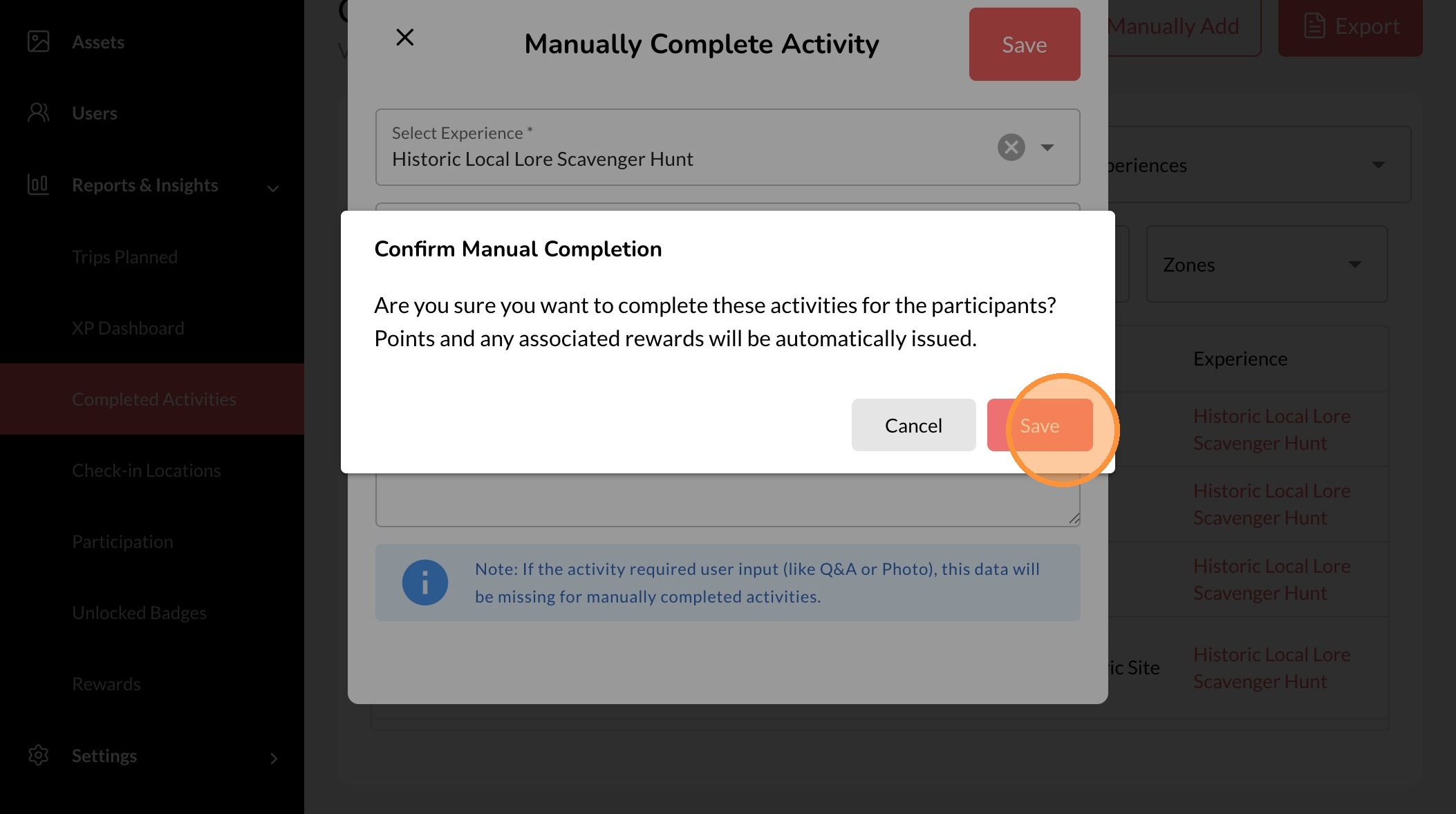
10. Click "Save"
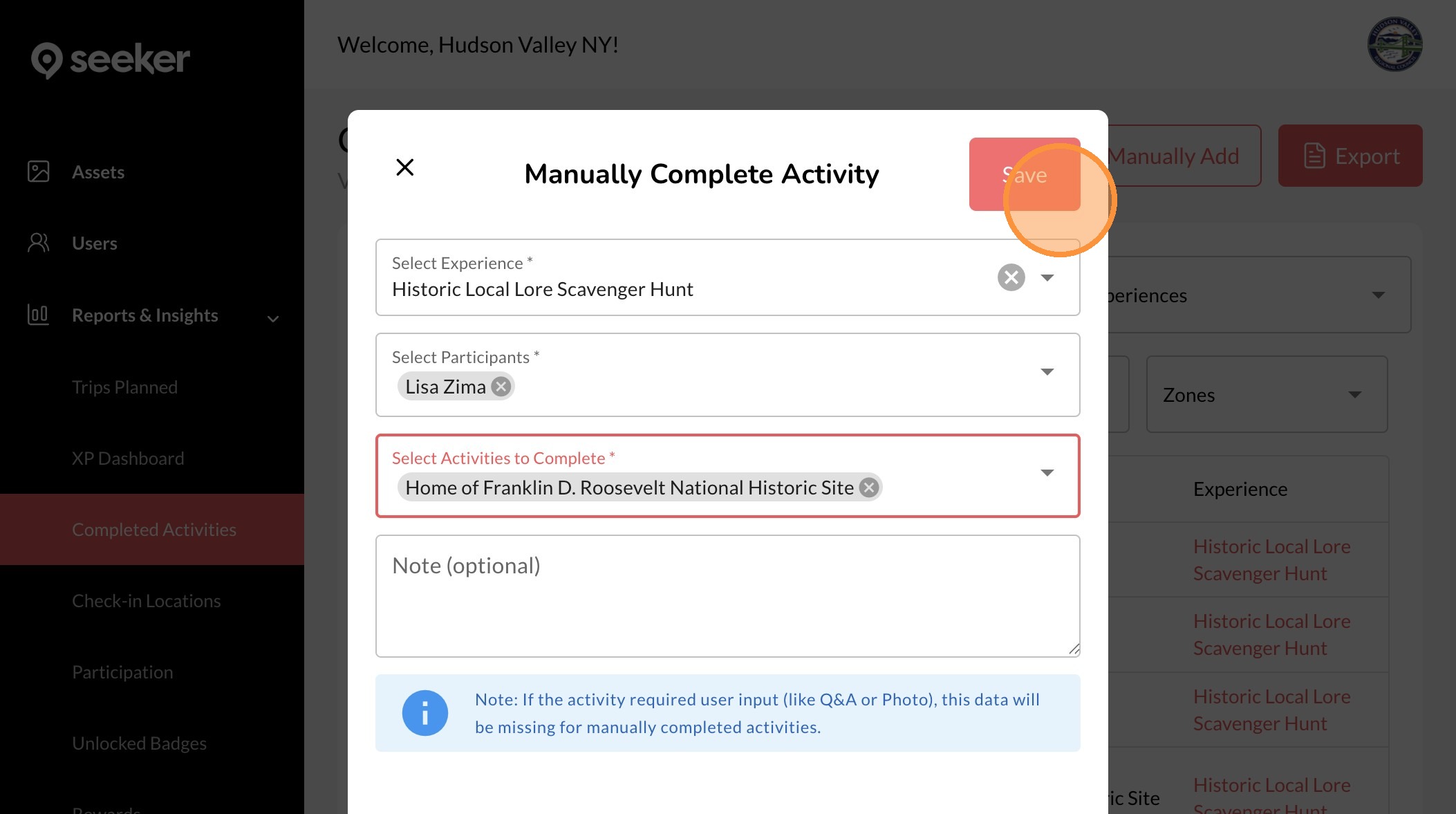
11. Click "Save"